Preface
Why should I downgrade?
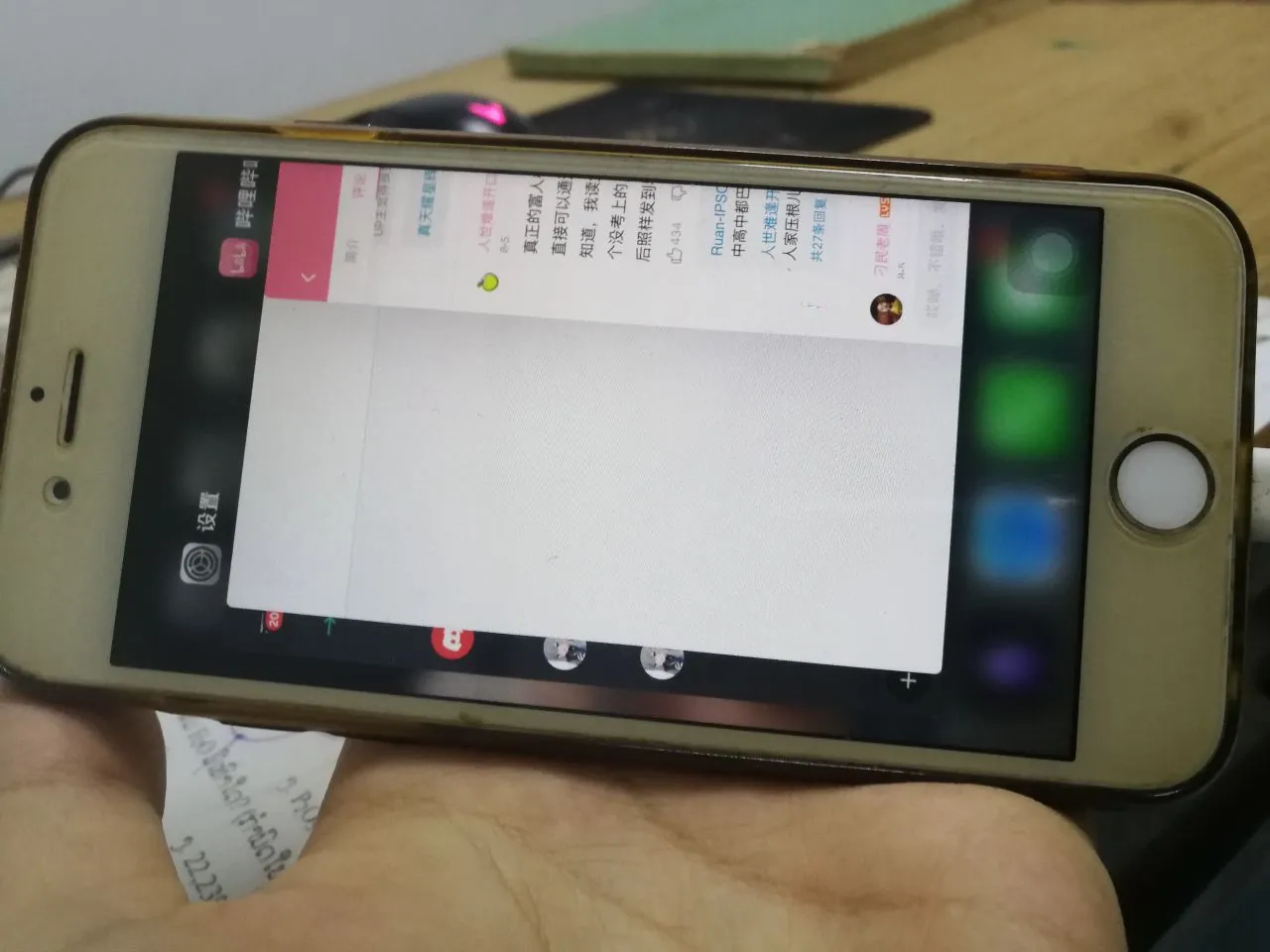
The new version of the APP is too slow
The new version is disgusting
The old version is simple and easy to use
The old version is functional
Why do I want to write this article
I just need it and have tried it
I want to integrate the articles of other guys and save them for myself
The main line of this series of tutorials
This article is a series, which comes from the search engine. If you are interested, you can check out other tutorials in the main directory
Tutorial
Preparation
- Download this downgrade software (link at the end of the article)
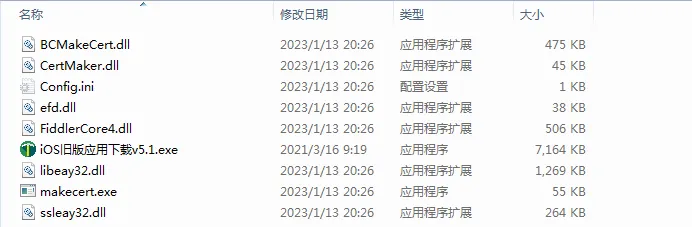
Step 1
Open this IOS downgrade software, agree to the firewall and administrator permissions
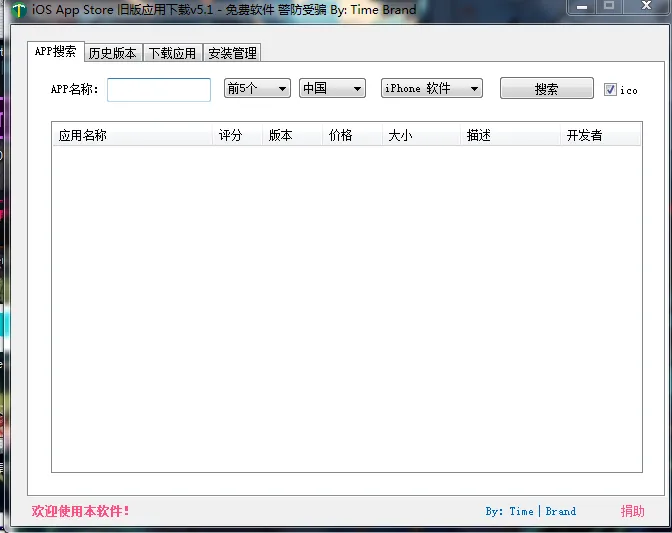
Step 2
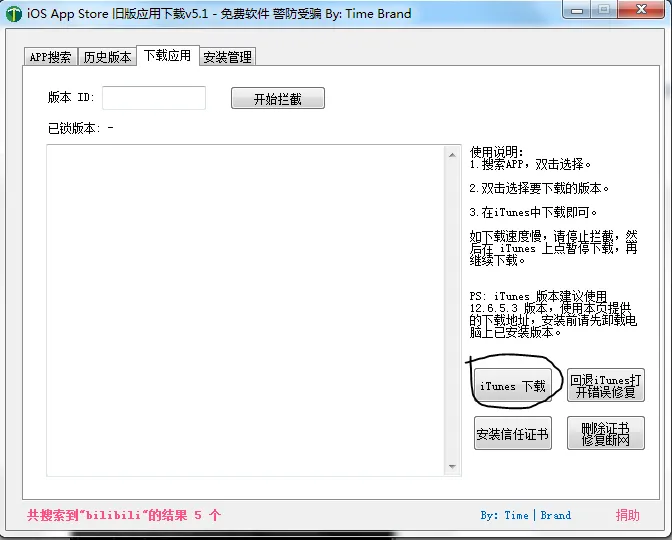
Download iTunes here
If you think it’s slow, you can download it from my Lanzou Cloud
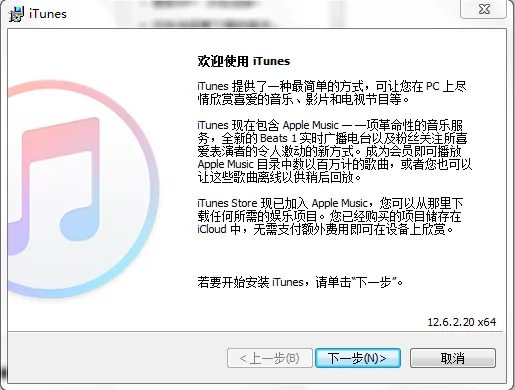
The process of installing iTunes
awa
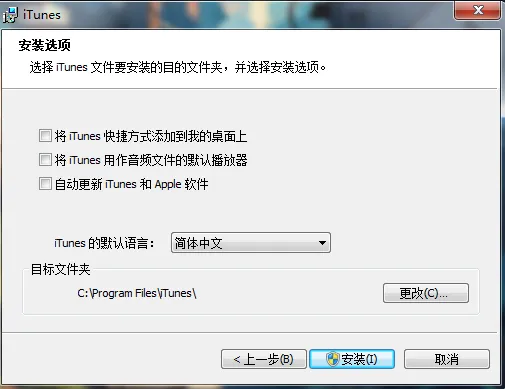
Recommended settings
This is more convenient
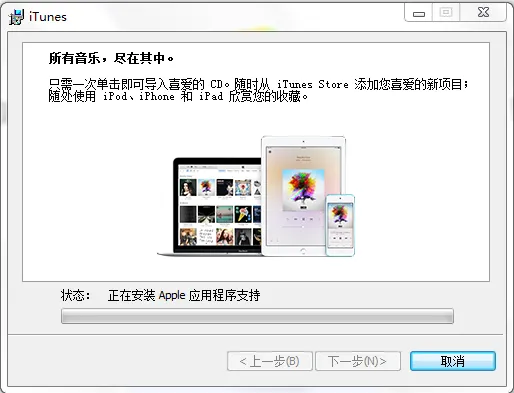
Installation interface
Seeing such a retro page means you got it right
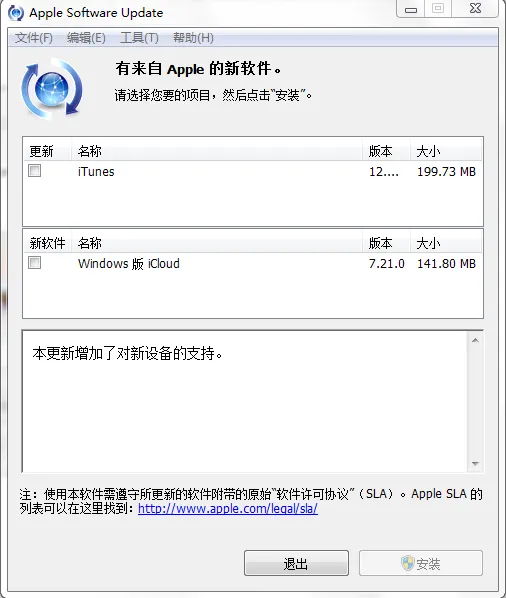
Open iTunes and agree to its agreement
**Exit and don’t update! ! ! **
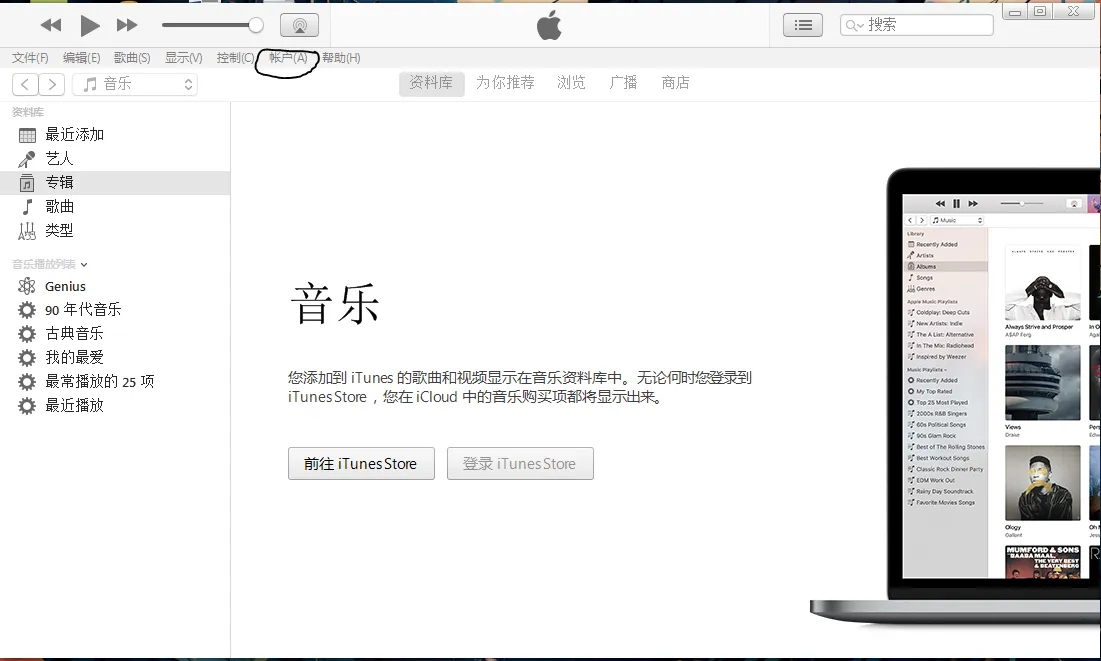
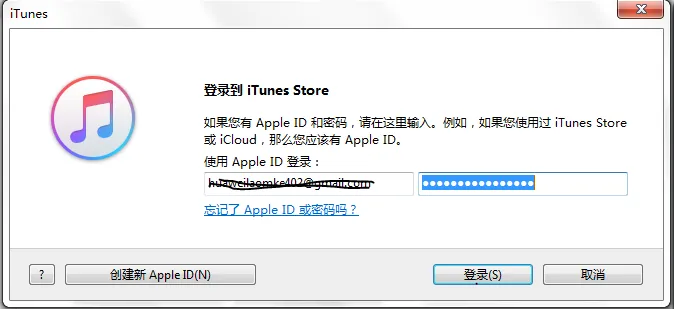
Perform a login operation (turn off other packet capture software)
In actual testing, it is not possible to log in after opening the packet capture. Please turn off the software at the beginning
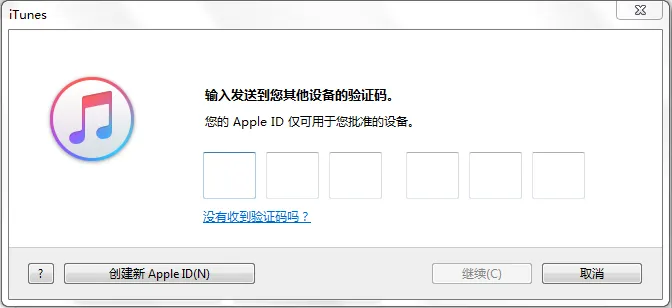
Agree to log in on your iPhone and enter the 6-digit verification code
Search for the app you want in the upper right corner
Select the app after scrolling down (do not click to download)
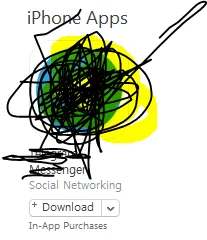
Reopen the software at the beginning and enter the same keyword in the search APP
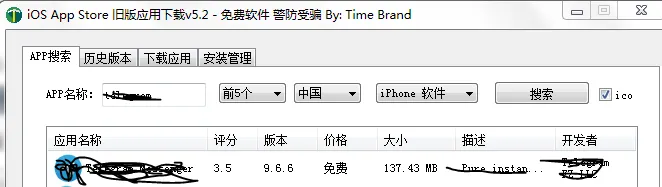
After clicking Apply
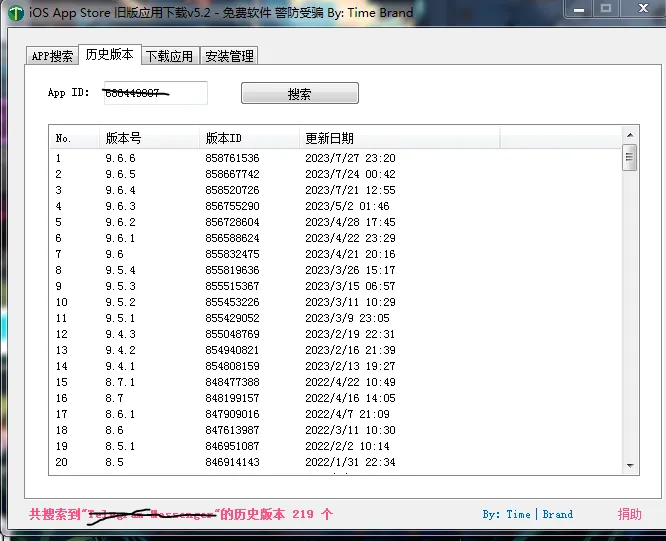
Choose any version number to enter this page

You can download after clicking Download in iTunes
After clicking Download, remember to check if there is anything in the database
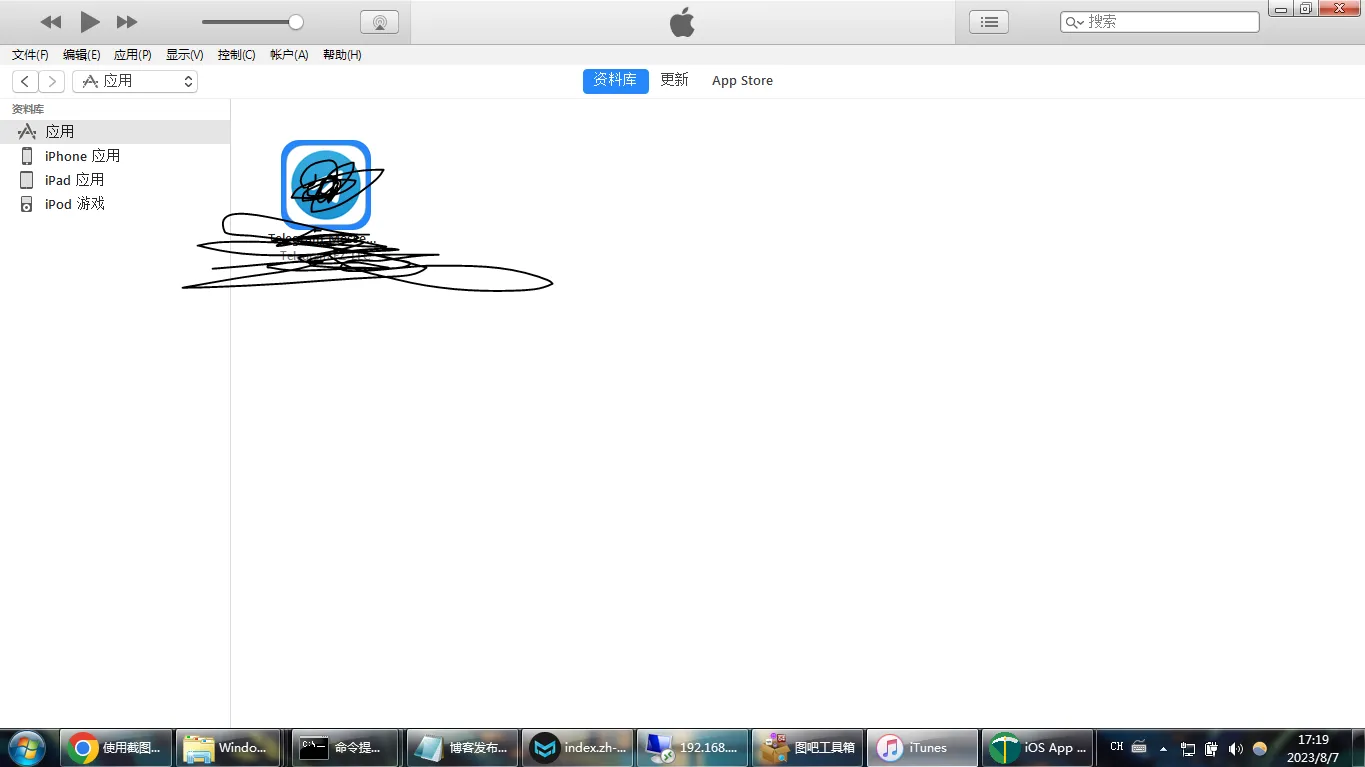
Okay, we found the IPA file package by right-clicking and selecting Open in Windows Data Manager

Step 3
Install Aisi Assistant and import IPA (there are a lot of tutorials on Baidu)
Very simple
Frequently Asked Questions
Q: Unable to log in to iTunes account
Please close this tool first, and then log in to iTunes.
After successful login, open this tool again.
Question: When iTunes authorizes the computer, it fails to authorize and keeps trying to authorize
- Close this tool and then authorize again.
Download address
Lanzou: iOS old version app download v5.2.zip
iTunes v12.6.5.3 download 64-bit 32-bit
Postscript
Aisi Assistant also has the historical version of each APP, and you can choose to install it, but the historical version installed through Aisi Assistant cannot get updates through the App Store!
The iTunes used must be version 12.6.3.6 or below
Block updates: Change the suffix of the downloaded ipa file to .zip, and after opening it, delete the iTunesMetadata.plist file (Other files are protected by signatures, please do not modify them, otherwise you need to re-sign the ipa), and after completion, change the file suffix back to .ipa, and then use Aisi or install it online to not receive updates in the App Store!