Gugu Gaga
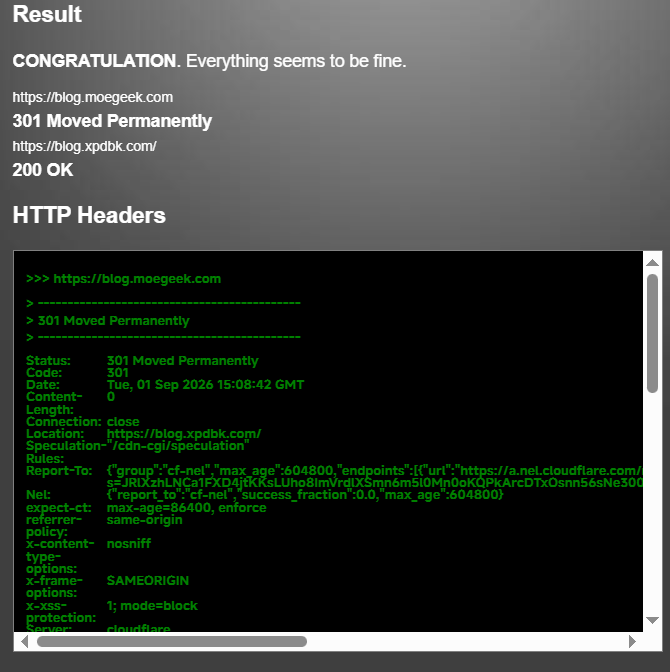
As long as you put your website on Cloudflare’s CDN, you can achieve server-free 301 redirects.
Step 1
First, find the Worker or Pages section. Of course, we only need Workers.
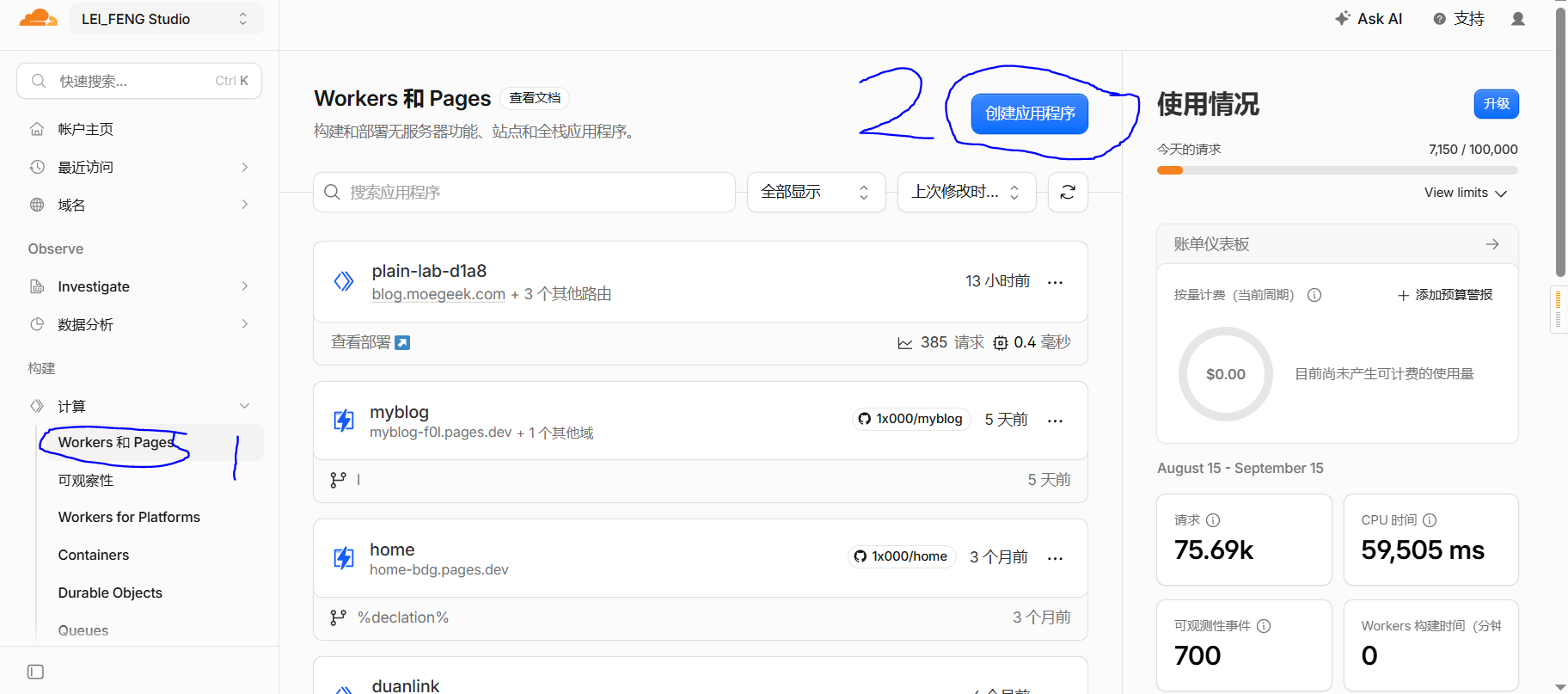
Here you can click Create Application, then copy and paste the code below into it.
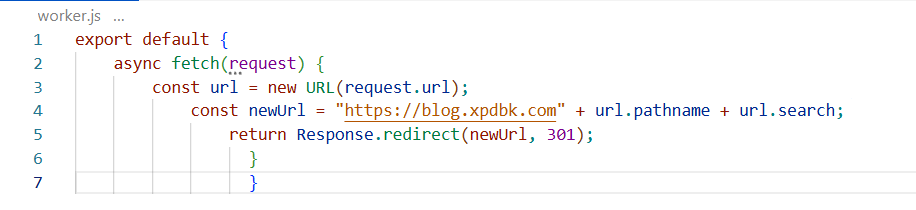
| |
Since my coding skills are somewhat lacking, just bear with the indentation. (Cloudflare can still run it.)
Step 2
Here you can add the domain that needs to be redirected.

After adding it, go to the Cloudflare DNS panel and make sure the orange cloud (proxy) is enabled and the corresponding records exist.

And that’s it — the 301 redirect is now complete.
The code means that it redirects from the old address to the new one while preserving the path and query string (whatever that is). The reason I wrote this article is that my GSC and Yandex site migrations simply would not work. After tinkering for a while, I realized both required NGINX, and then I thought — wait, isn’t Workers also a kind of server? I gave it a try and it actually worked. ()


Why, bro? Doesn’t this method count as a 301?
But other website validators do confirm it’s a 301 redirect — I have no idea what Google’s problem is.