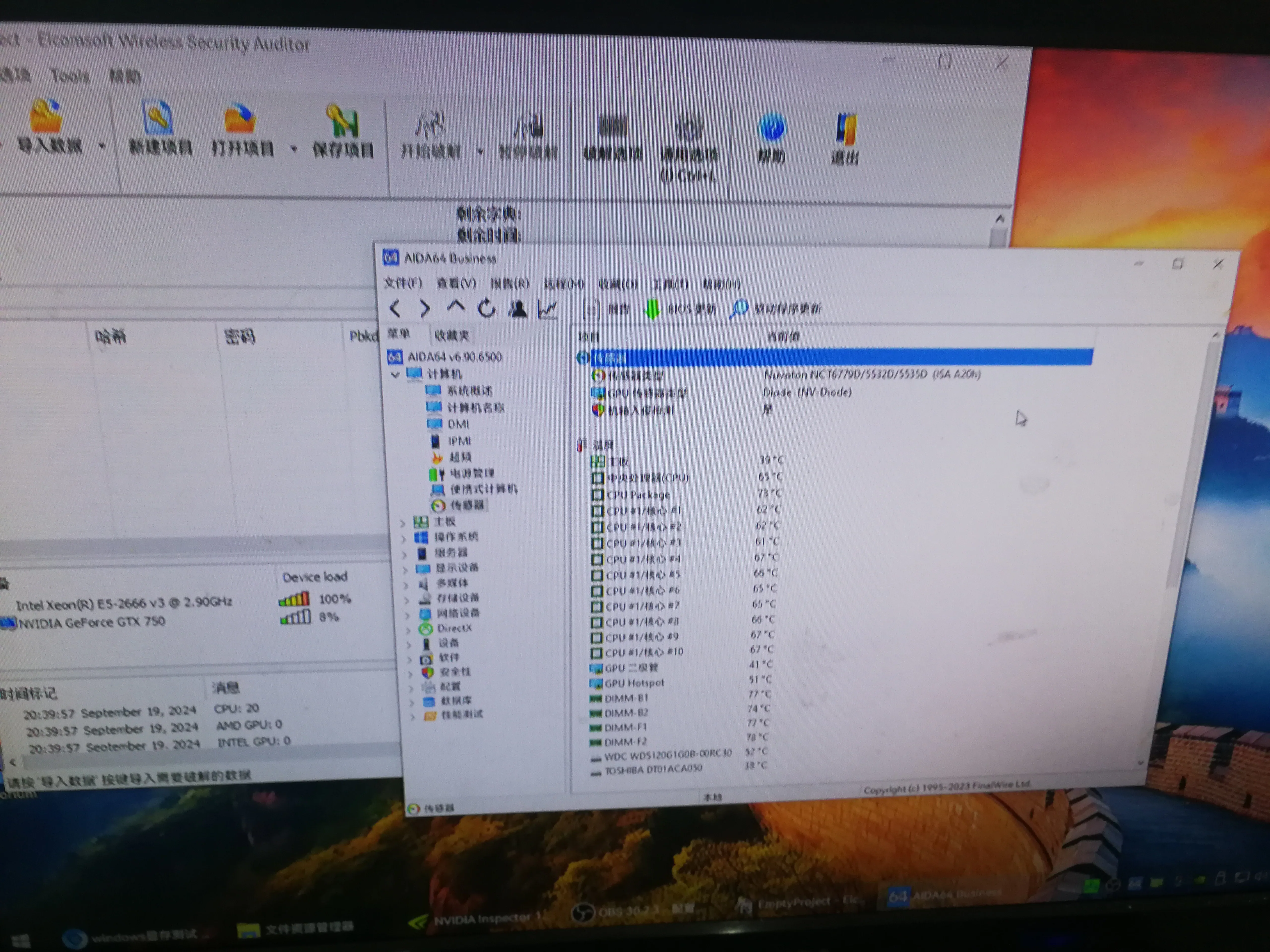
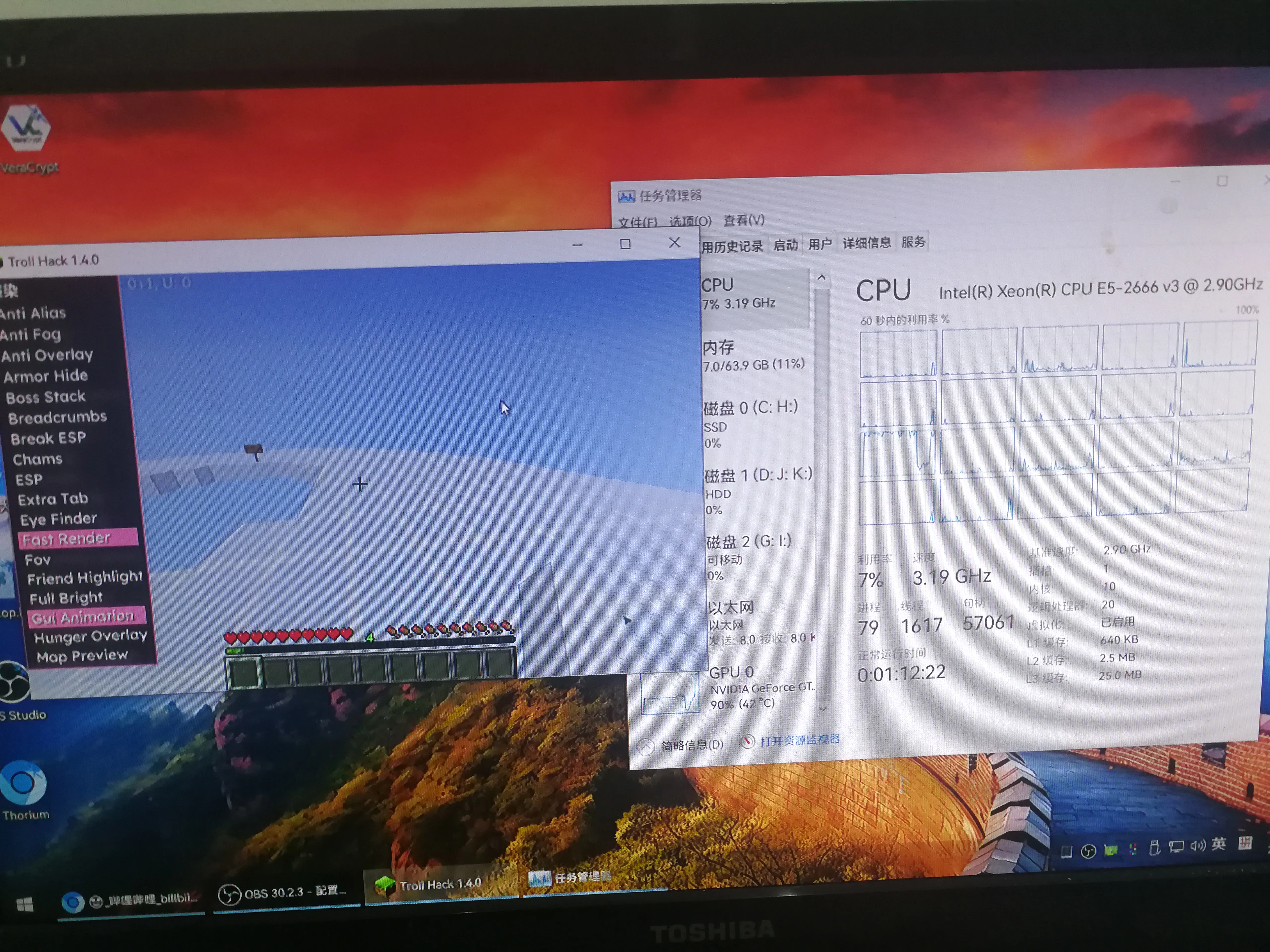
Computer assembly
Since the performance of my laptop is already the performance of ten years ago, that is, the first generation of I3 390M, upgrading the memory can alleviate the lag, but after all, it has been there for years.
Computer configuration
The following is a table based on the information you provided:
| Component name | Specification/description | Price (RMB) | Remarks |
|---|---|---|---|
| Power supply | Unknown 500W (actually 400W is enough) | 30 | Actual power 400W is enough |
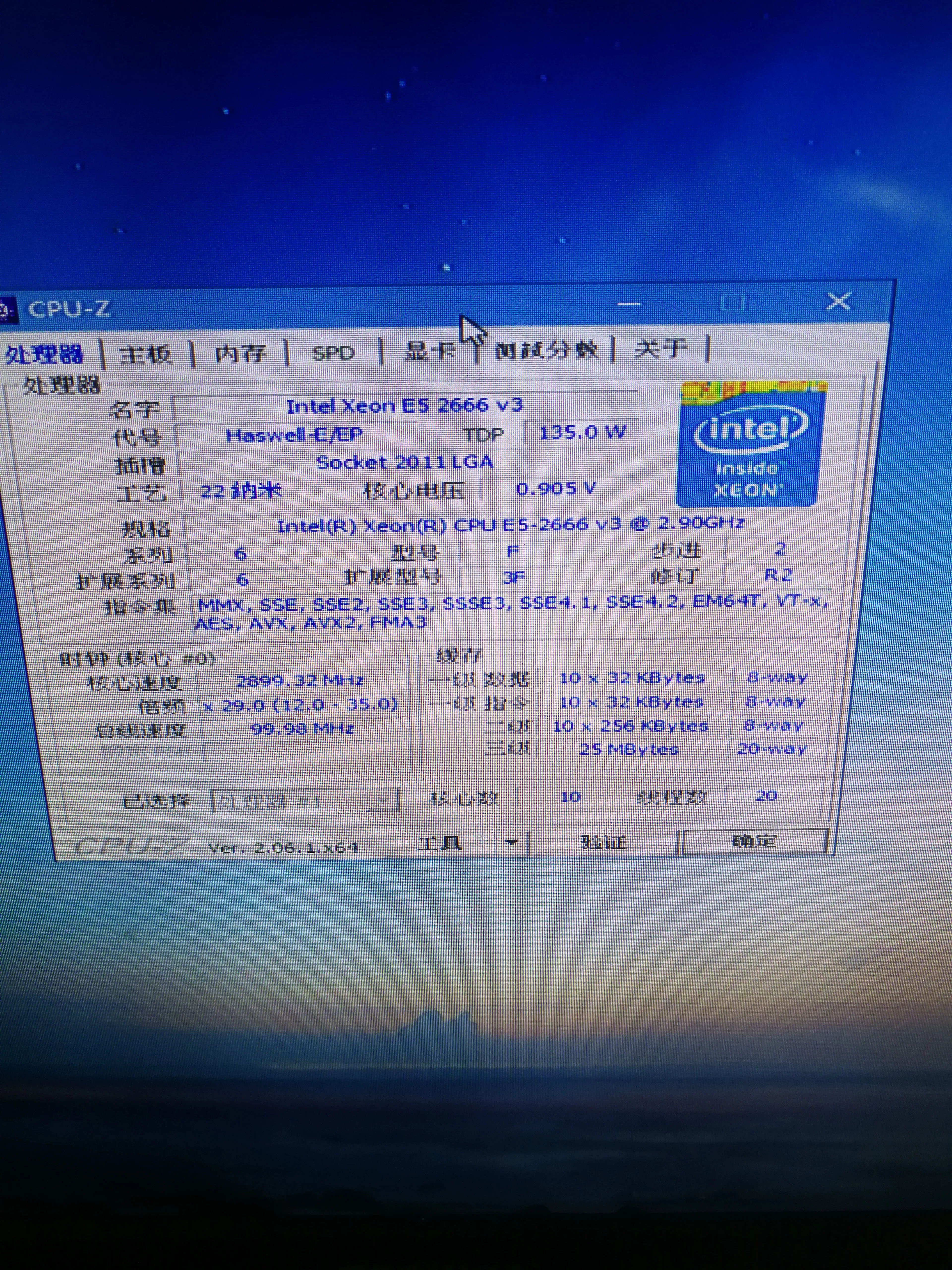
| CPU | E5 2666V3 | 20 | |
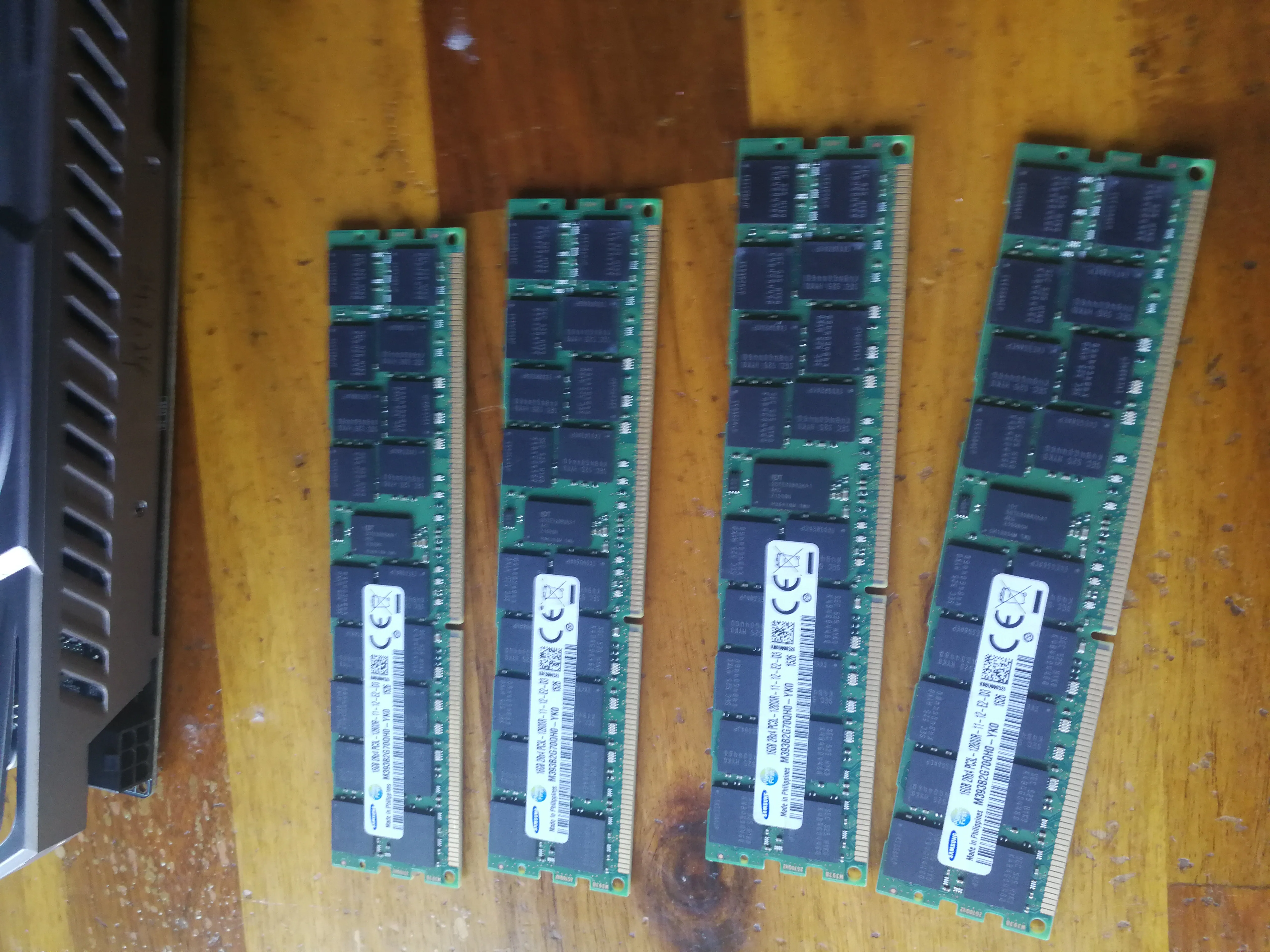
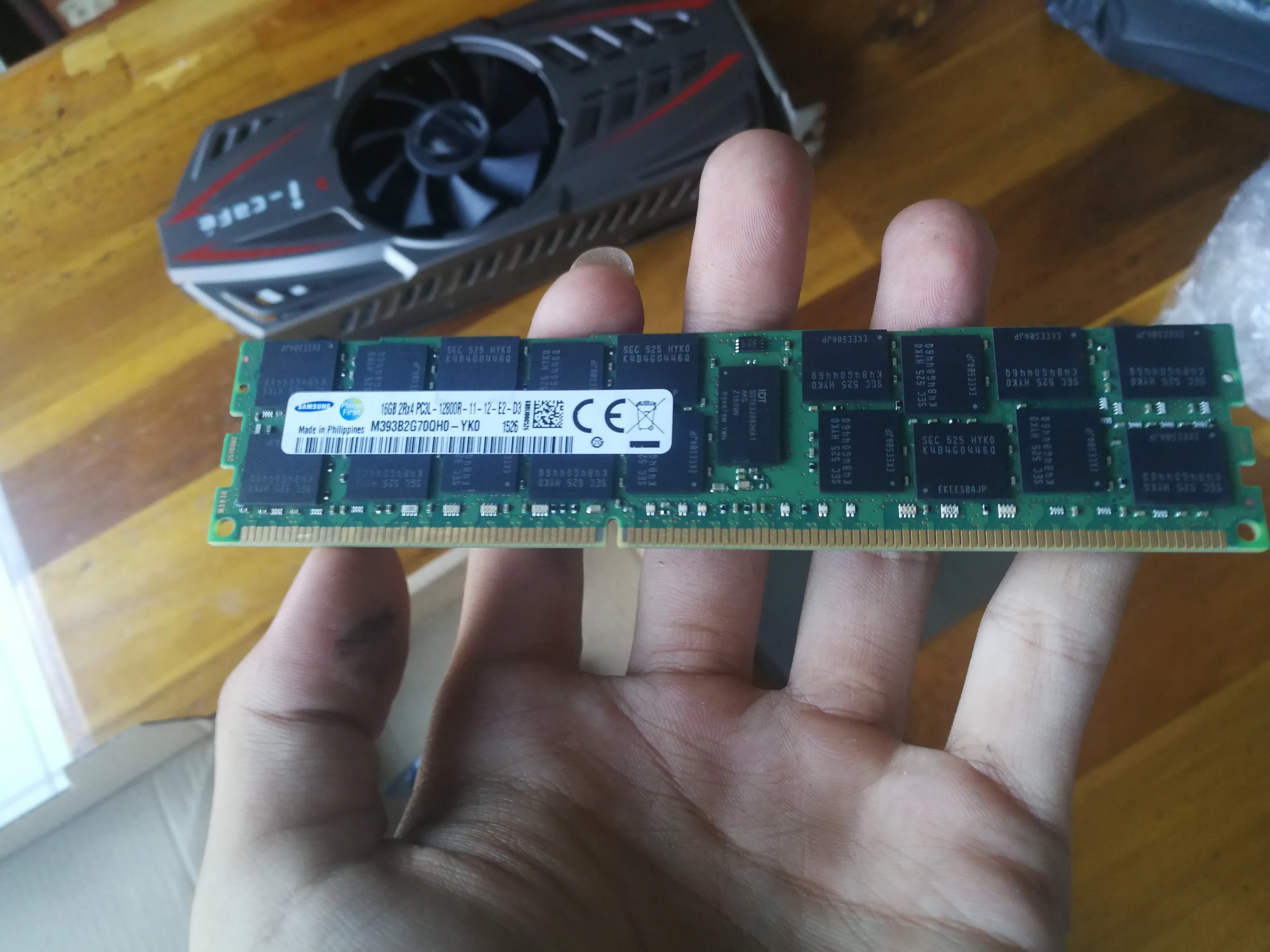
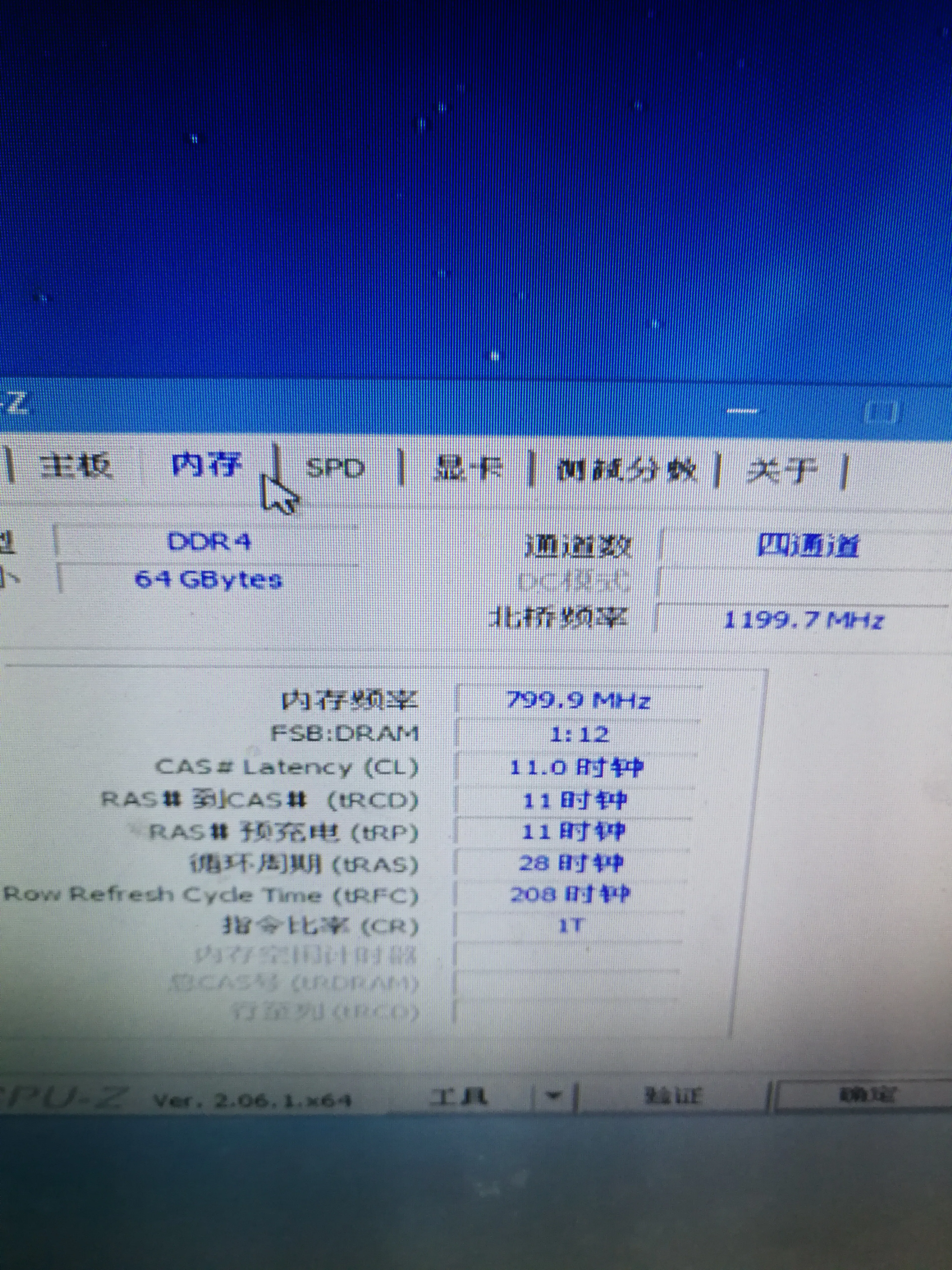
| Memory stick | DDR3 64GB (16GB x 4) | 40 | 10 yuan per stick |
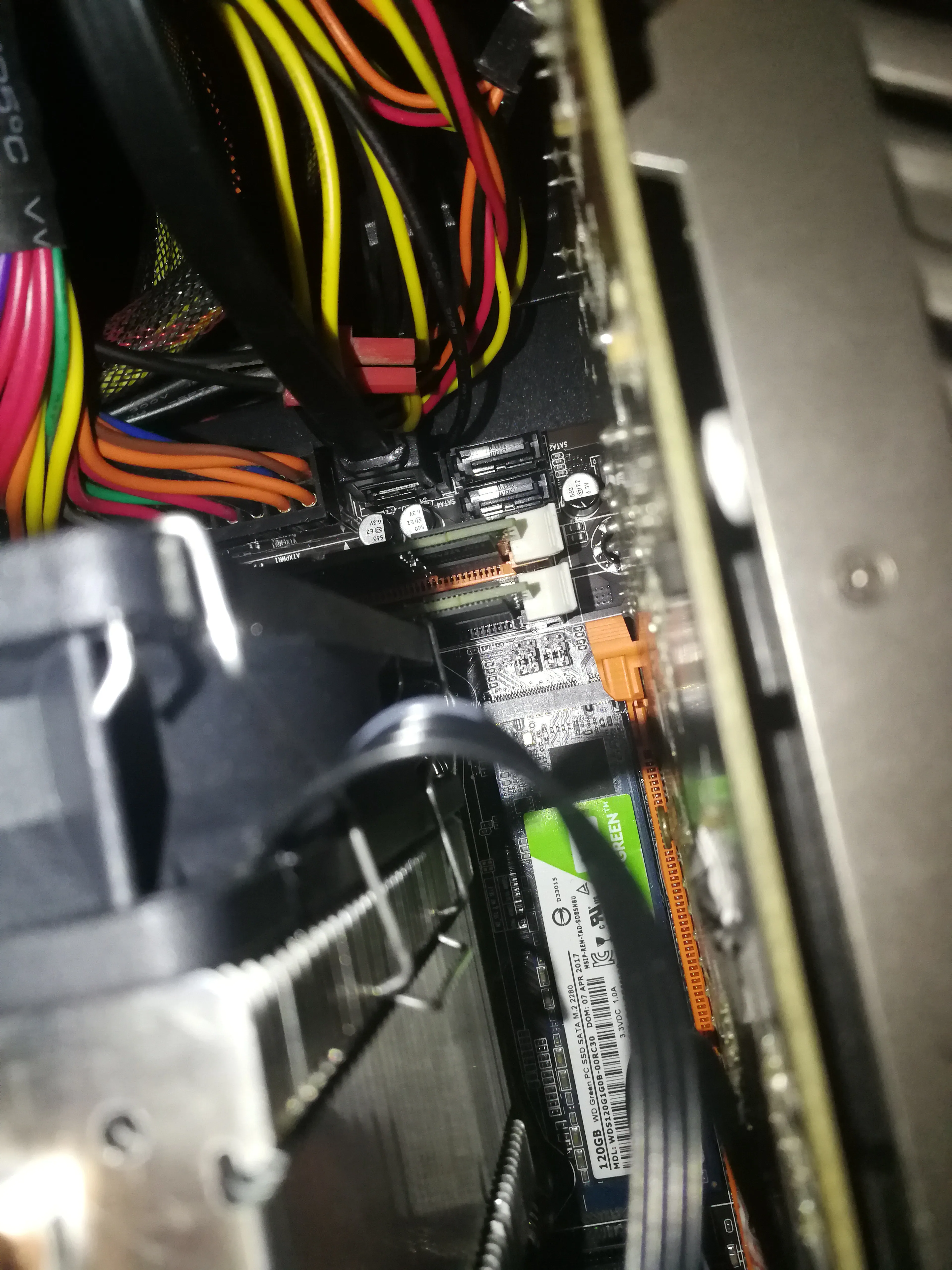
| SSD | Western Digital M.2 120GB | 20 | NGFF hard drive |
| Motherboard | X99 magic modified board | 80 | |
| Graphics card | GTX960 | 300 | A bit expensive |
| Monitor | - | 100 | |
| Chassis | - | 0 | Free |
| Keyboard and mouse | - | 10 | |
| Total | 710 | Modeling, PUBG, Minecraft, Horizon 4 and other games |
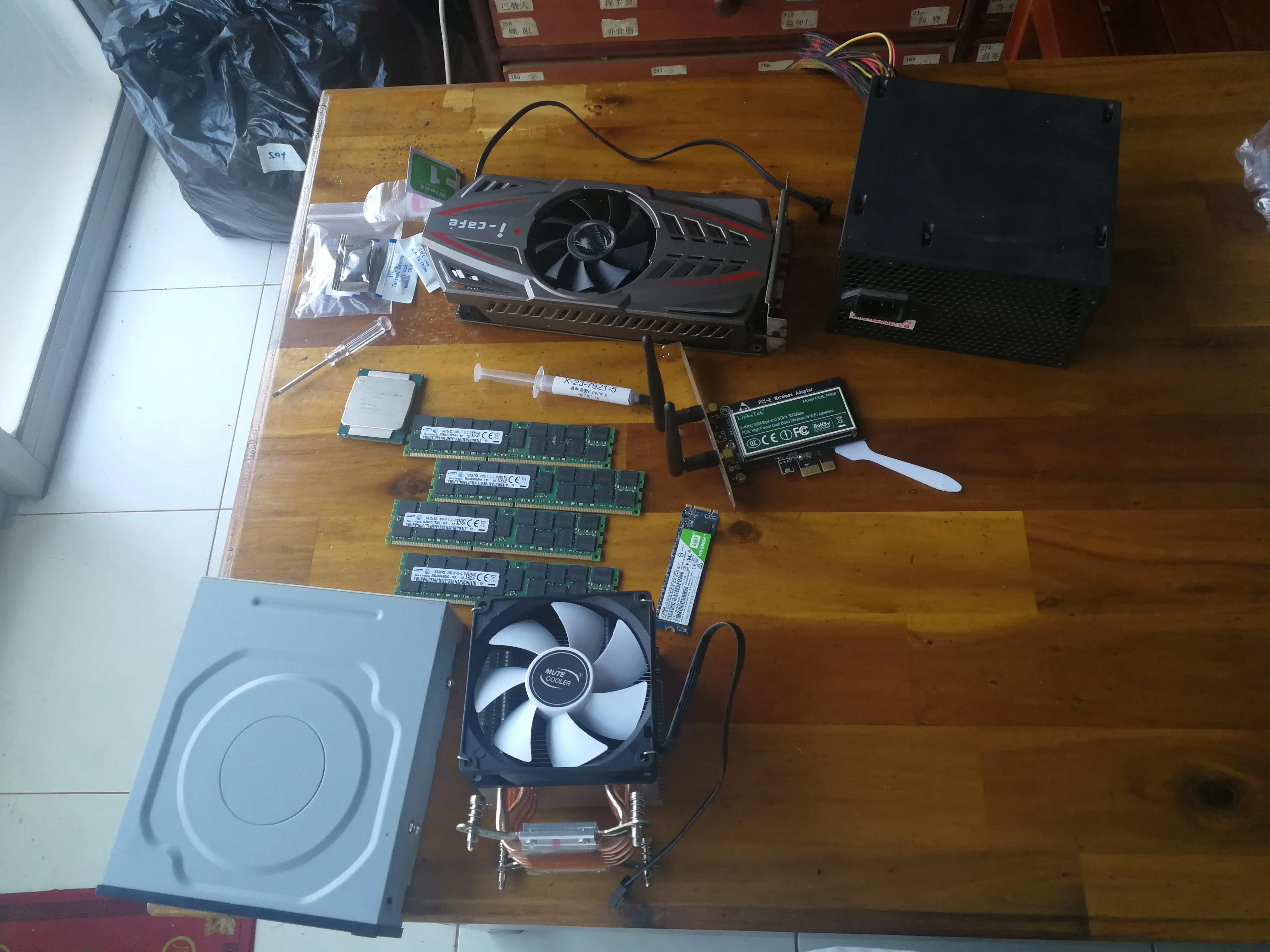
Parts display
Actually some stock photos
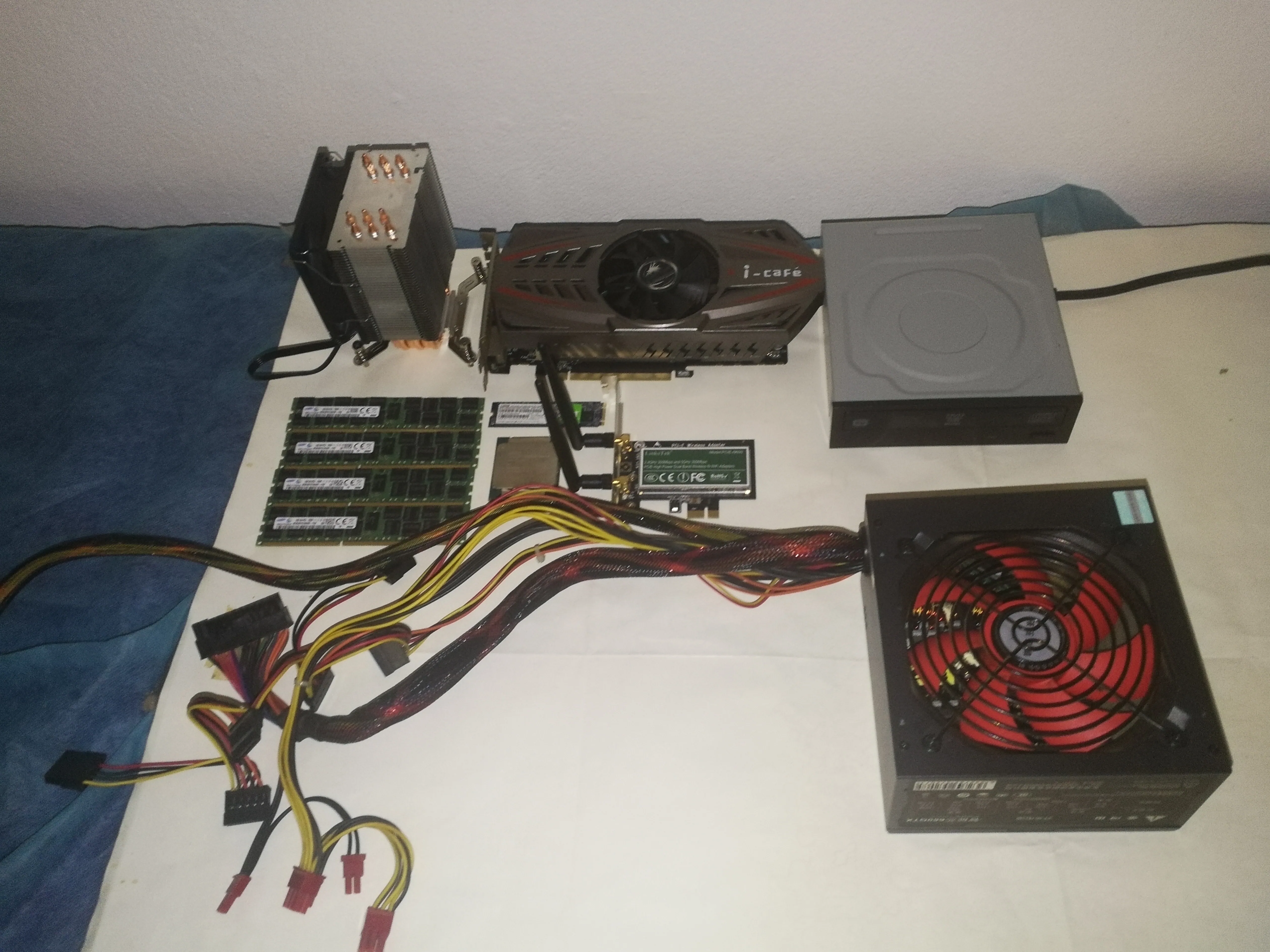
Memory stick
ECC REG is referred to as RECC memory stick, a memory stick used on servers, but E5 can be used directly, and there are many obsolete server memory sticks that are very cheap.
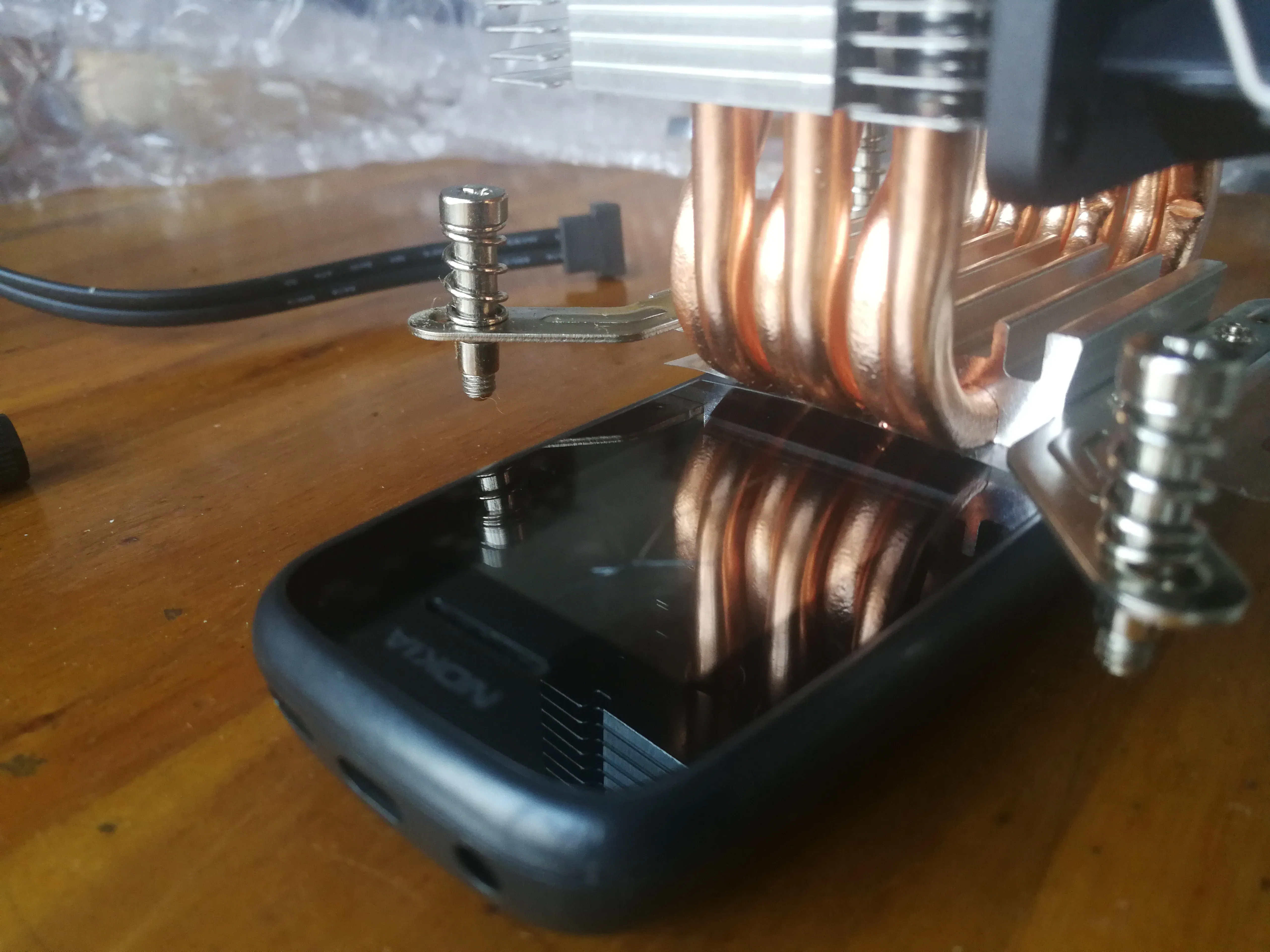
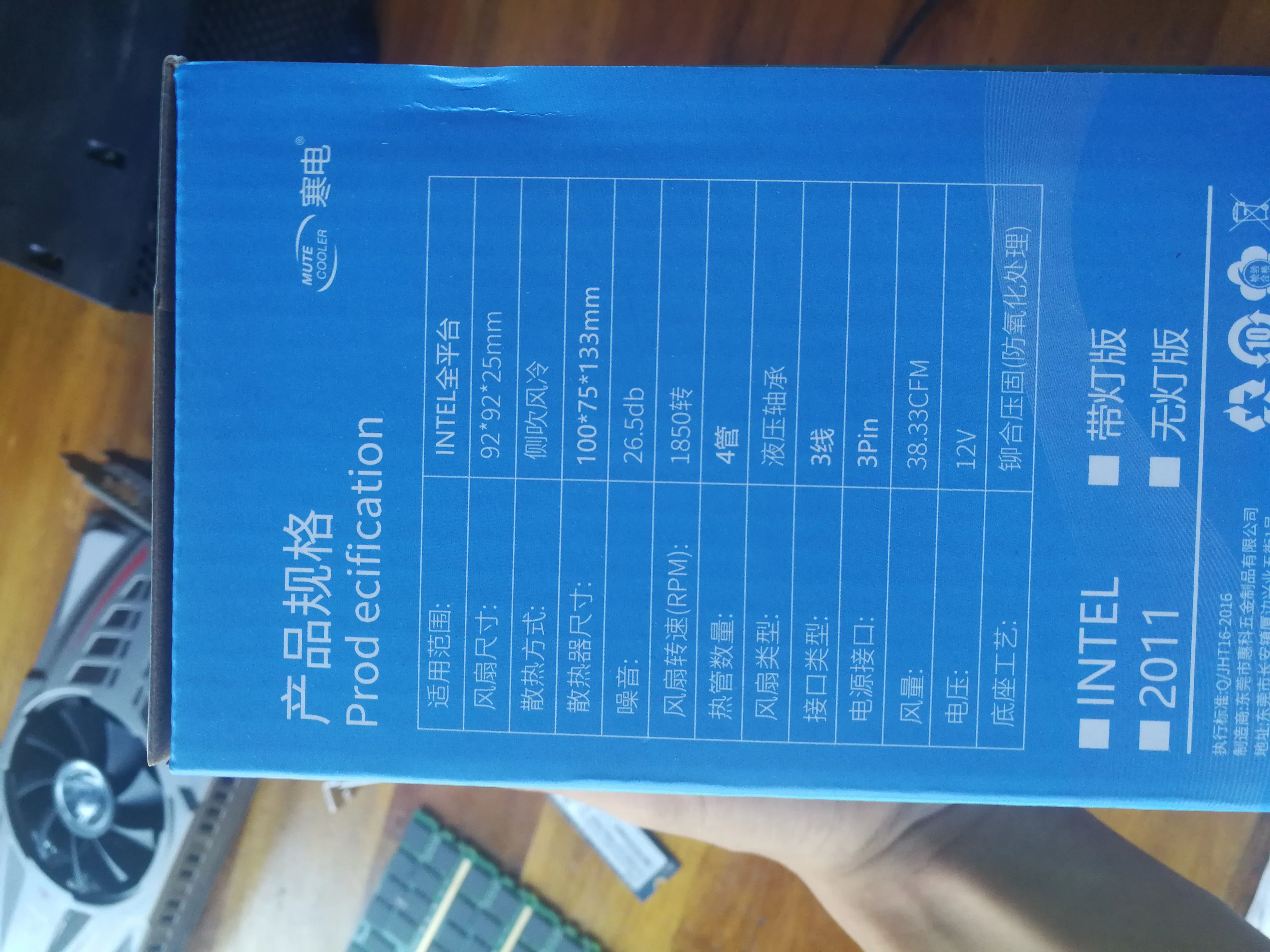
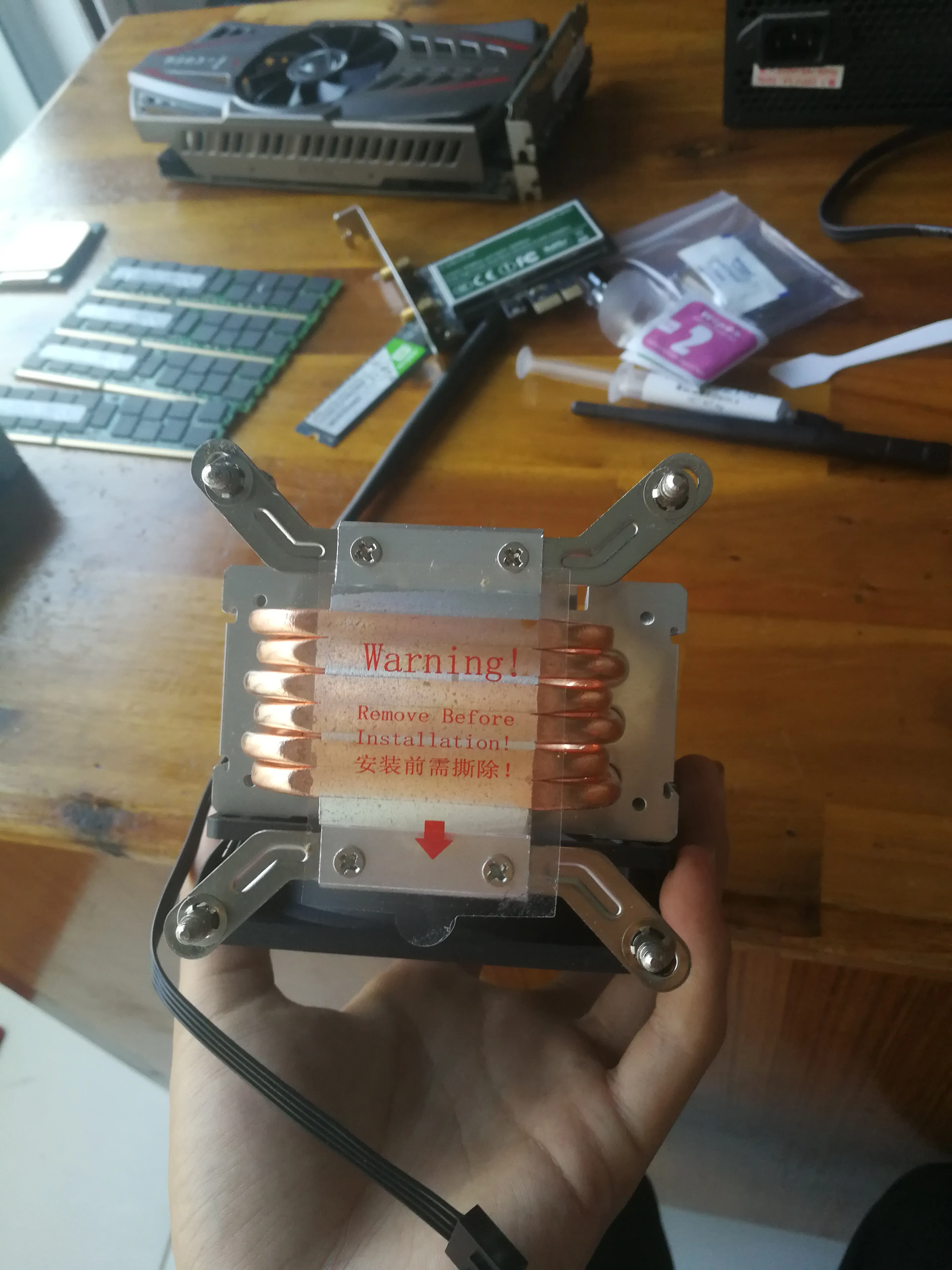
CPU radiator
6 heat pipe tower radiator
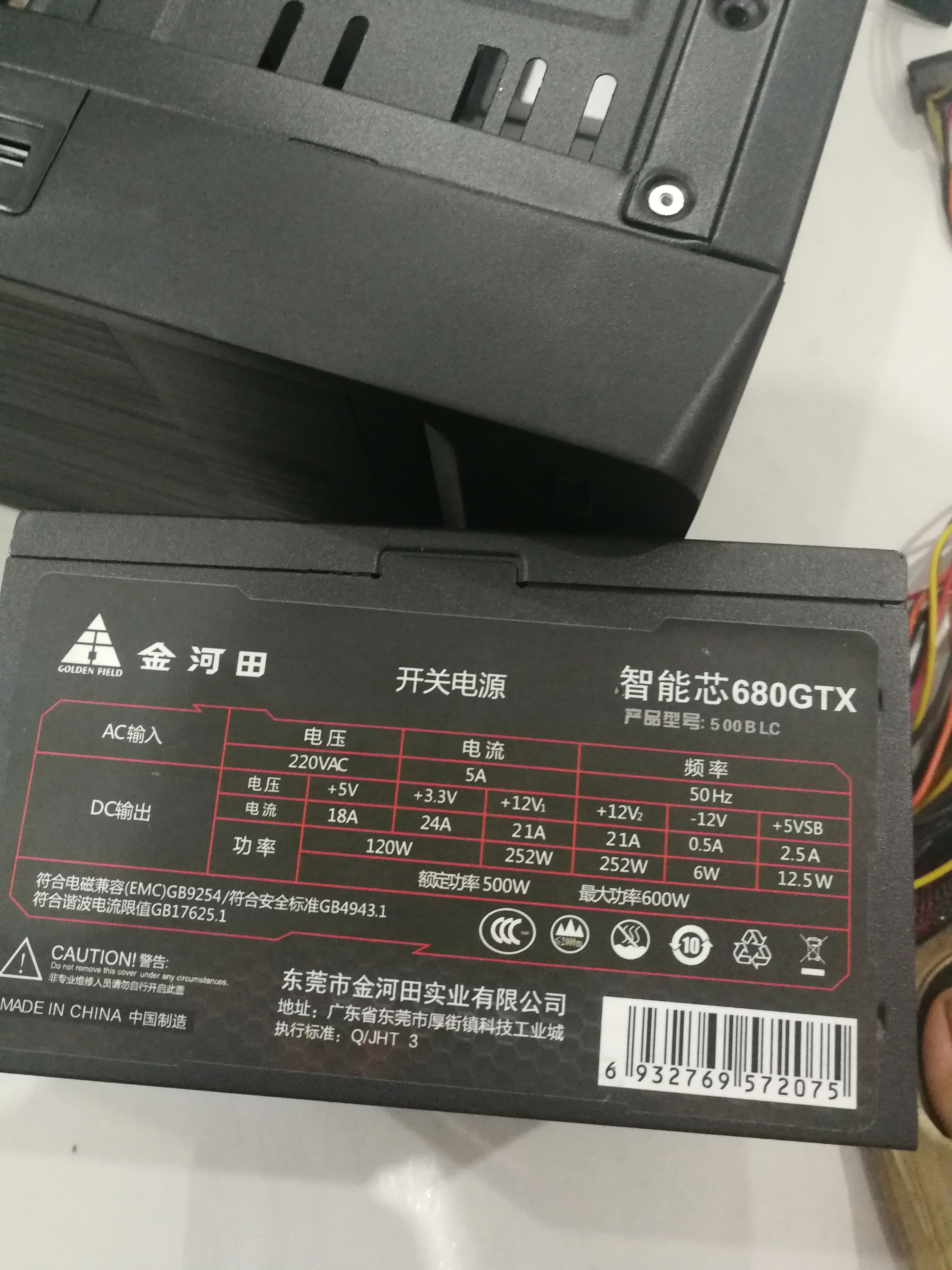
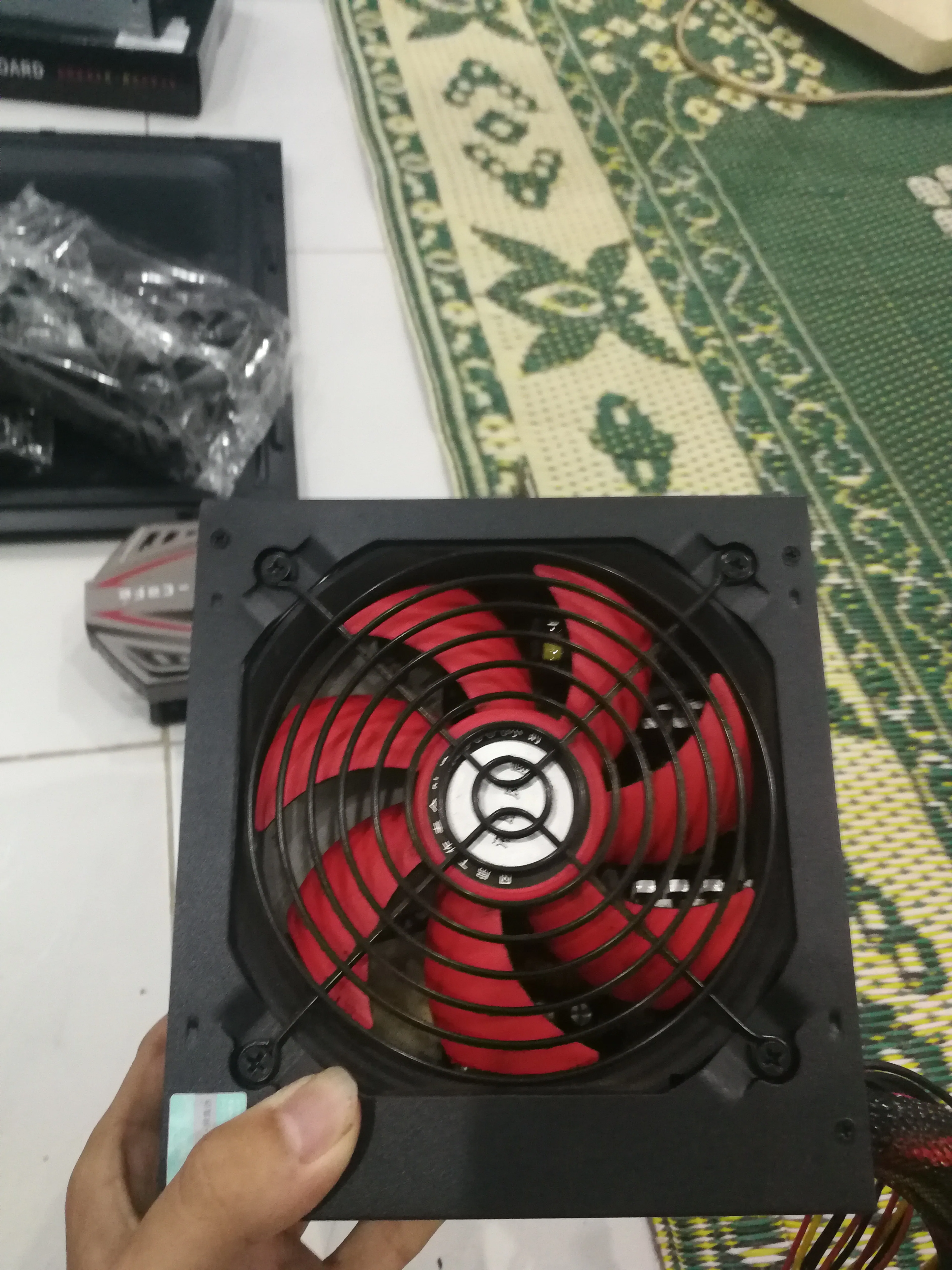
Power supply
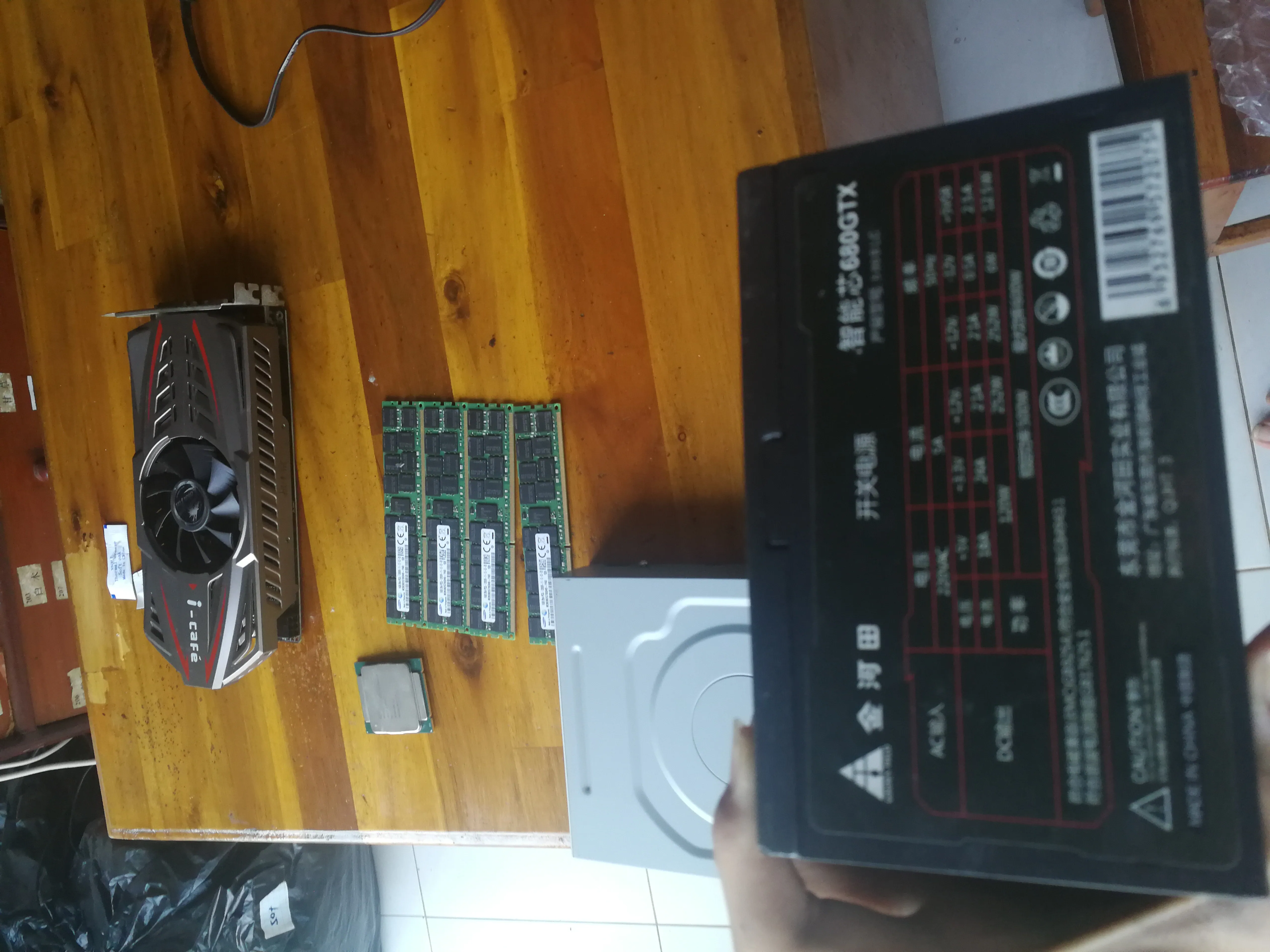
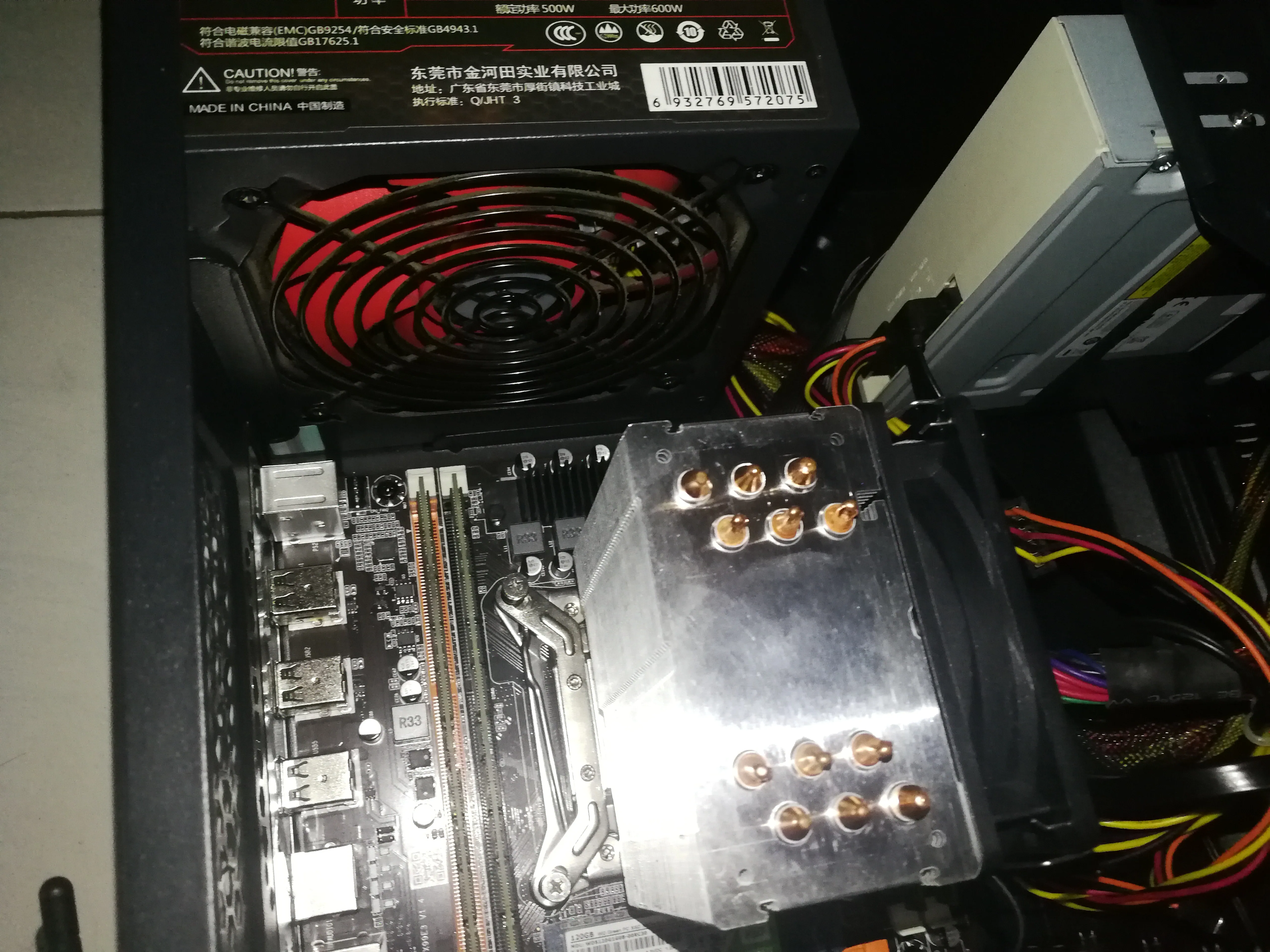
500W Jinhetian power supply, at least better than Juebai.
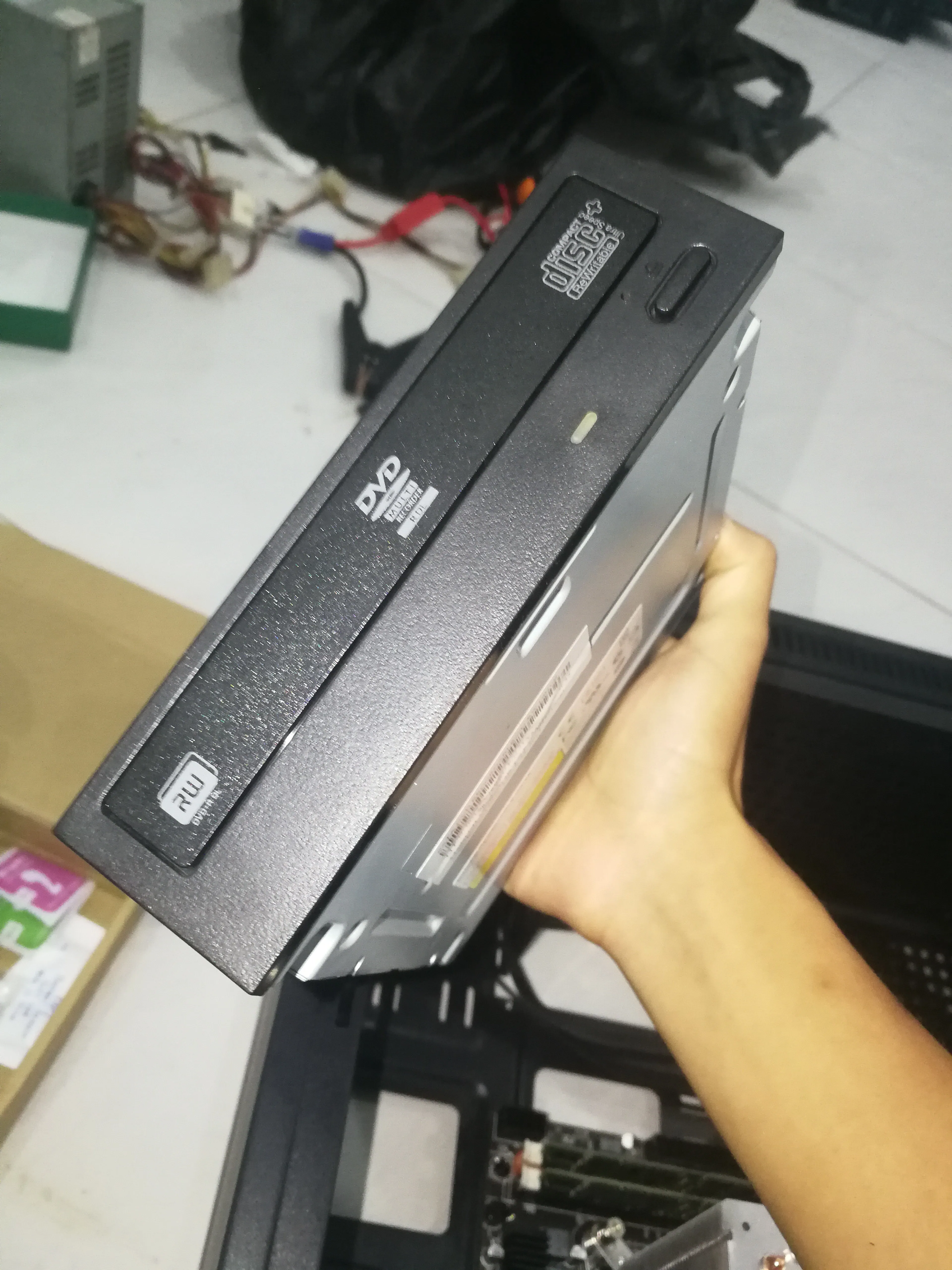
Optical drive
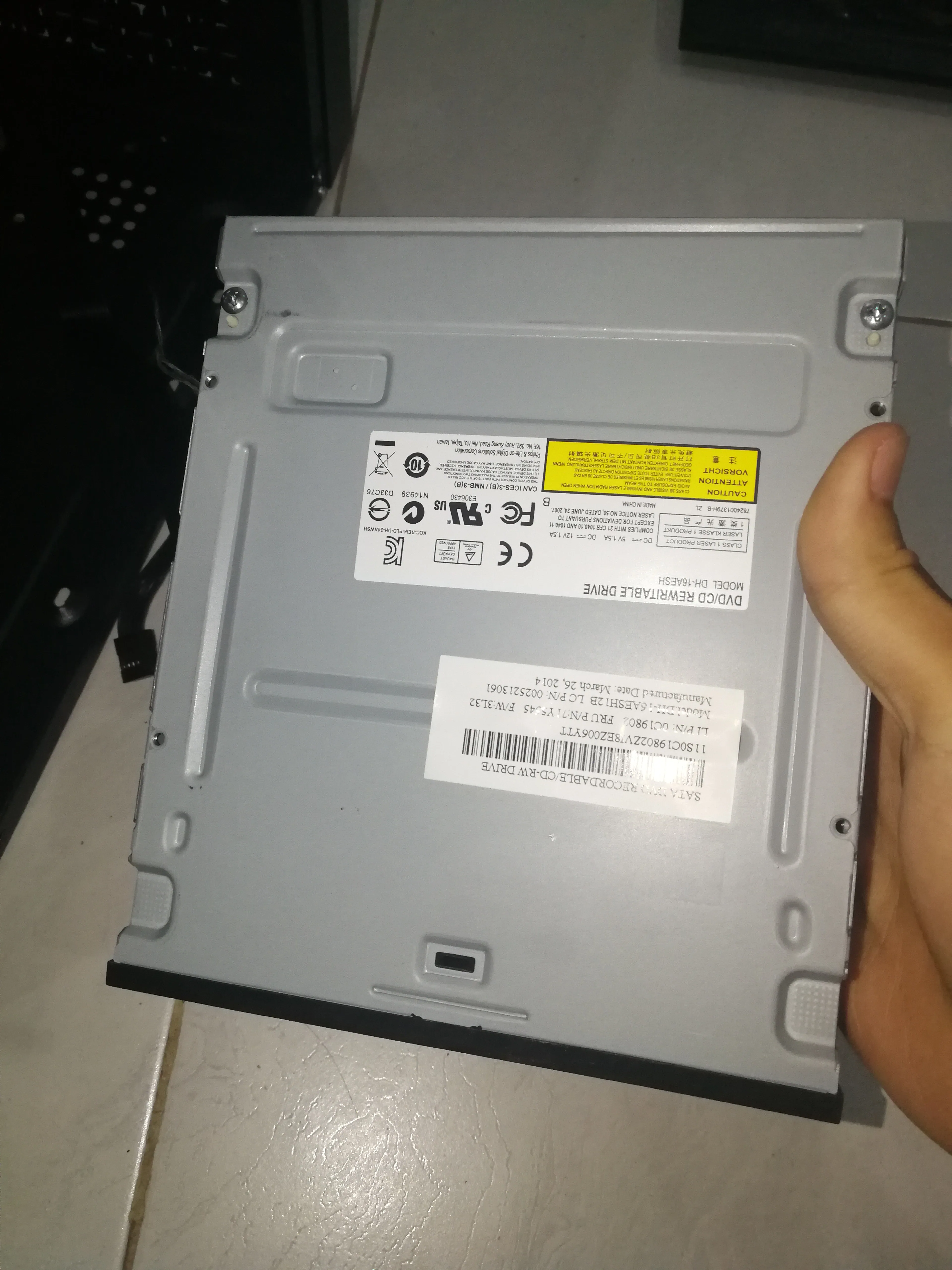
Ordinary optical drive, used to organize the contents of the optical discs at home
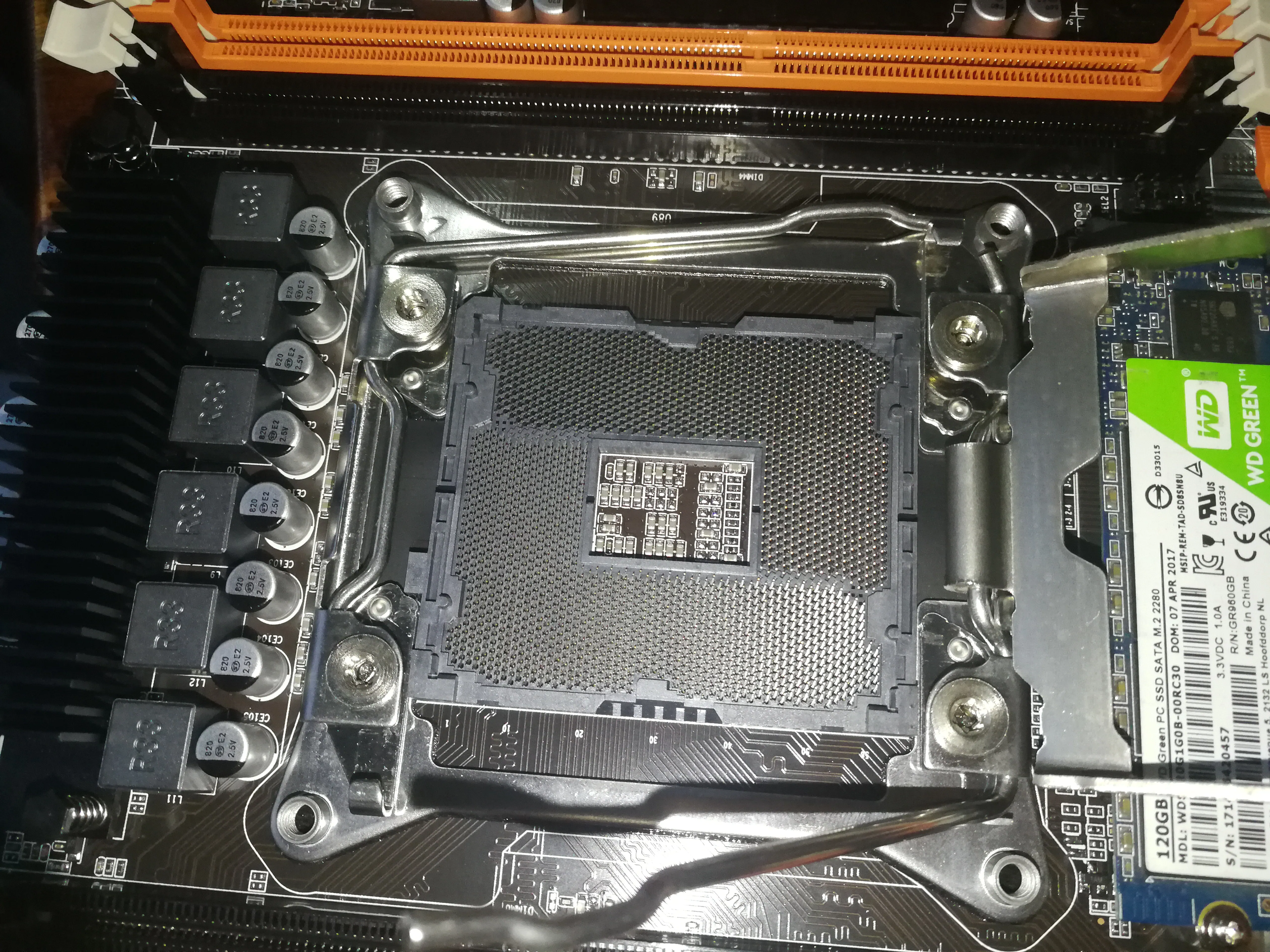
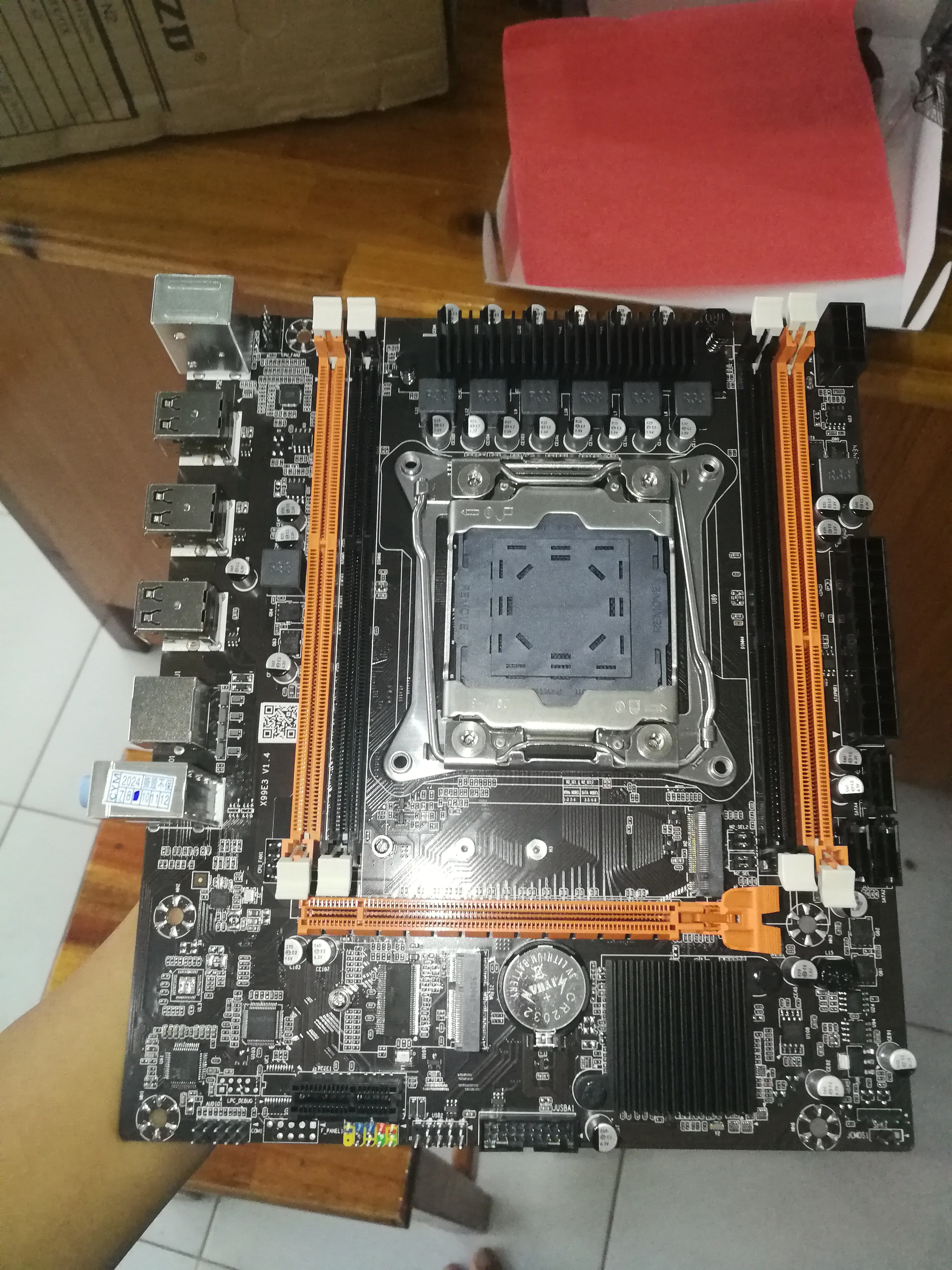
Motherboard
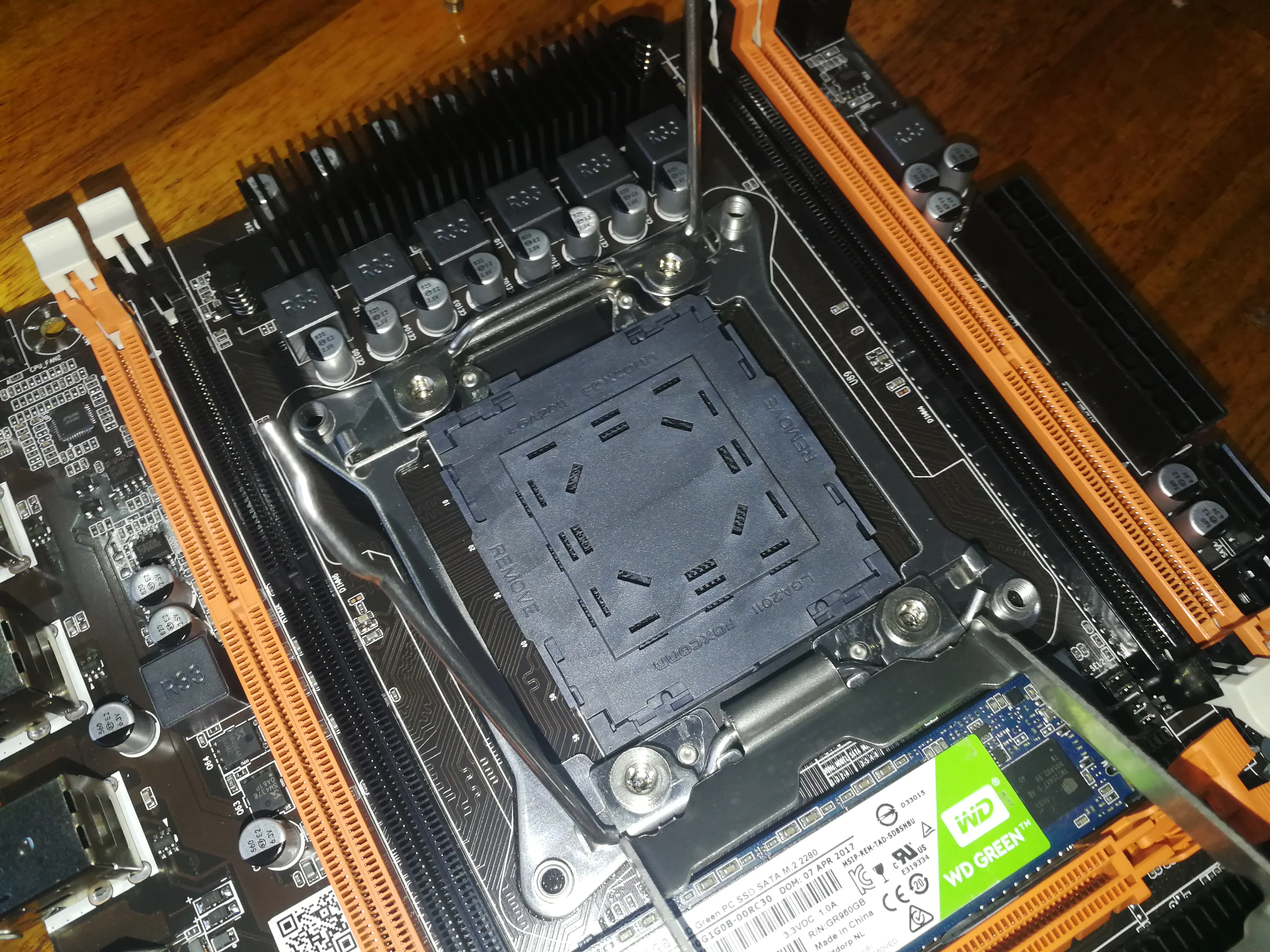
Produced by a small workshop of a miscellaneous X99 brand
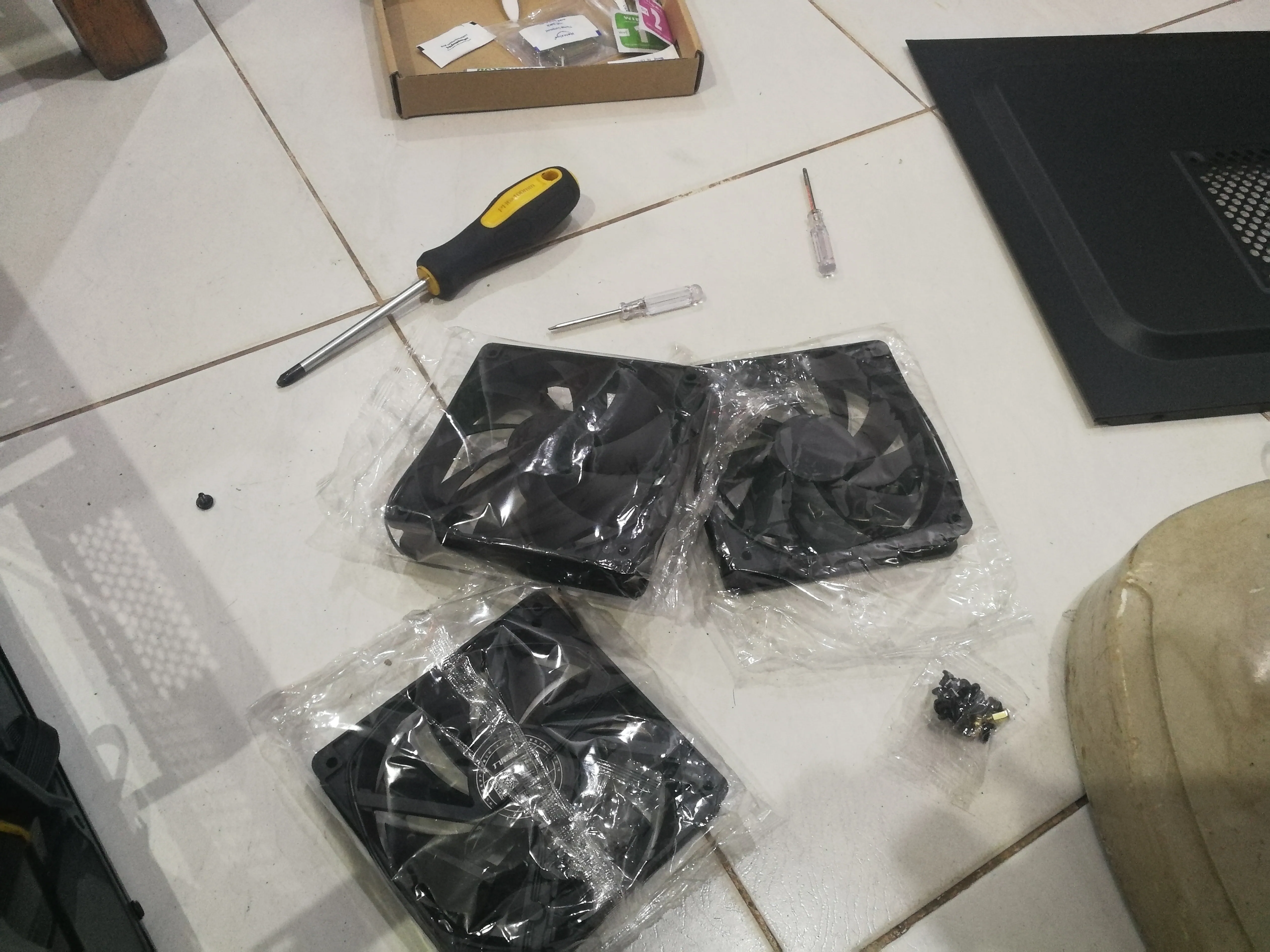
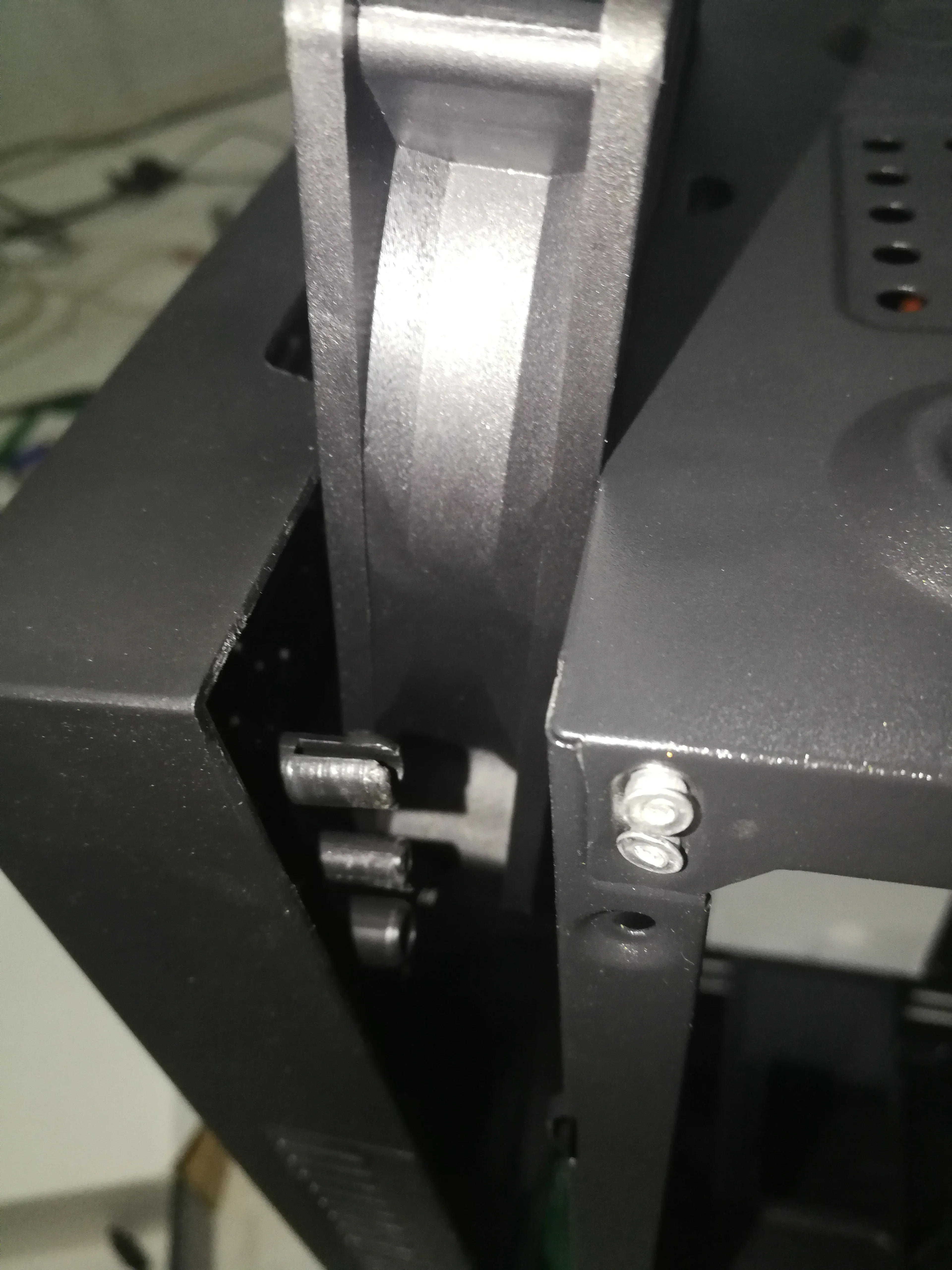
Chassis fan
I bought three
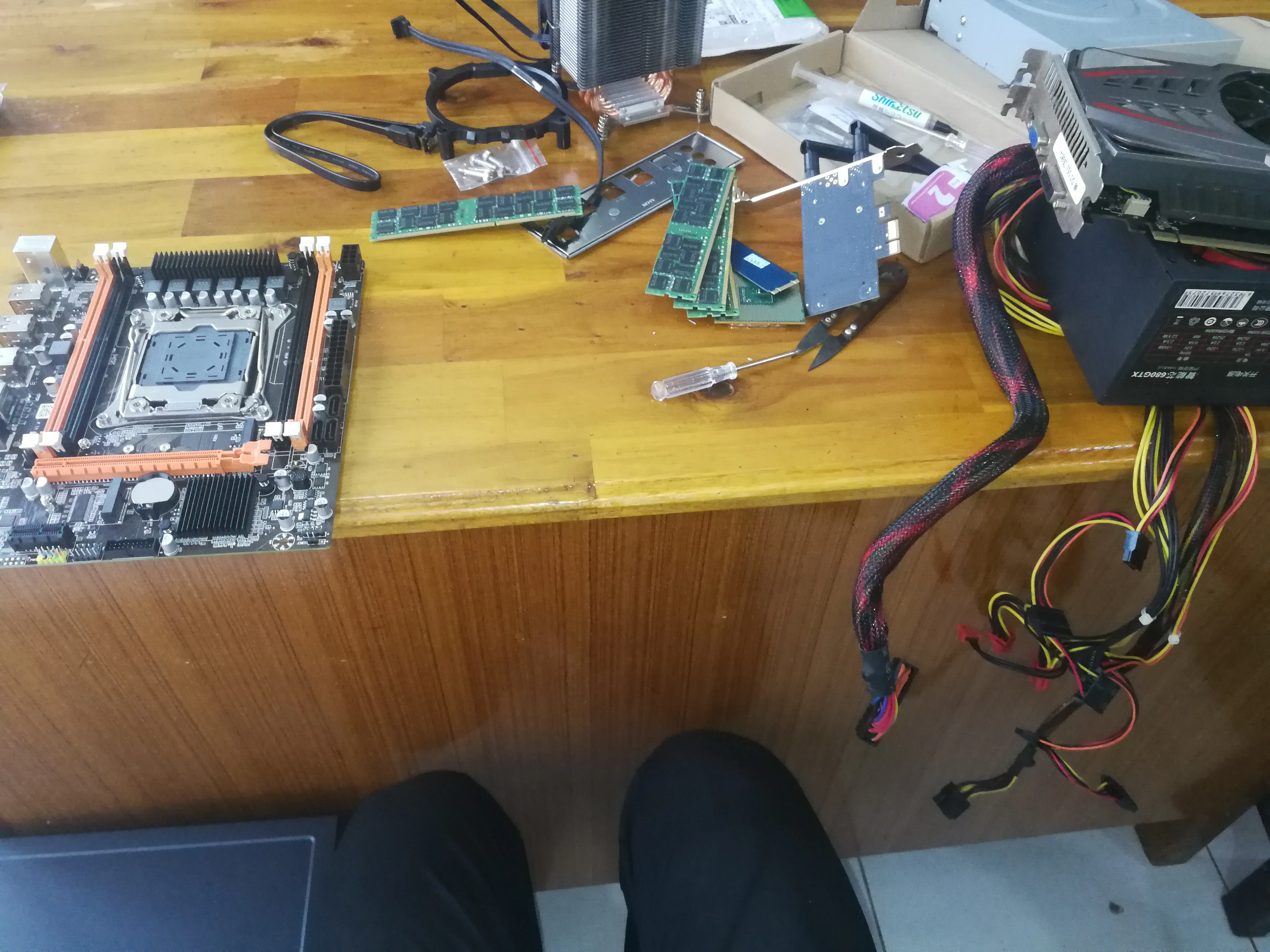
Family portrait
Installation process
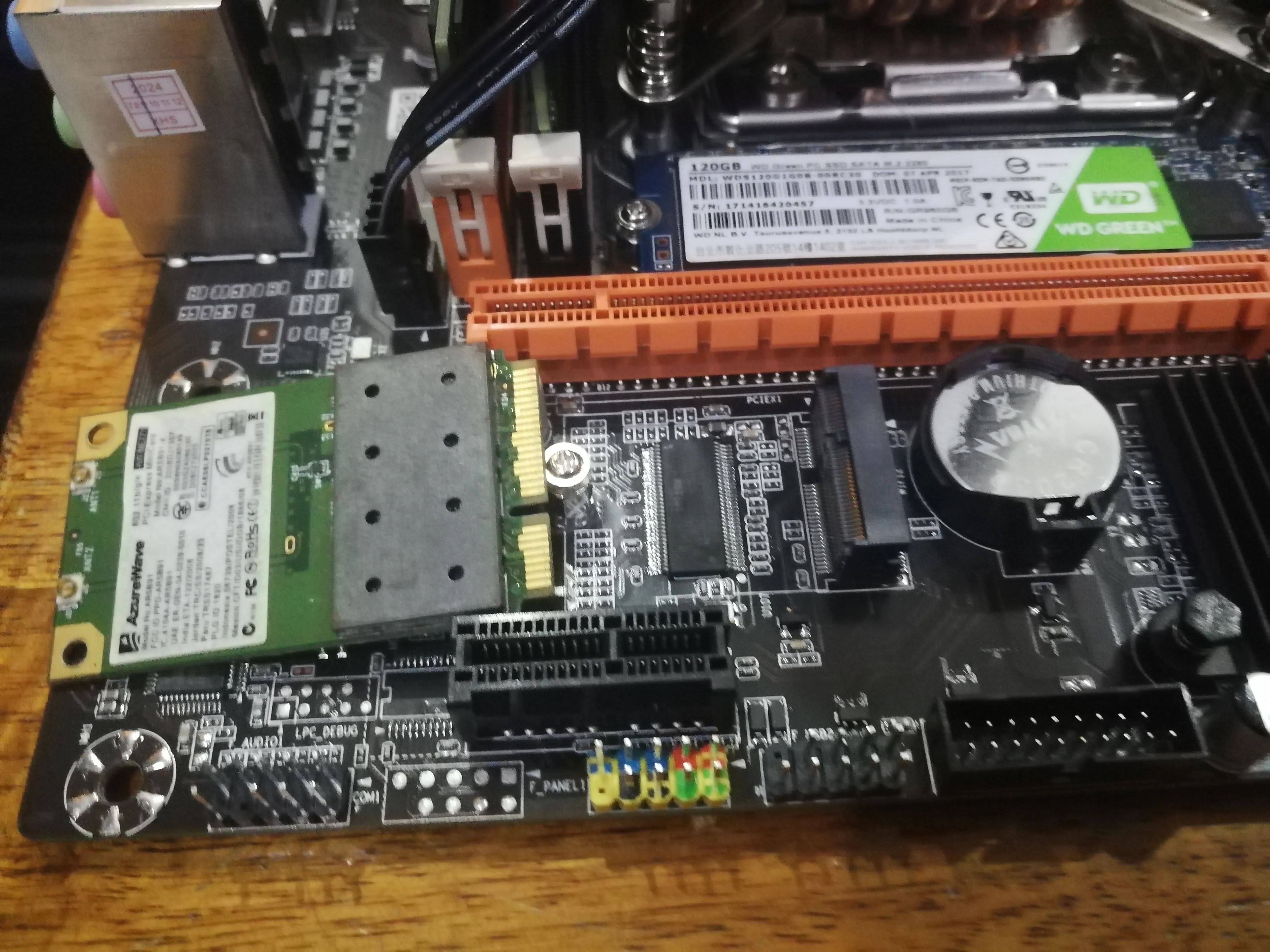
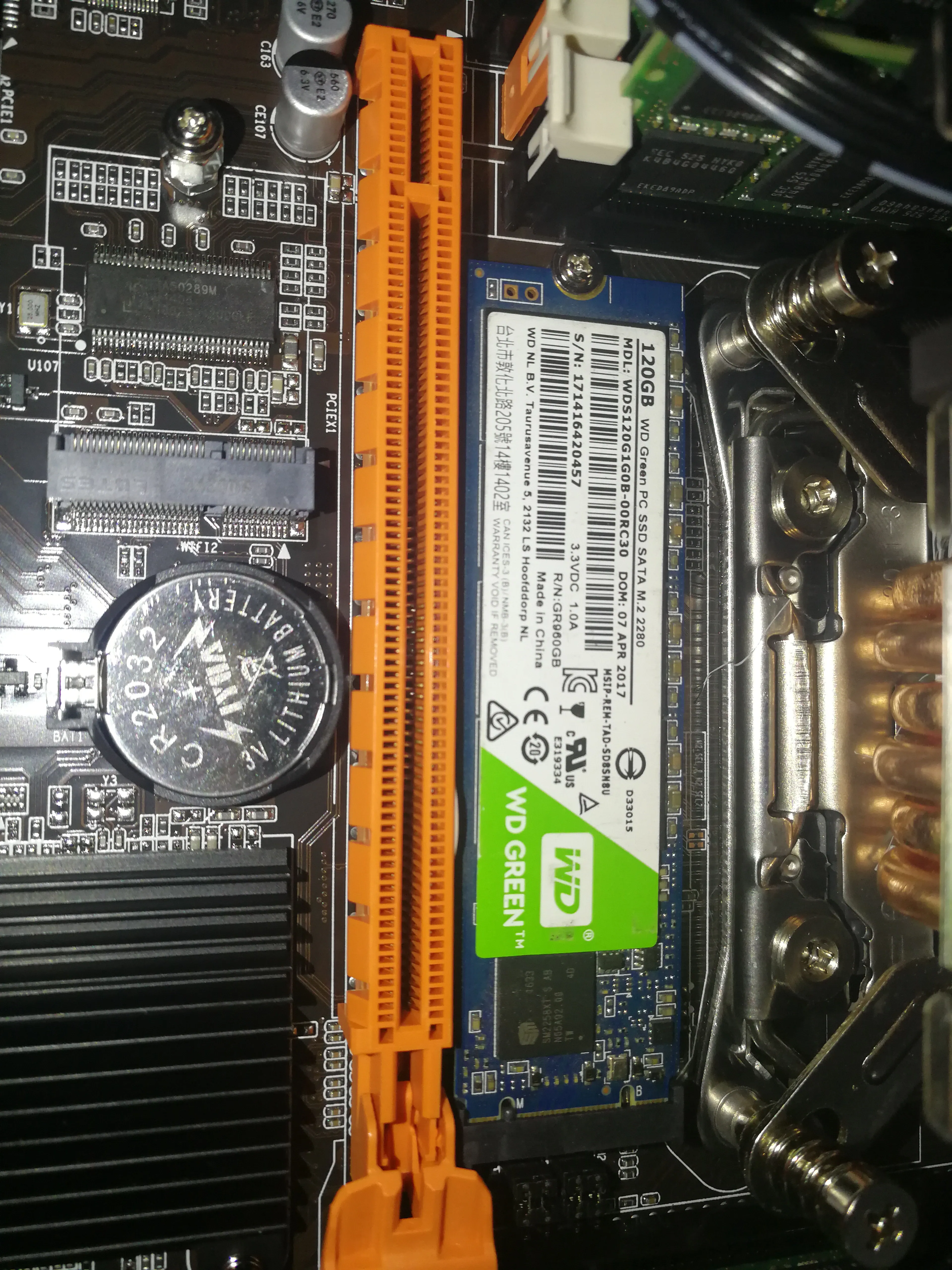
Installing parts to the motherboard
I wanted to install a network card but found out it was M.2. . .
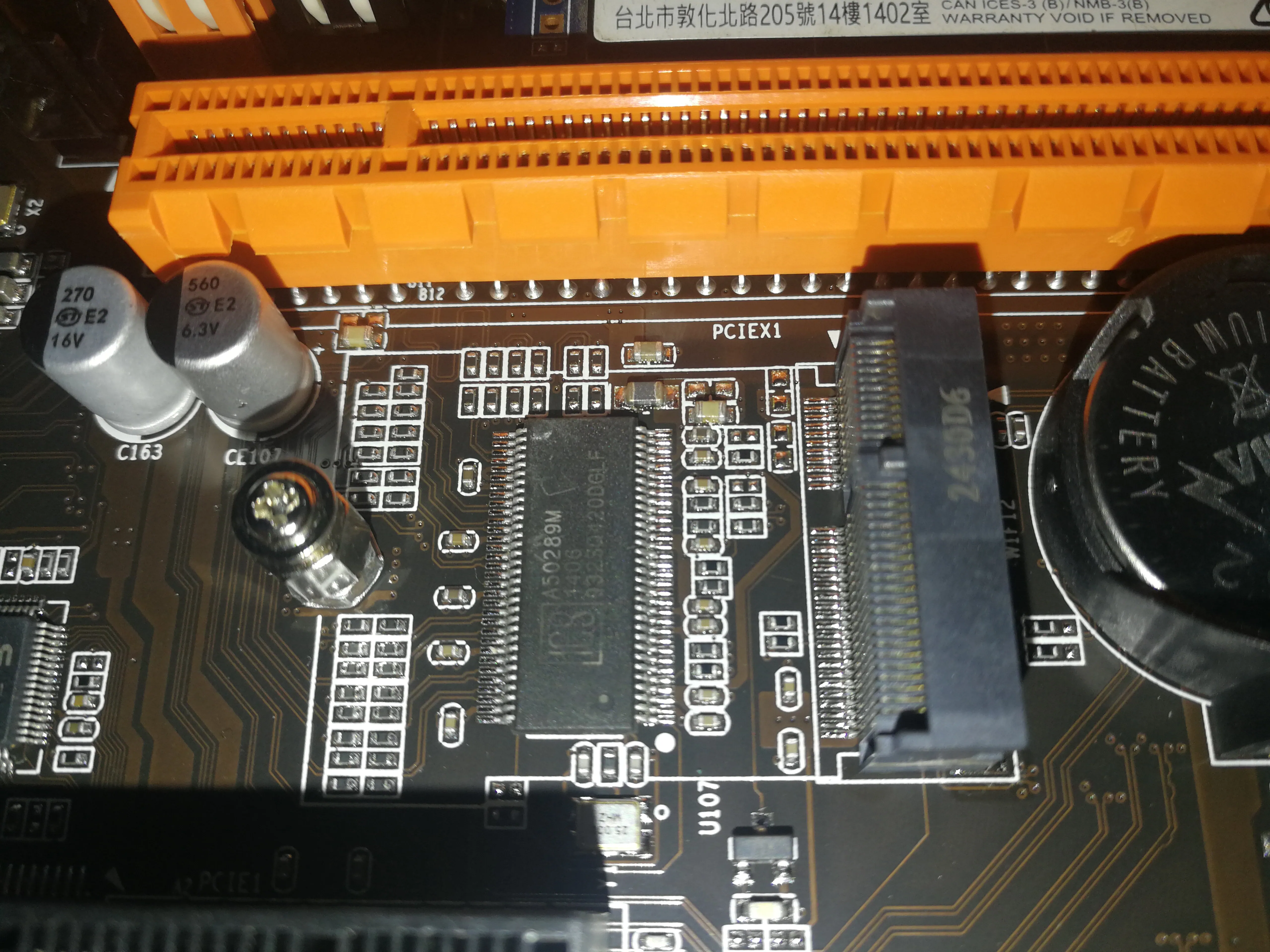
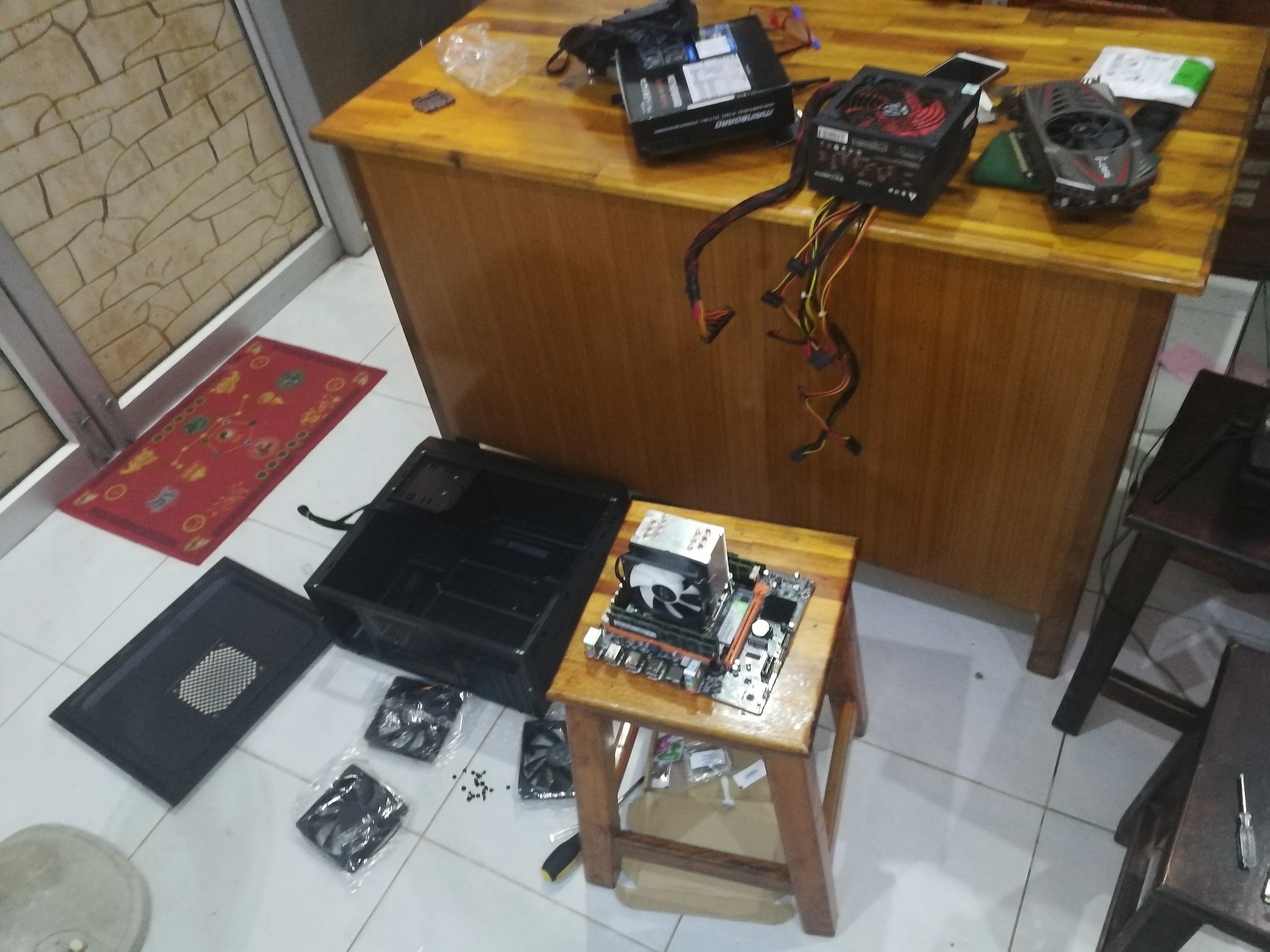
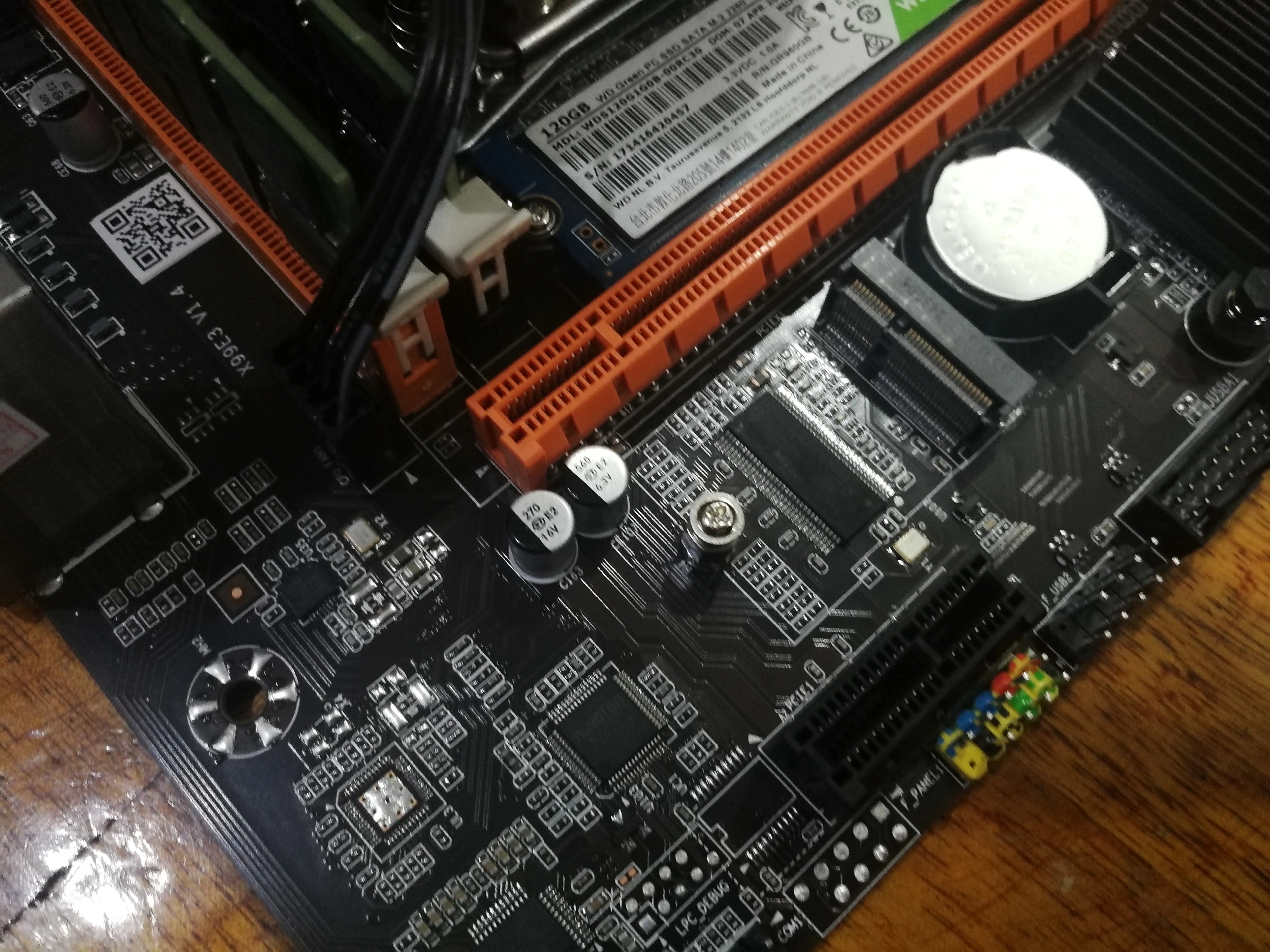
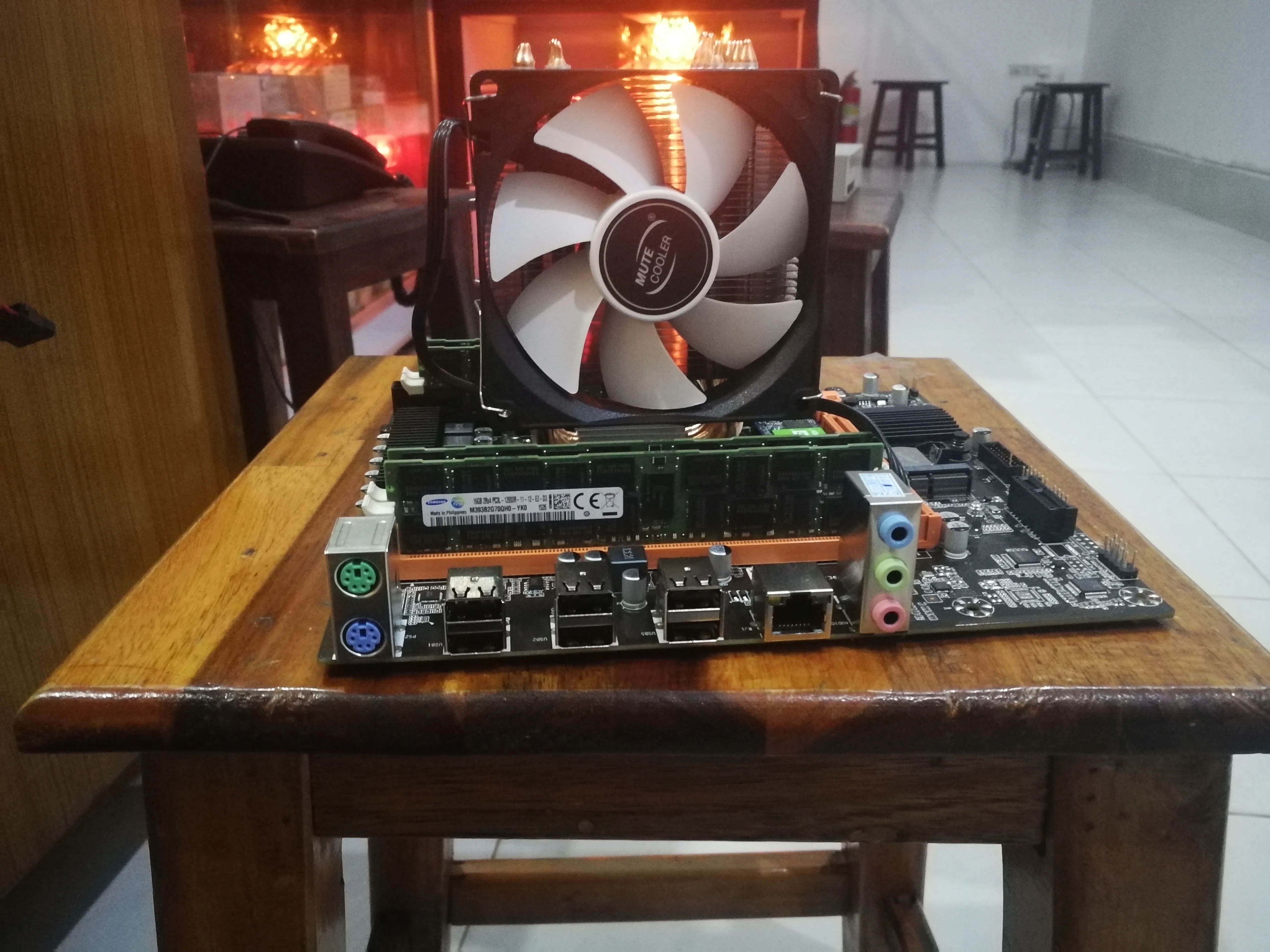
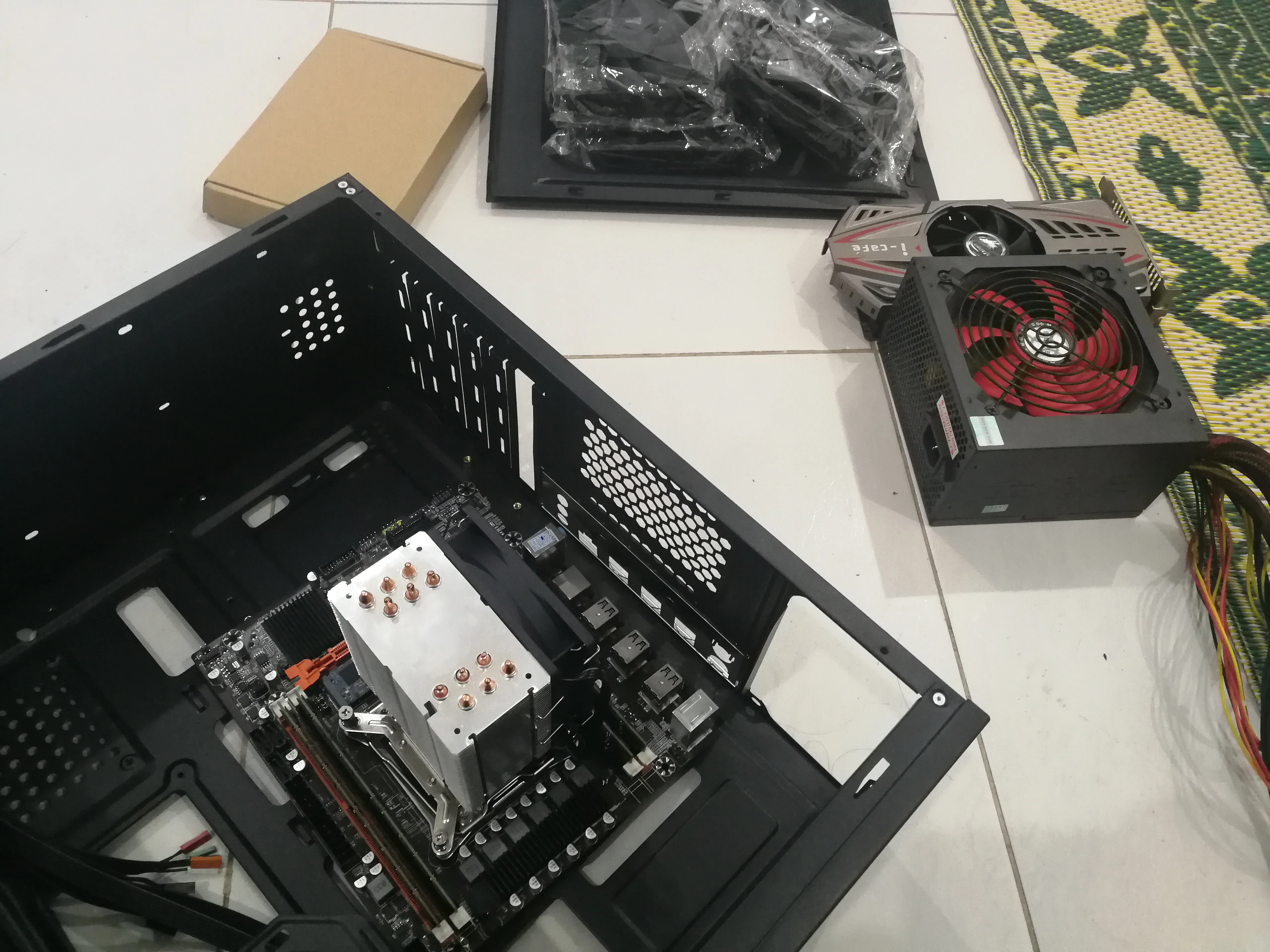
Install the motherboard to the chassis
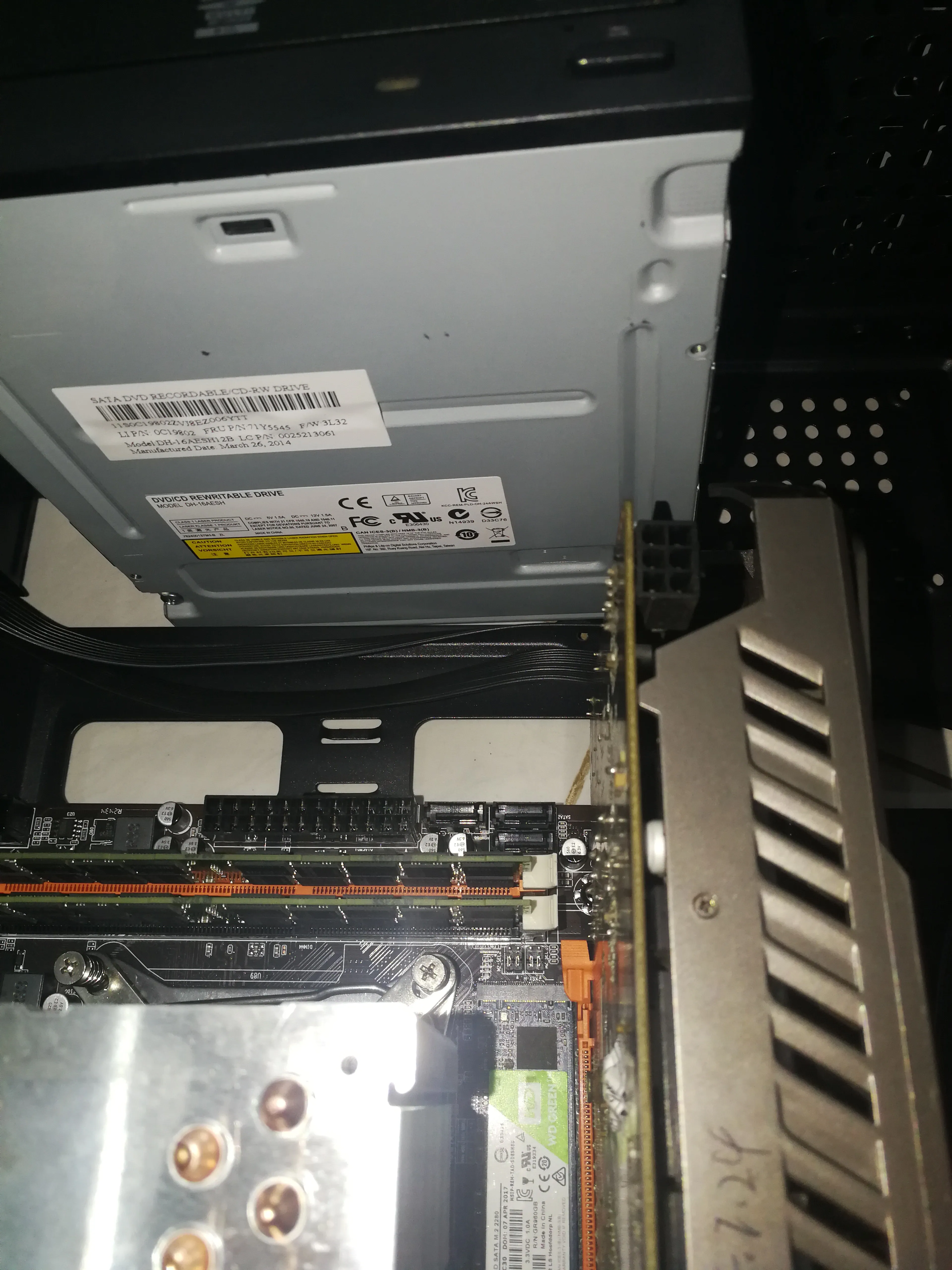
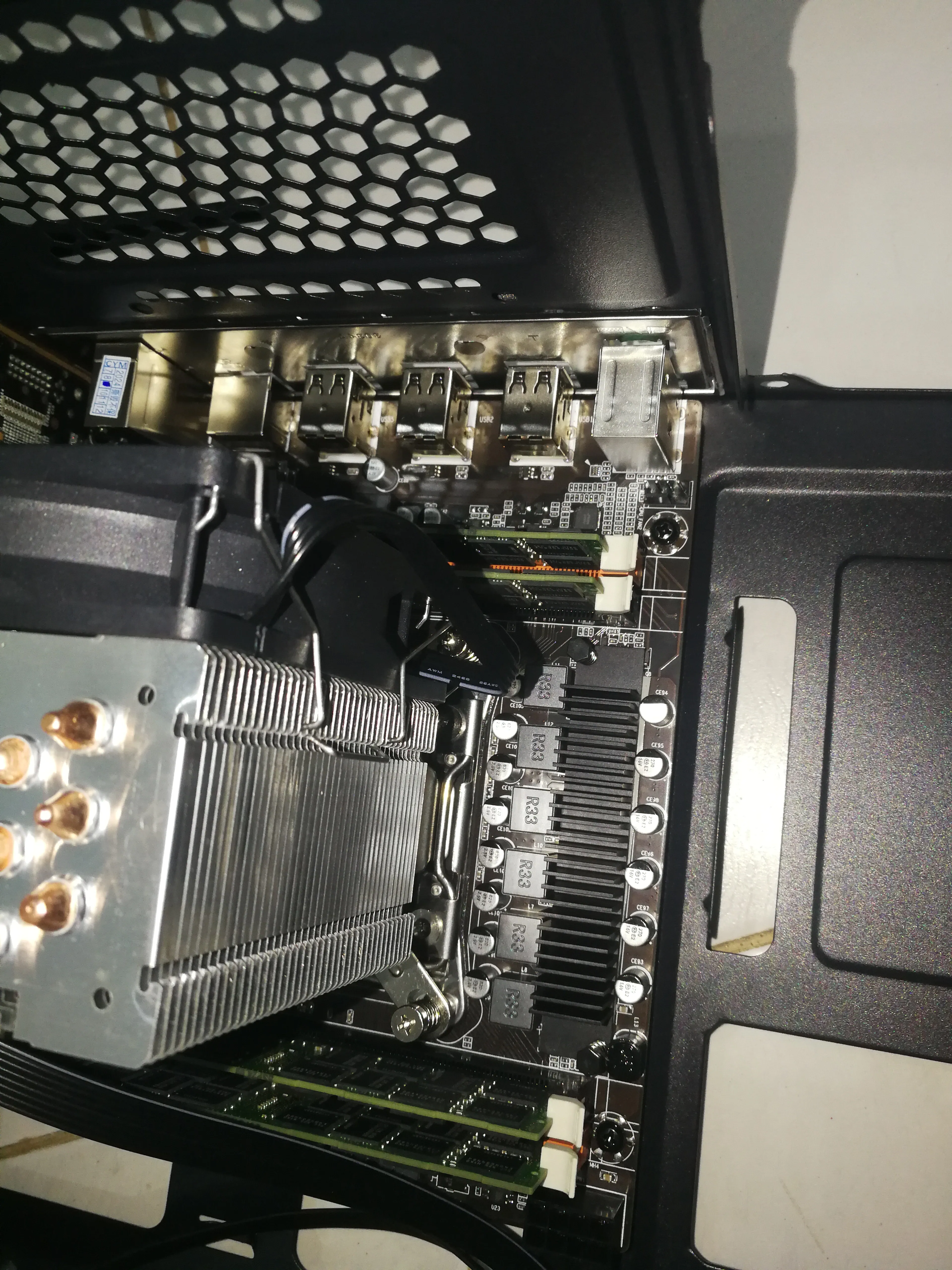
Install this inside the chassis
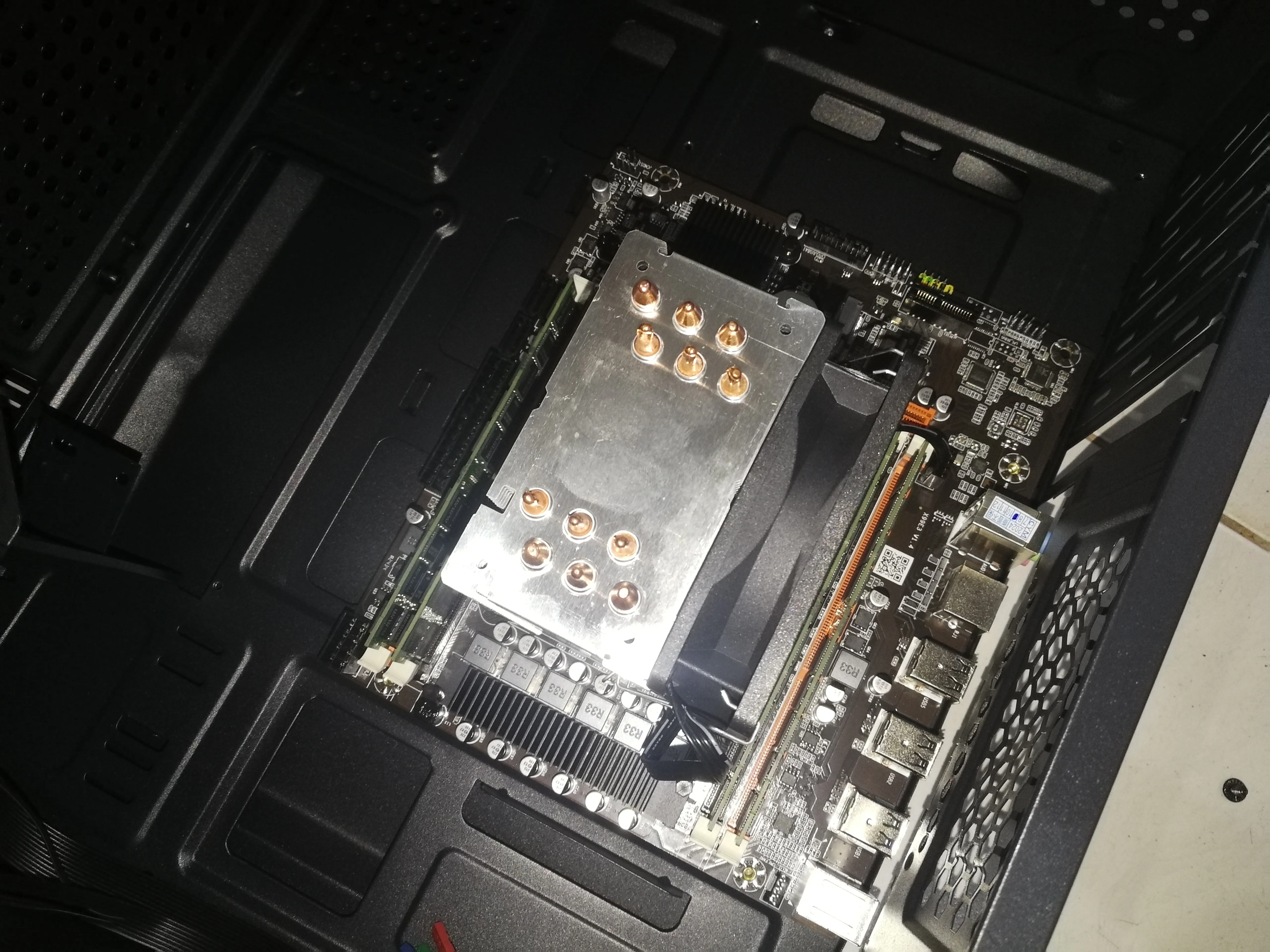
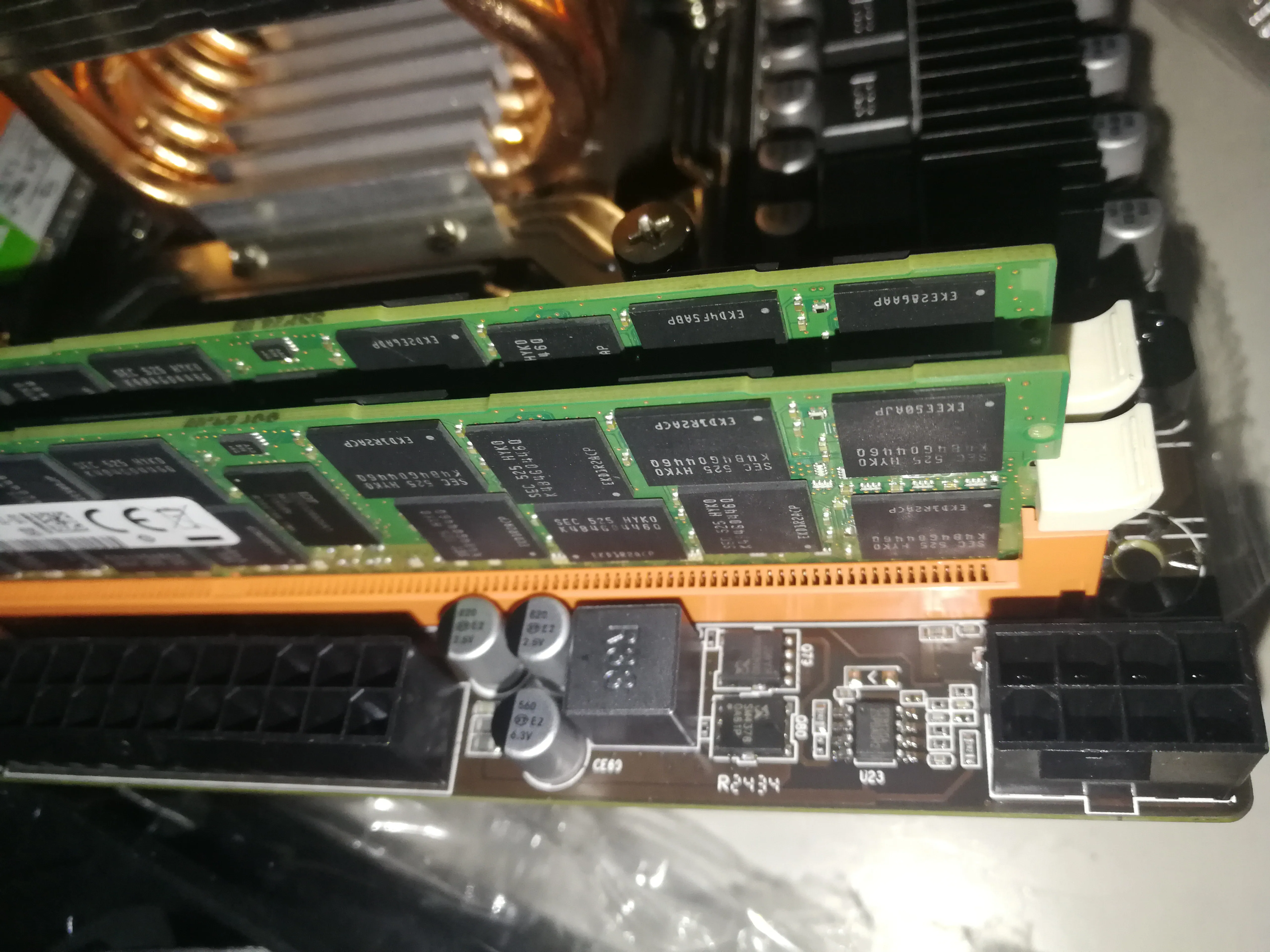
Install the power supply
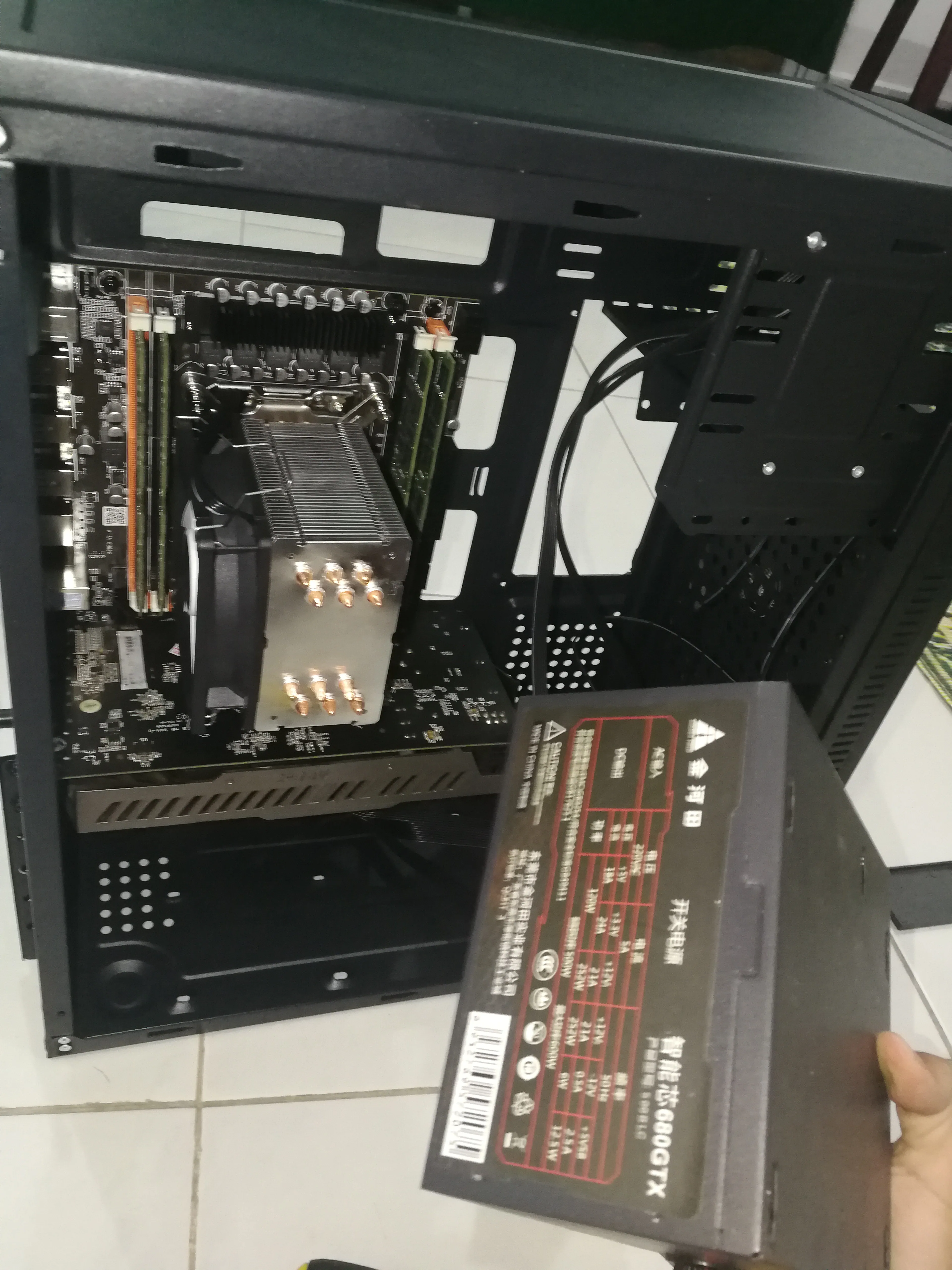
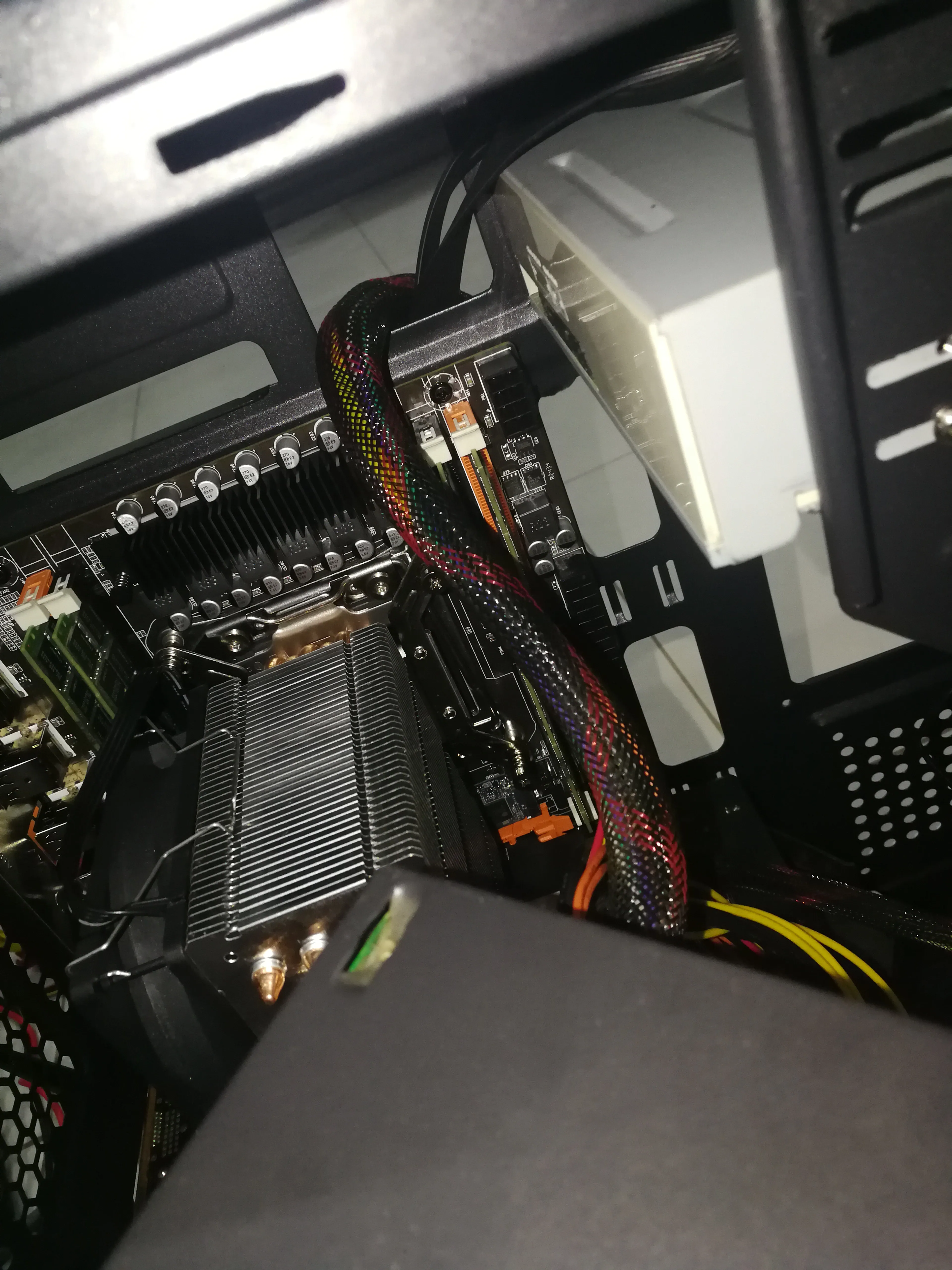
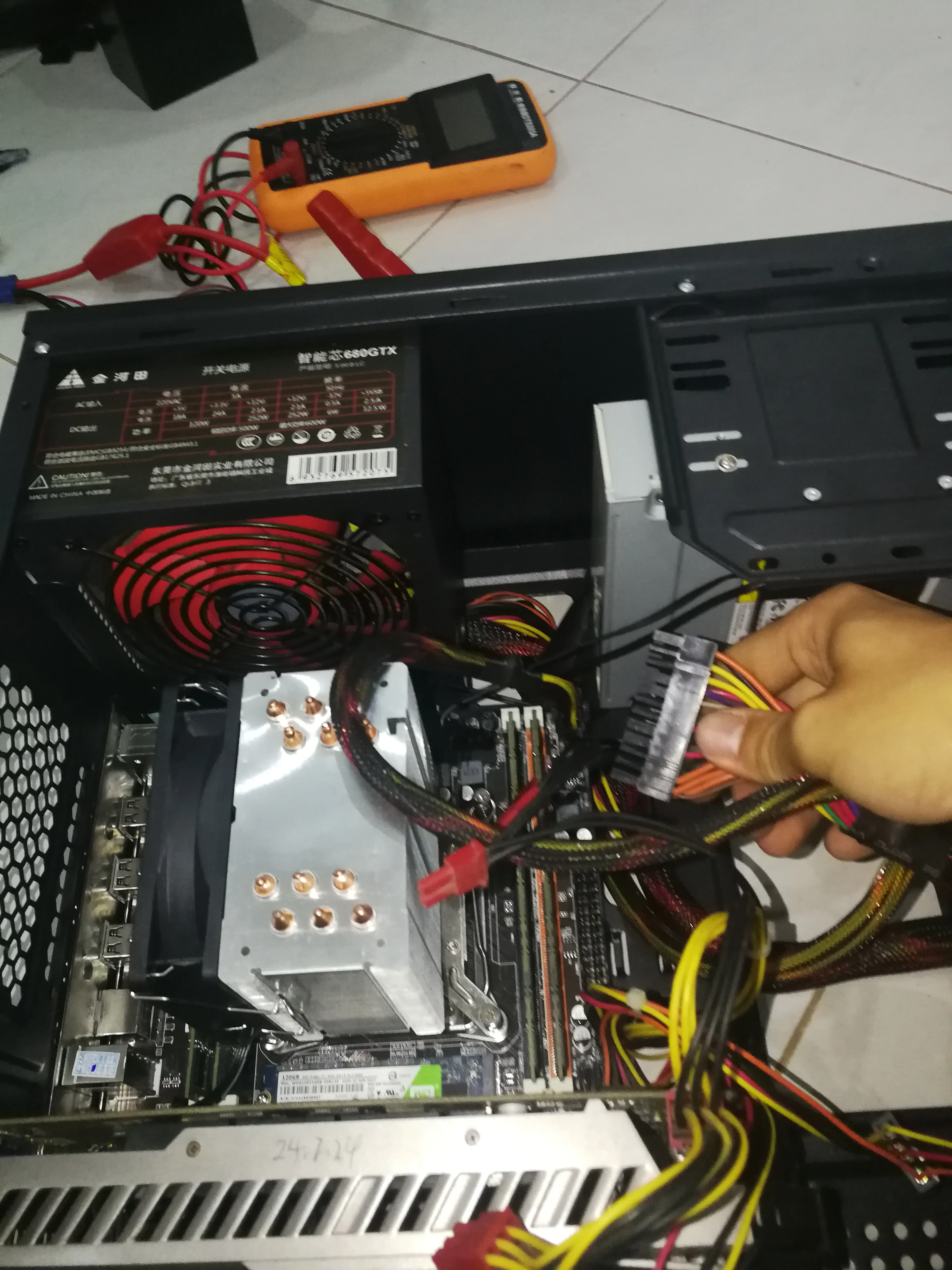
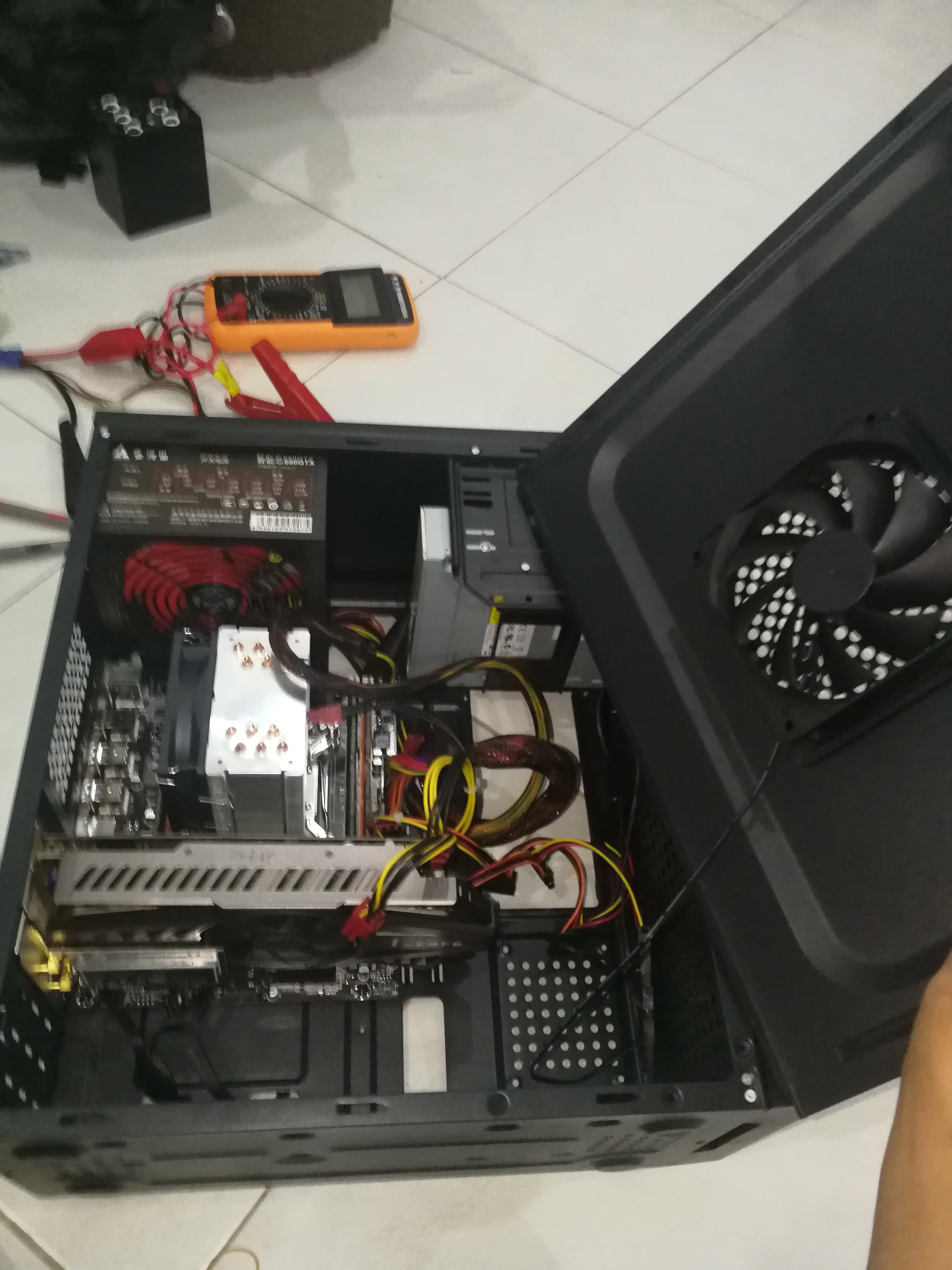
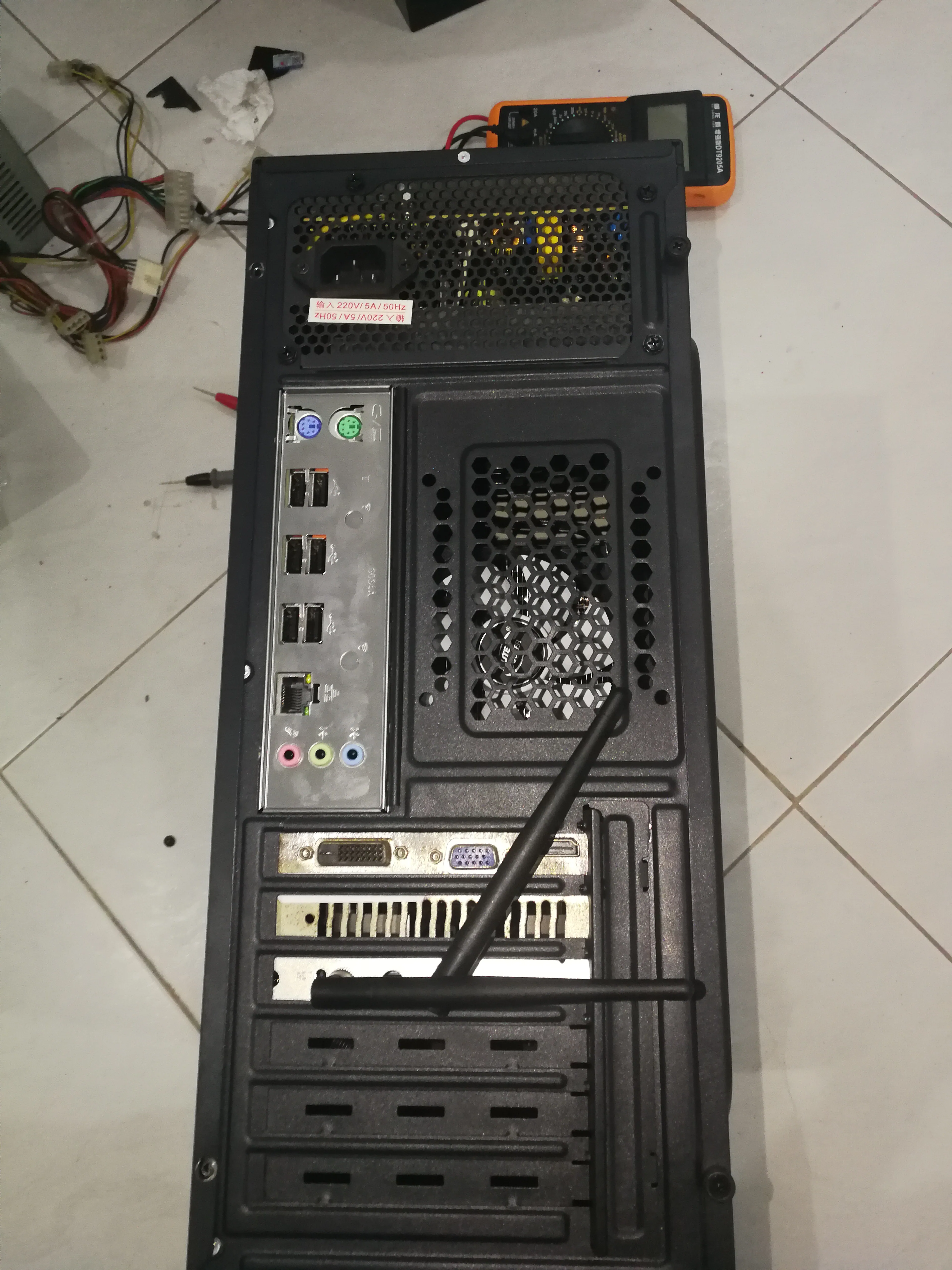
Weird operation but observe the chassis
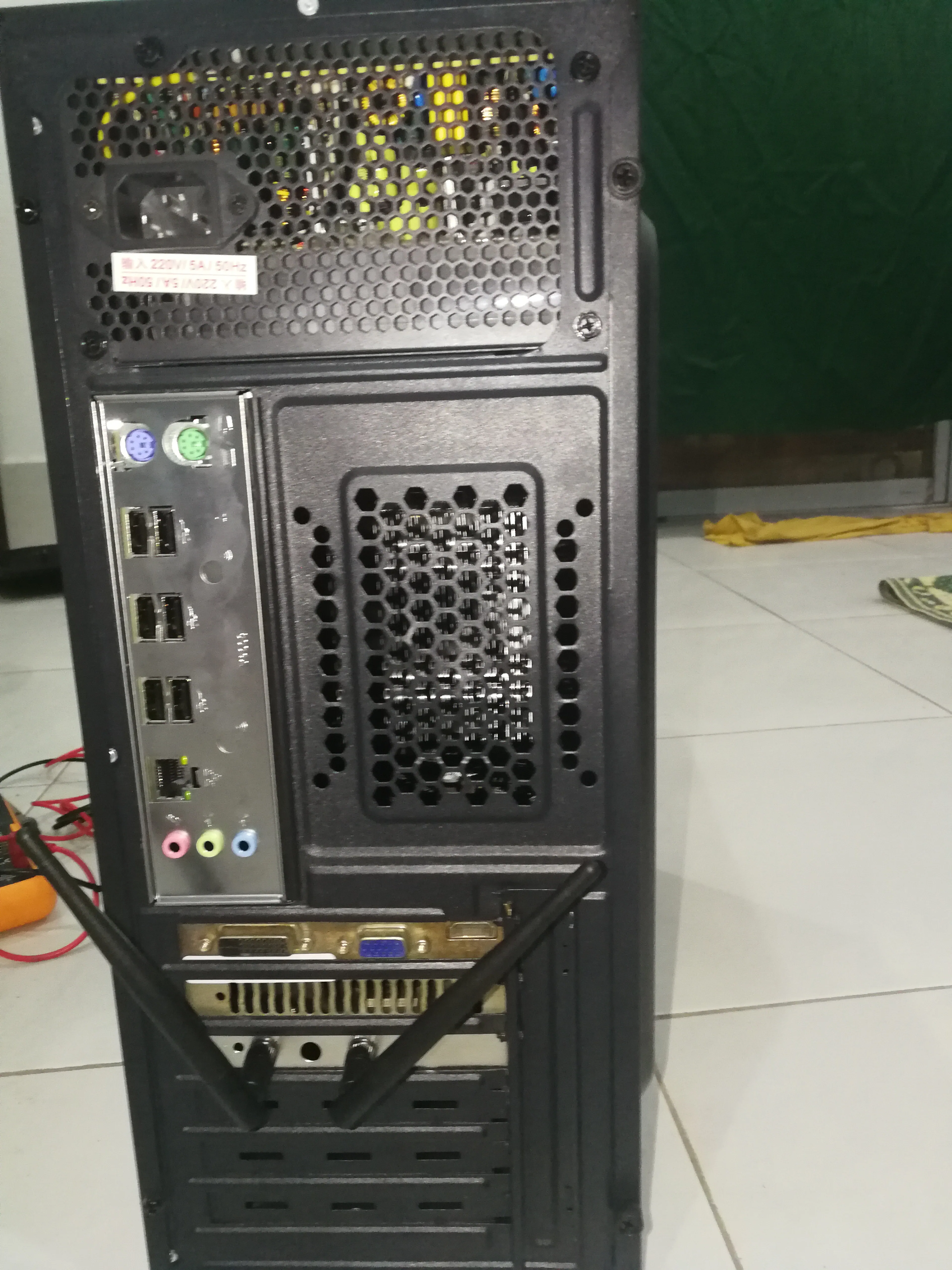
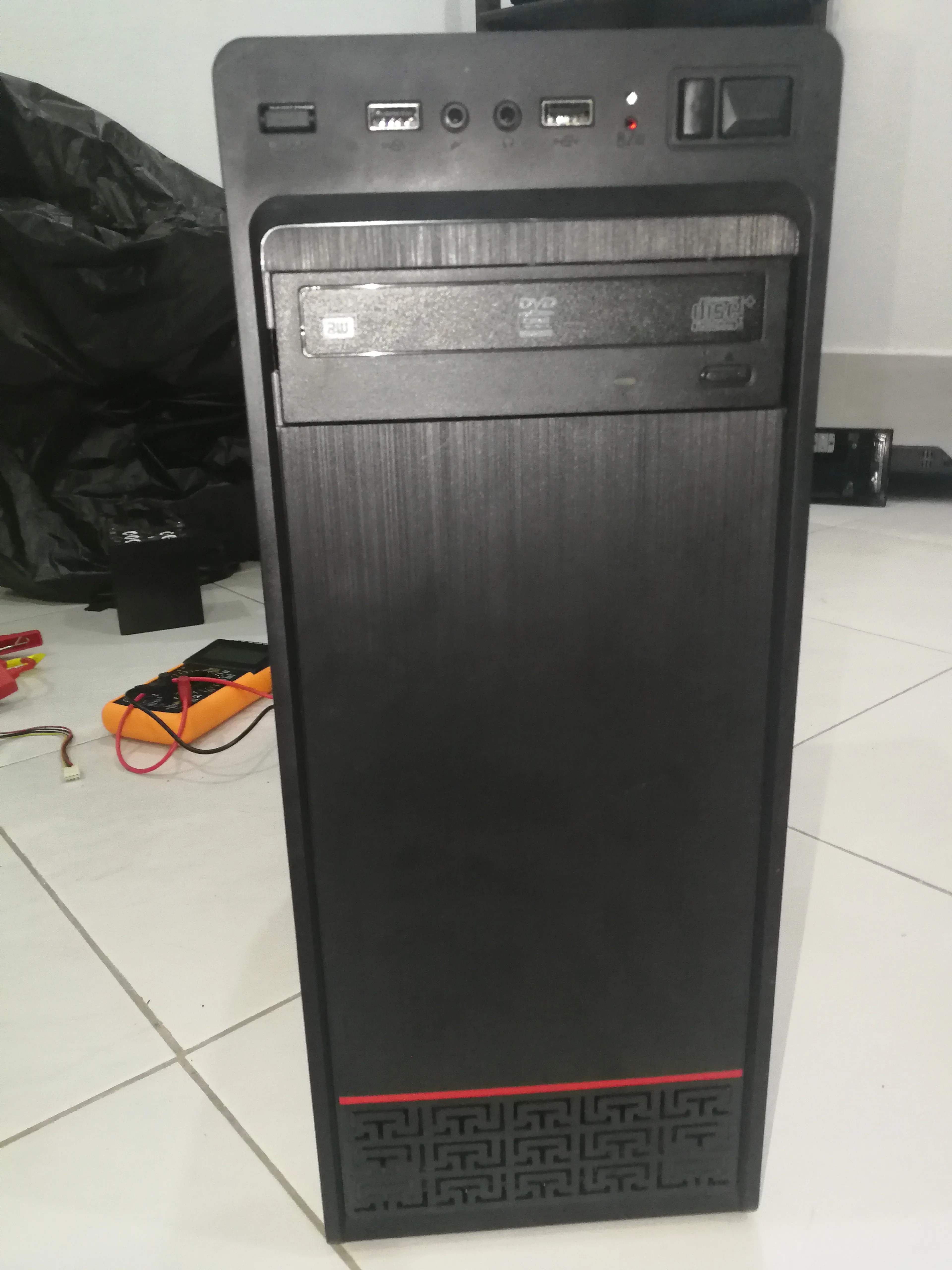
Install the system
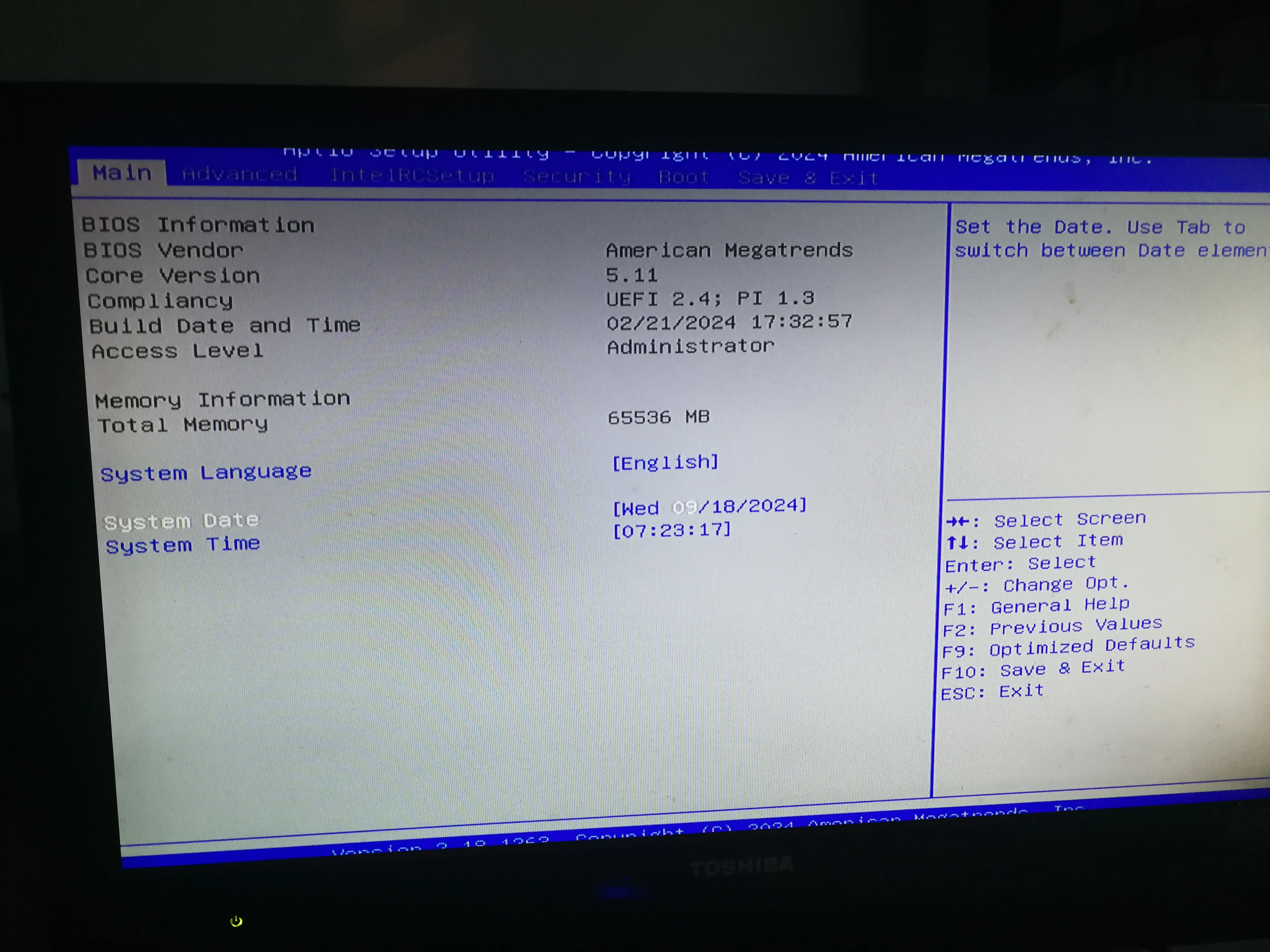
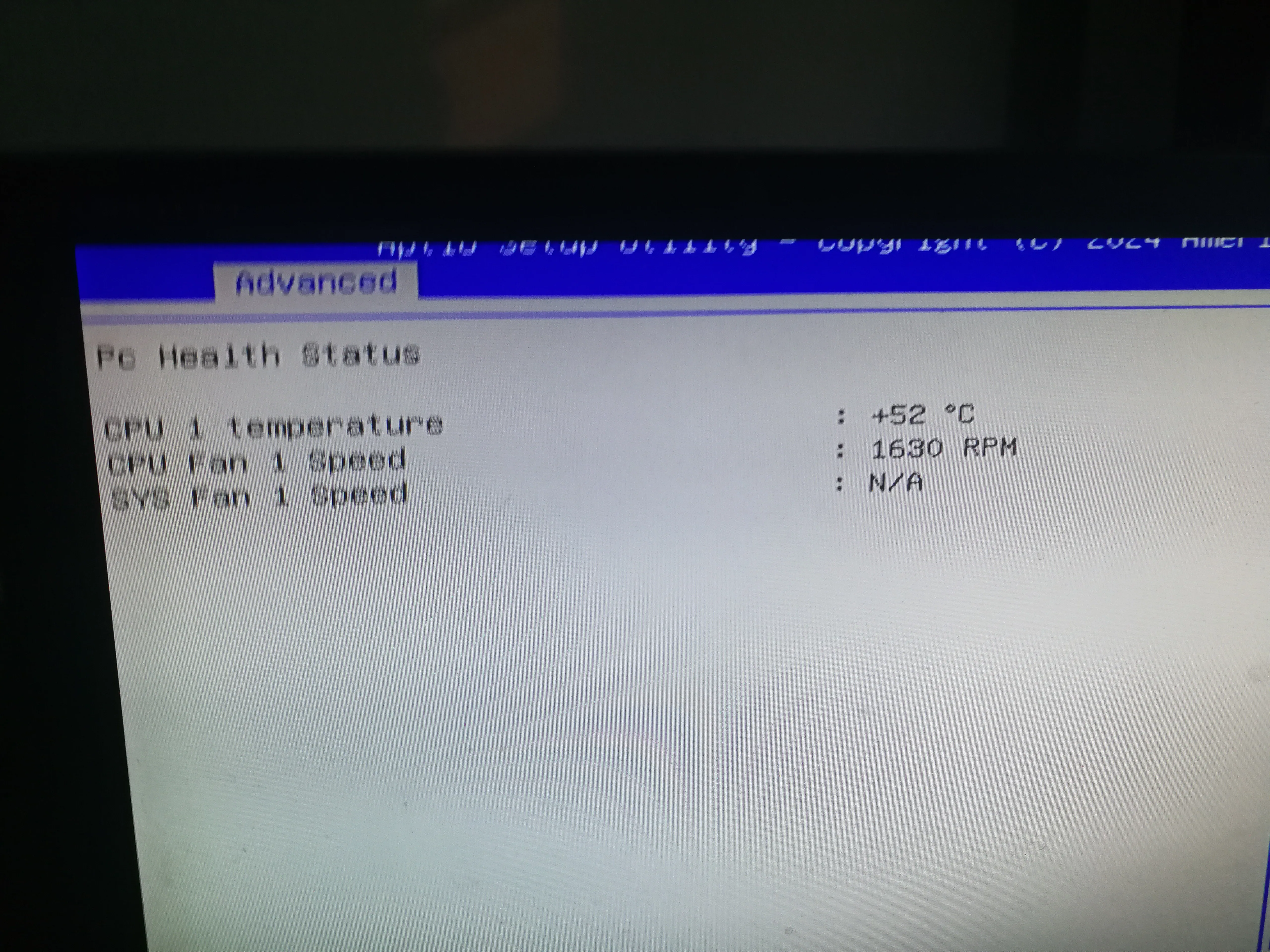
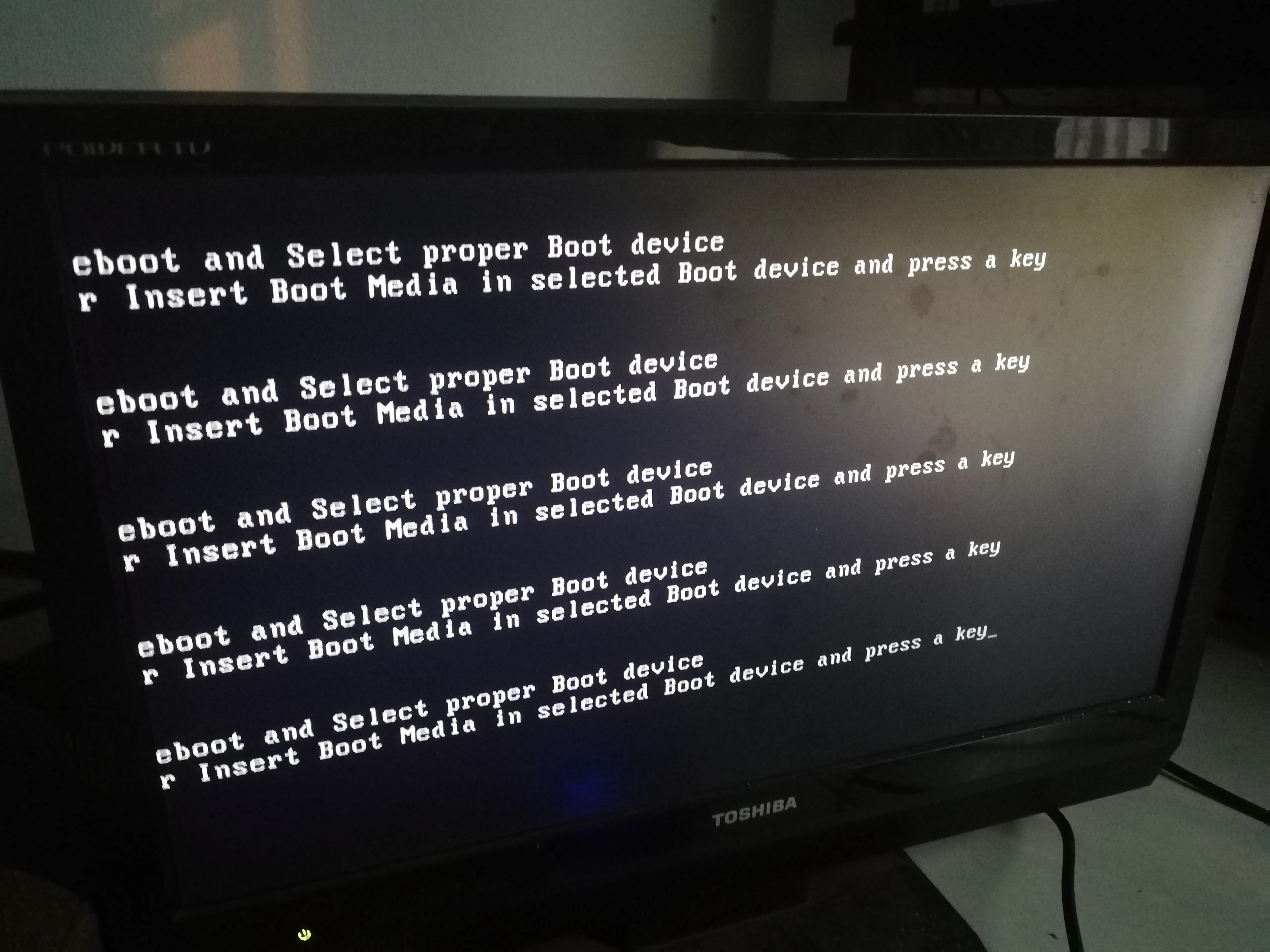
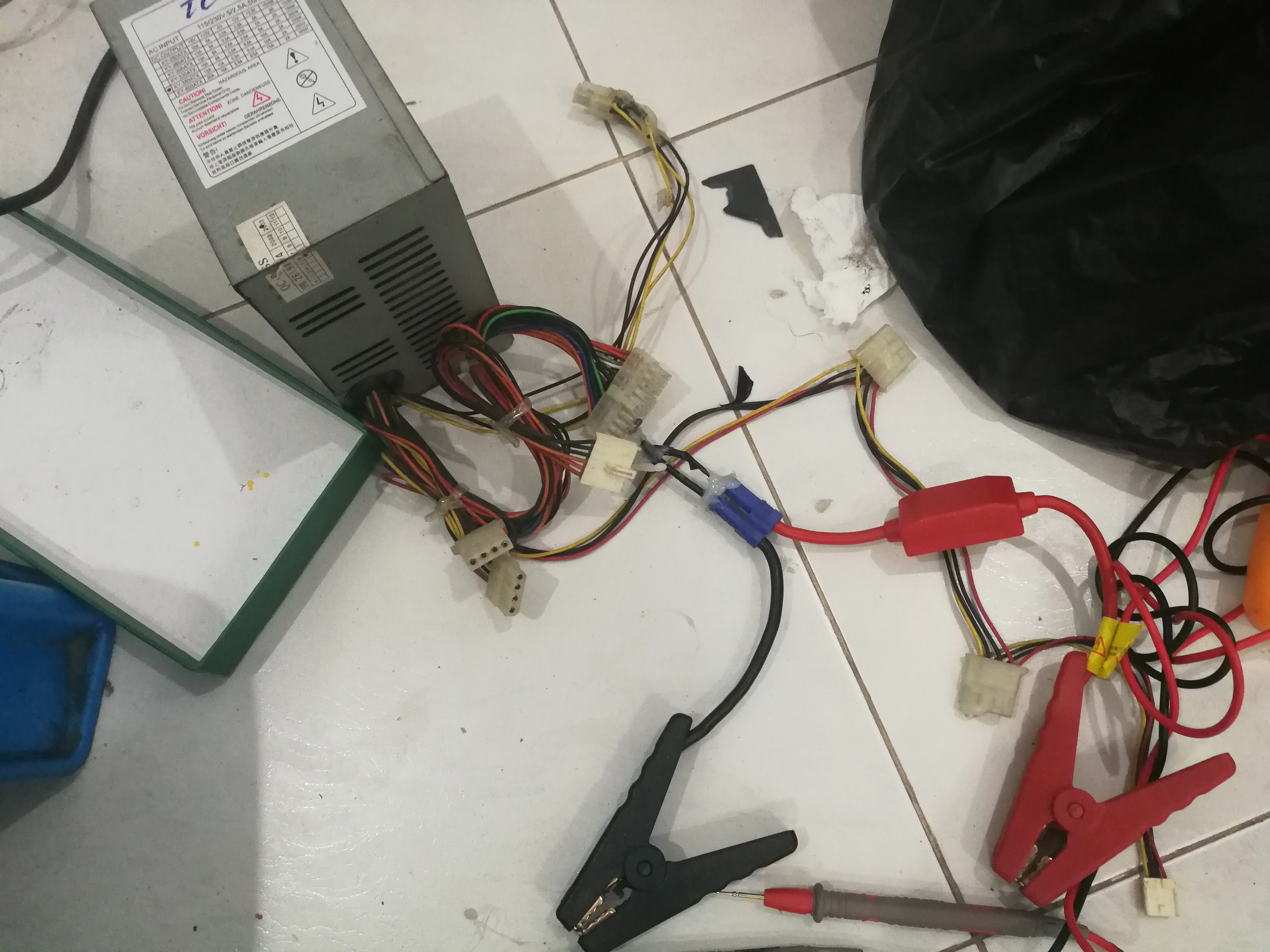
Convert an old computer power supply to a charger
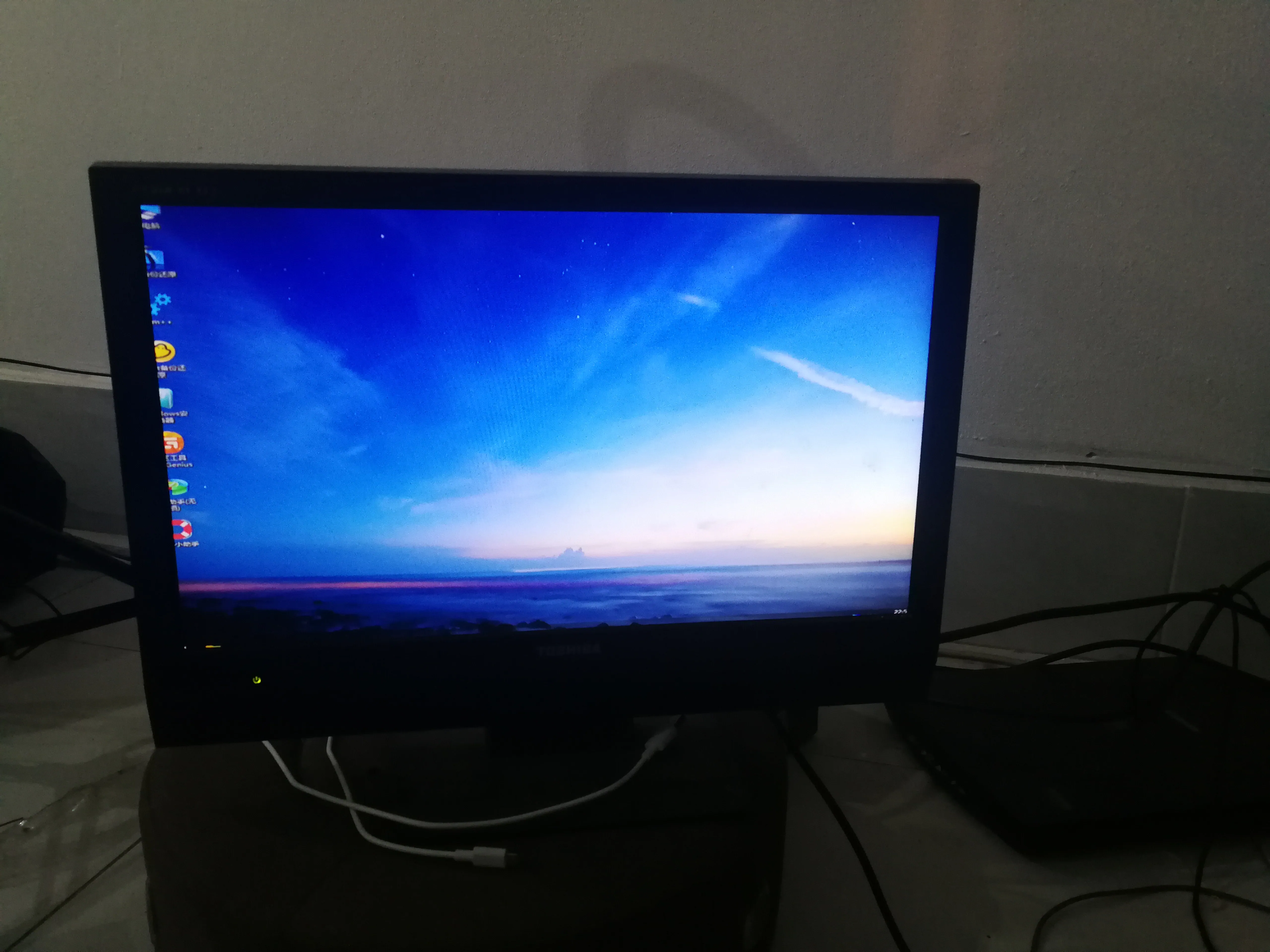
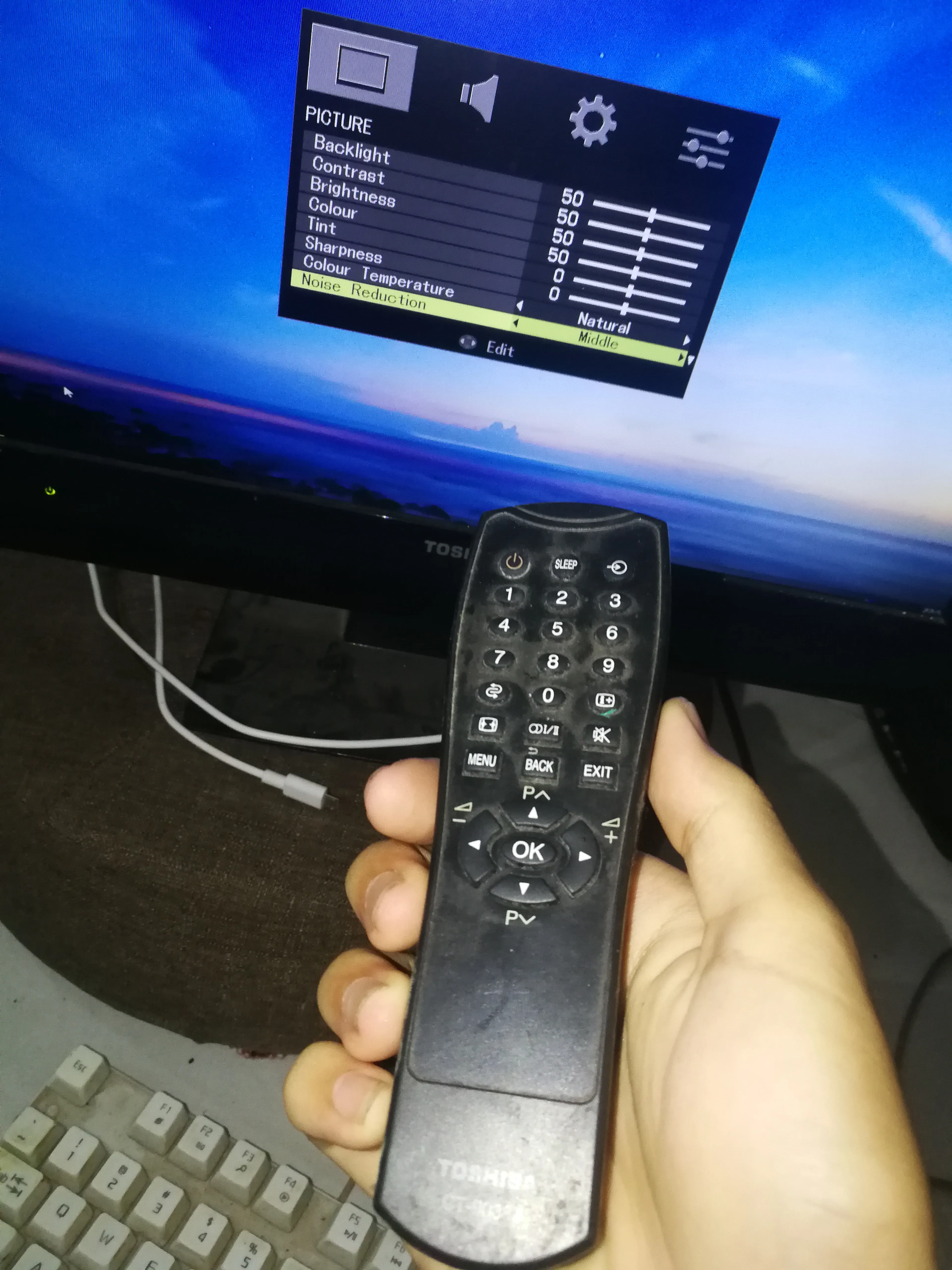
Monitor
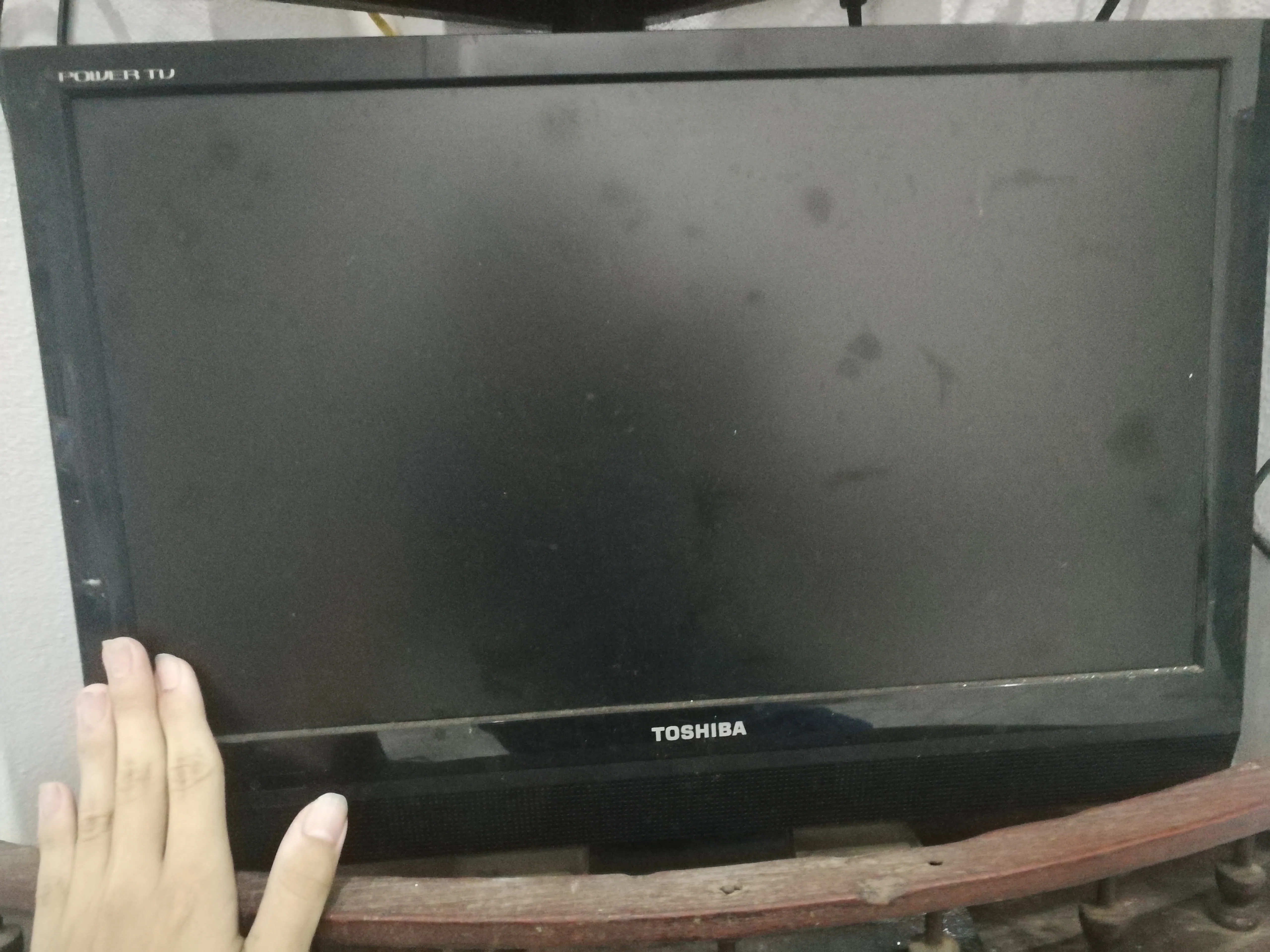
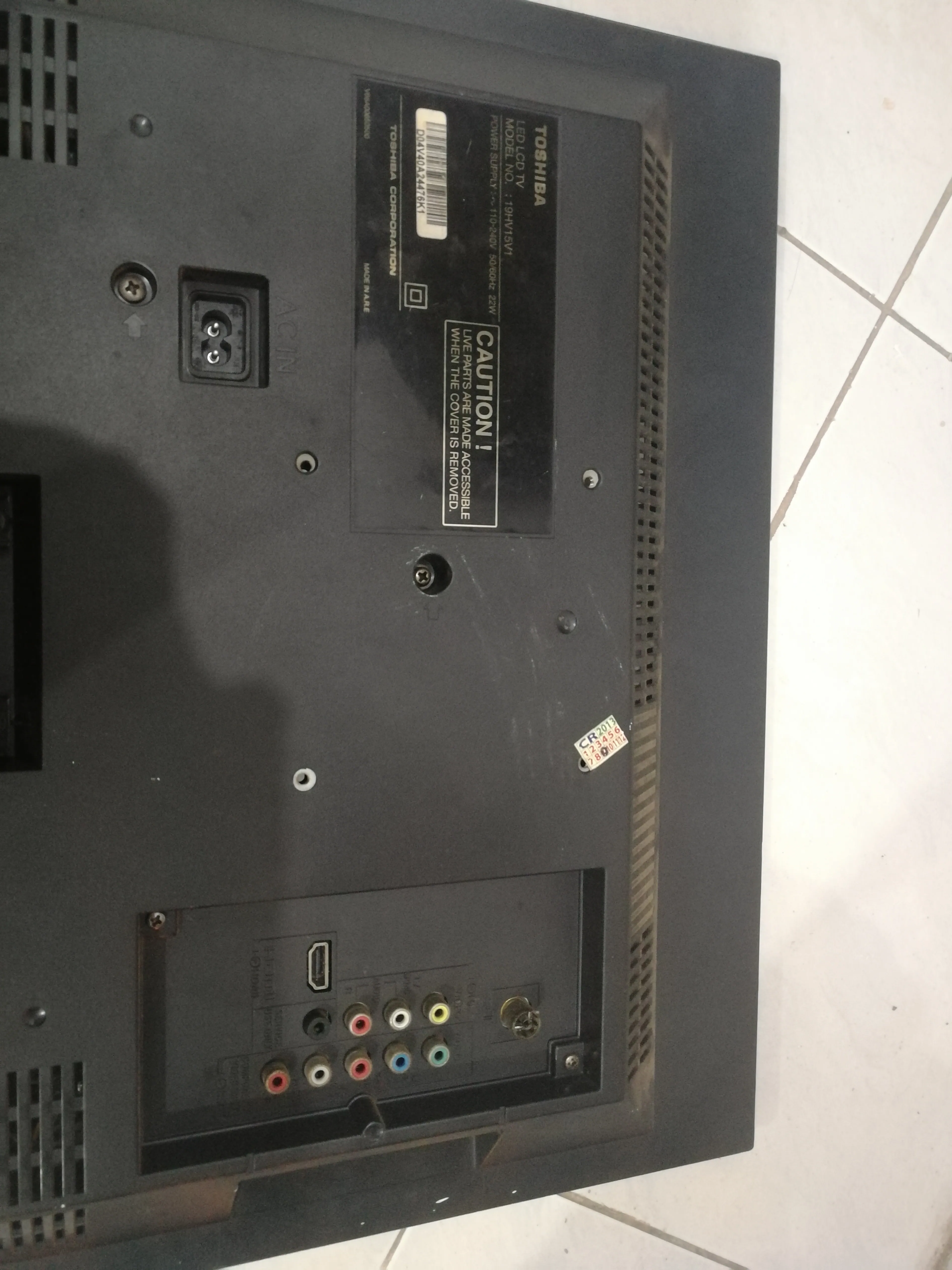
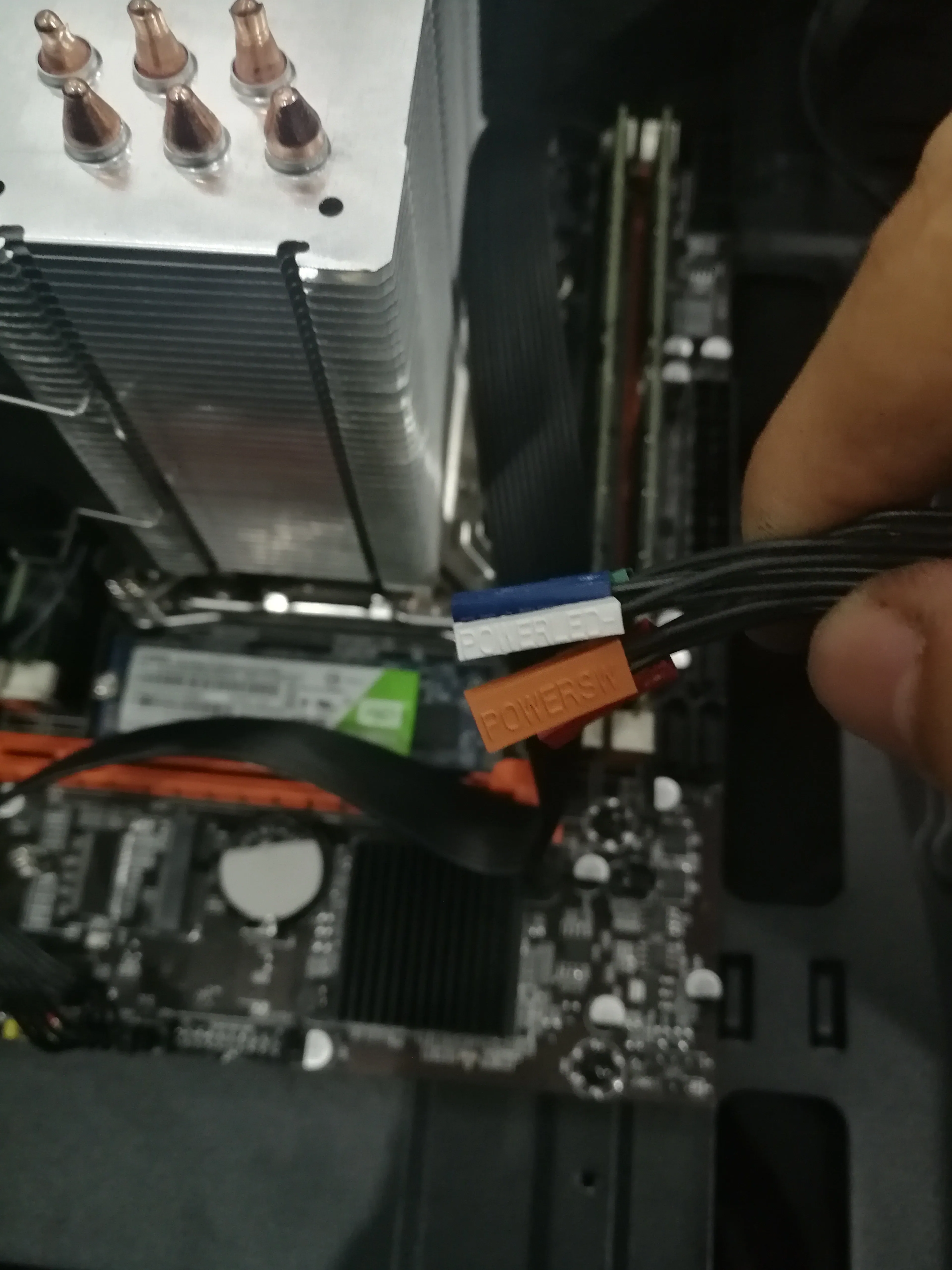
Install the motherboard pins
Install the PCIE wireless network card
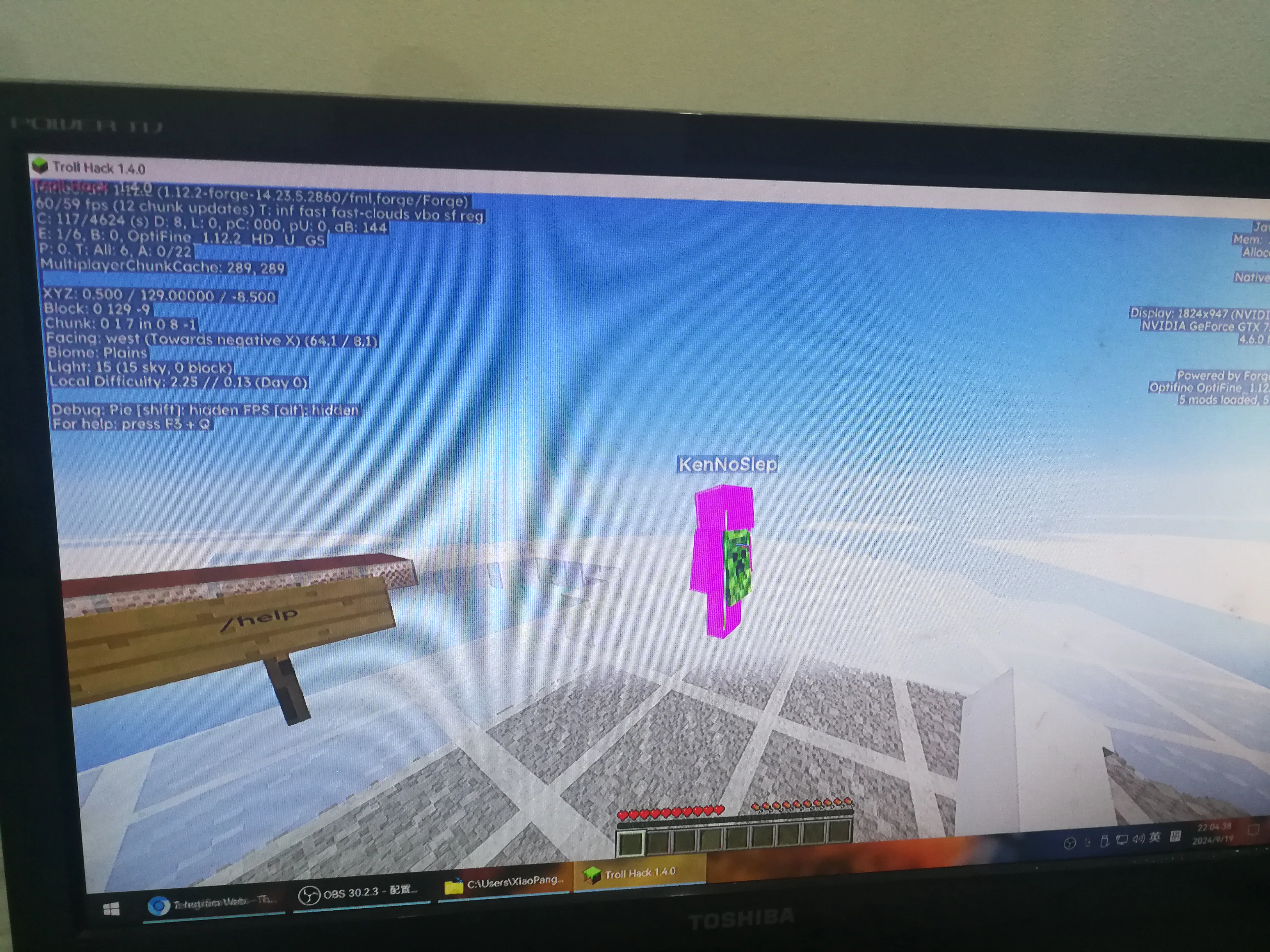
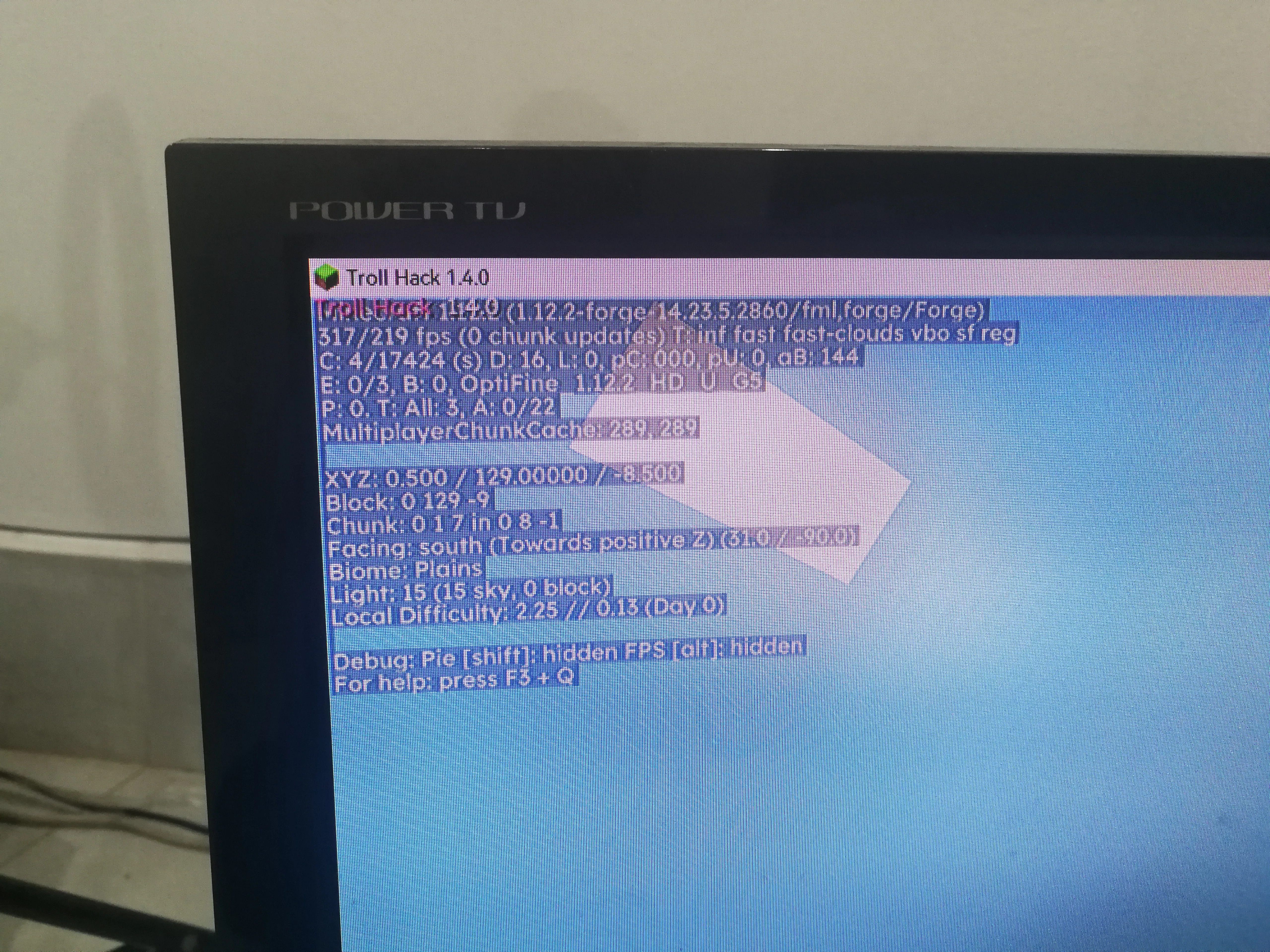
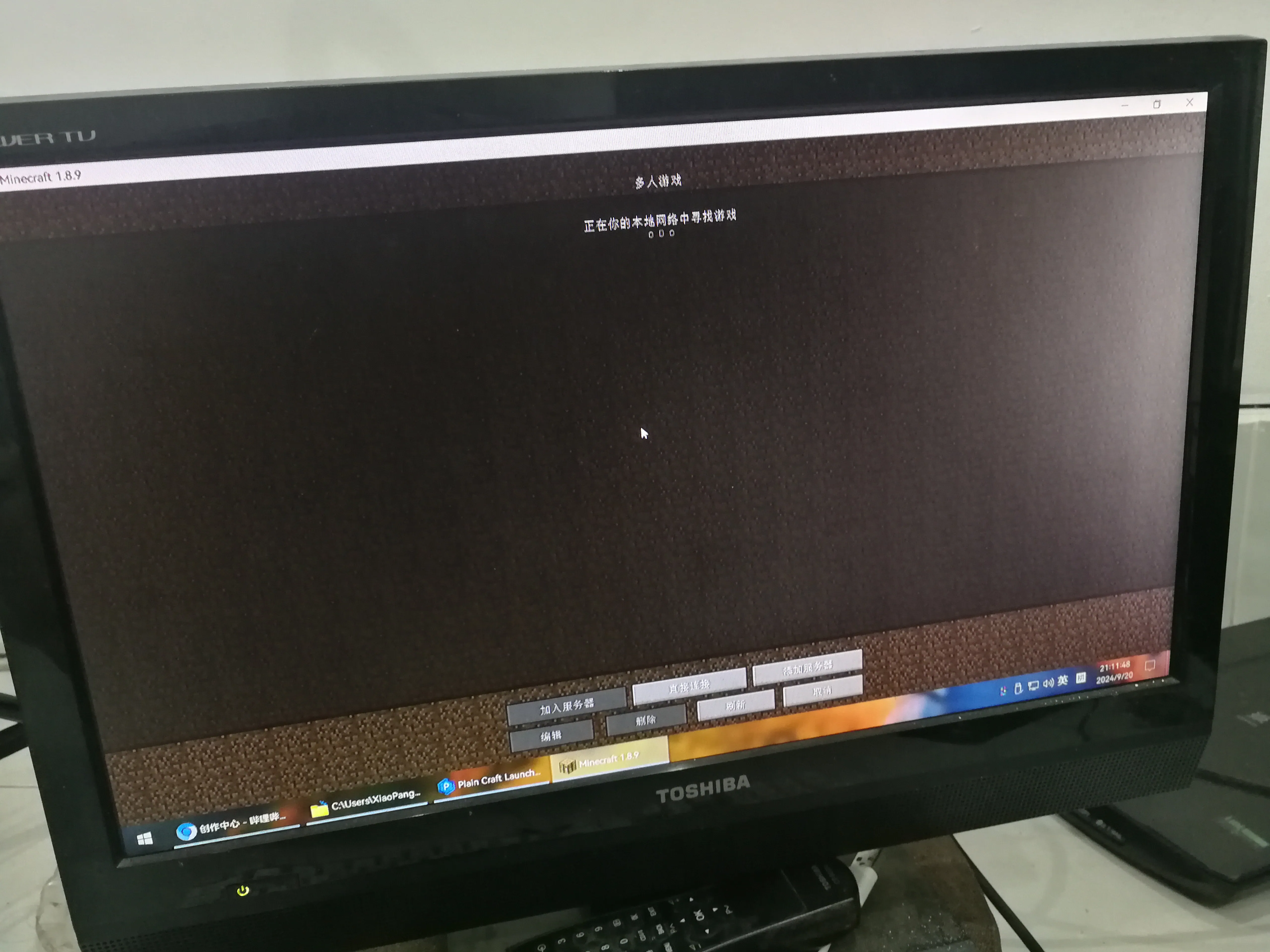
GTX960 Minecraft TrollHack frame rate test
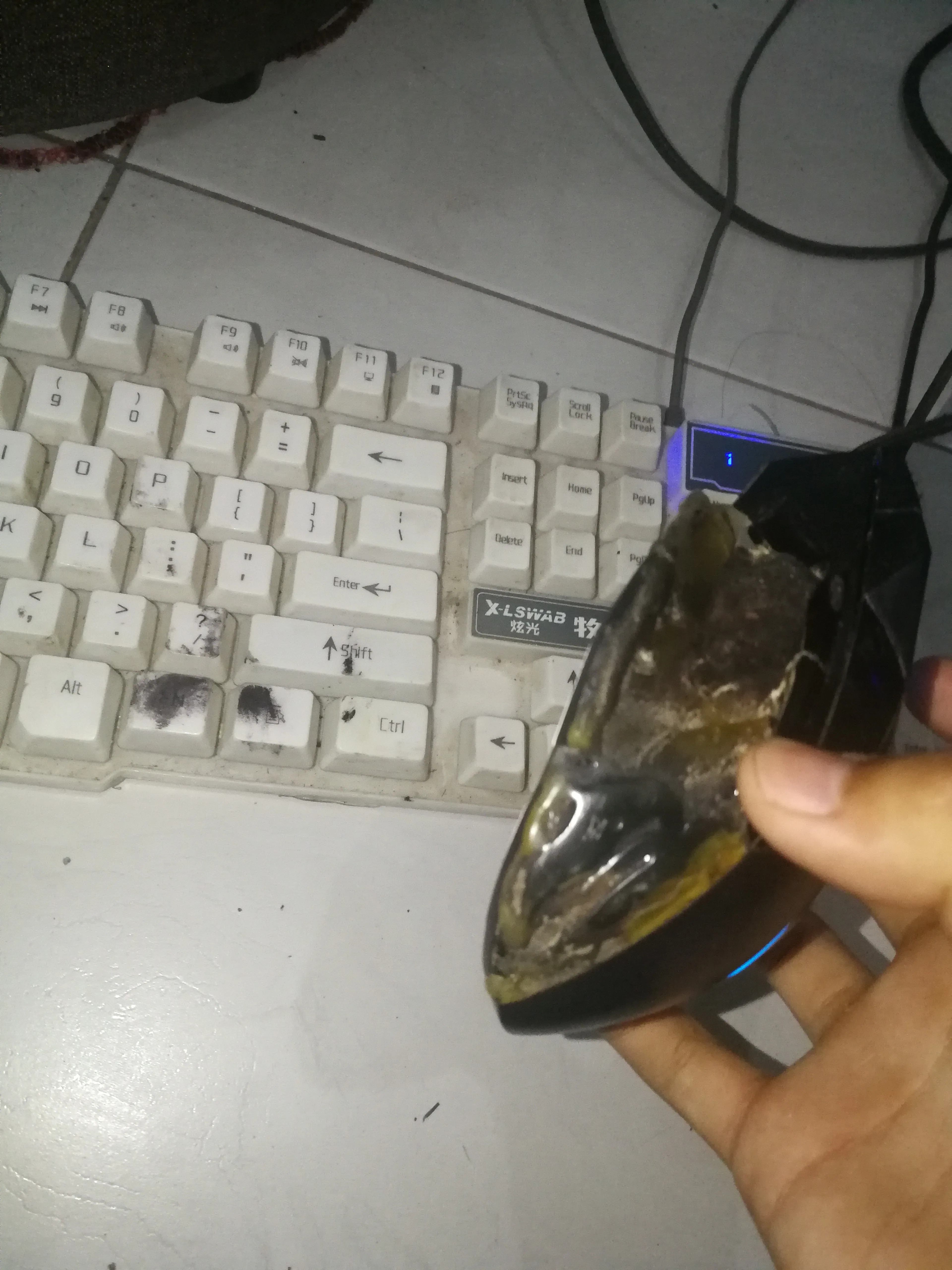
Second-hand deteriorated gaming mouse
Minecraft has 200FPS when looking at the sky
I want to download 1.21.1 but I found that there is no network connection
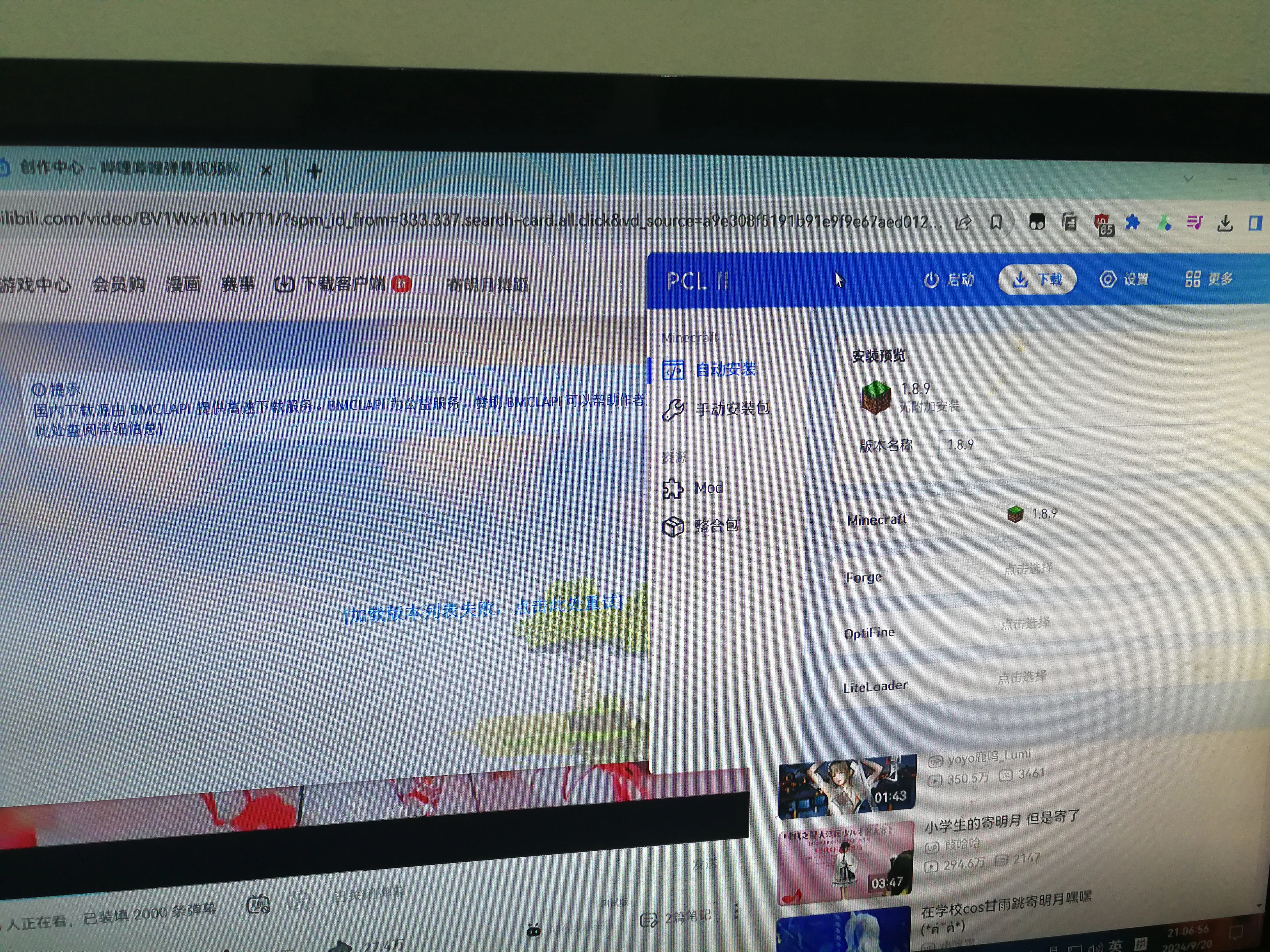
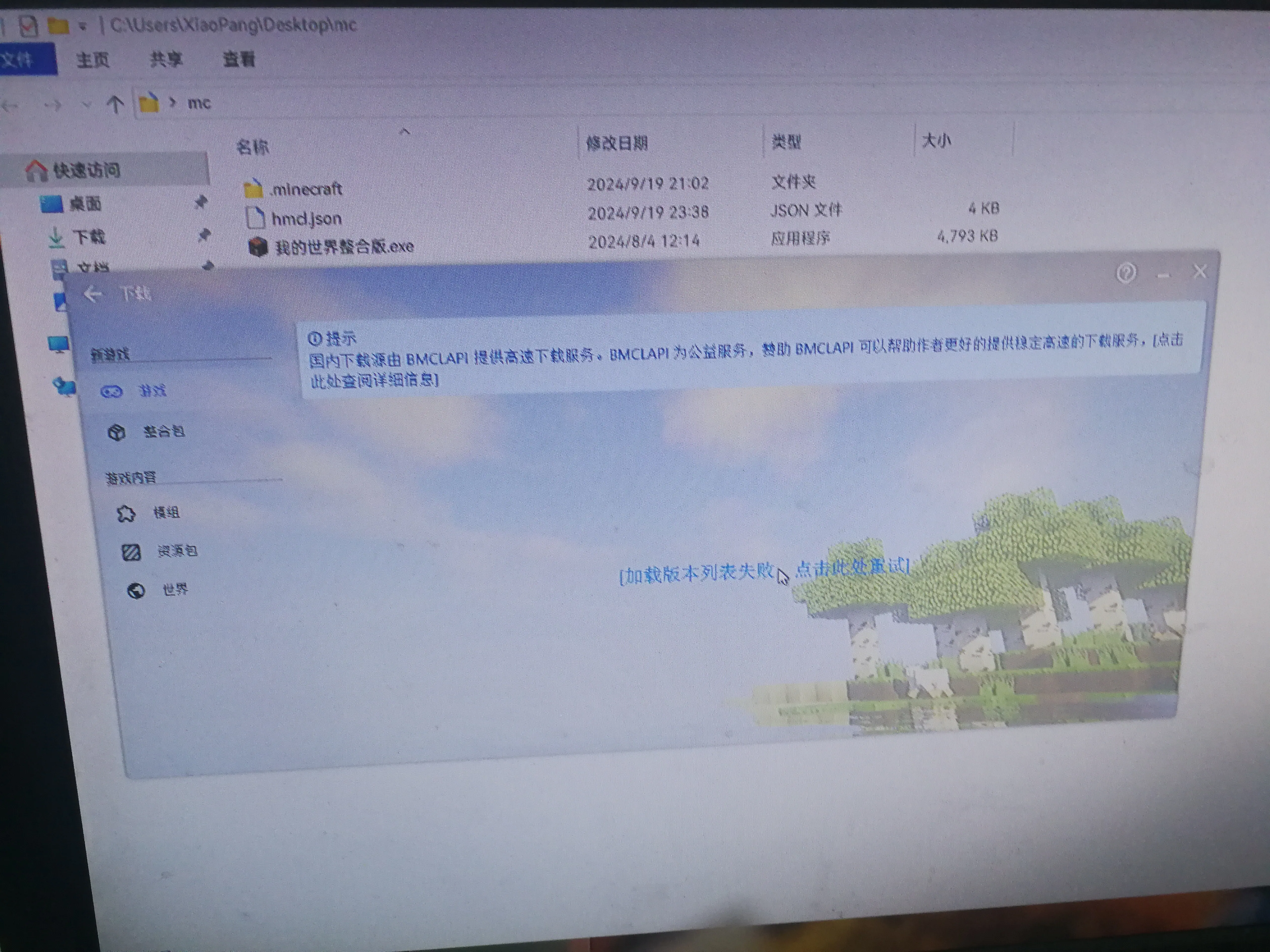
Resurrected and entered the game again
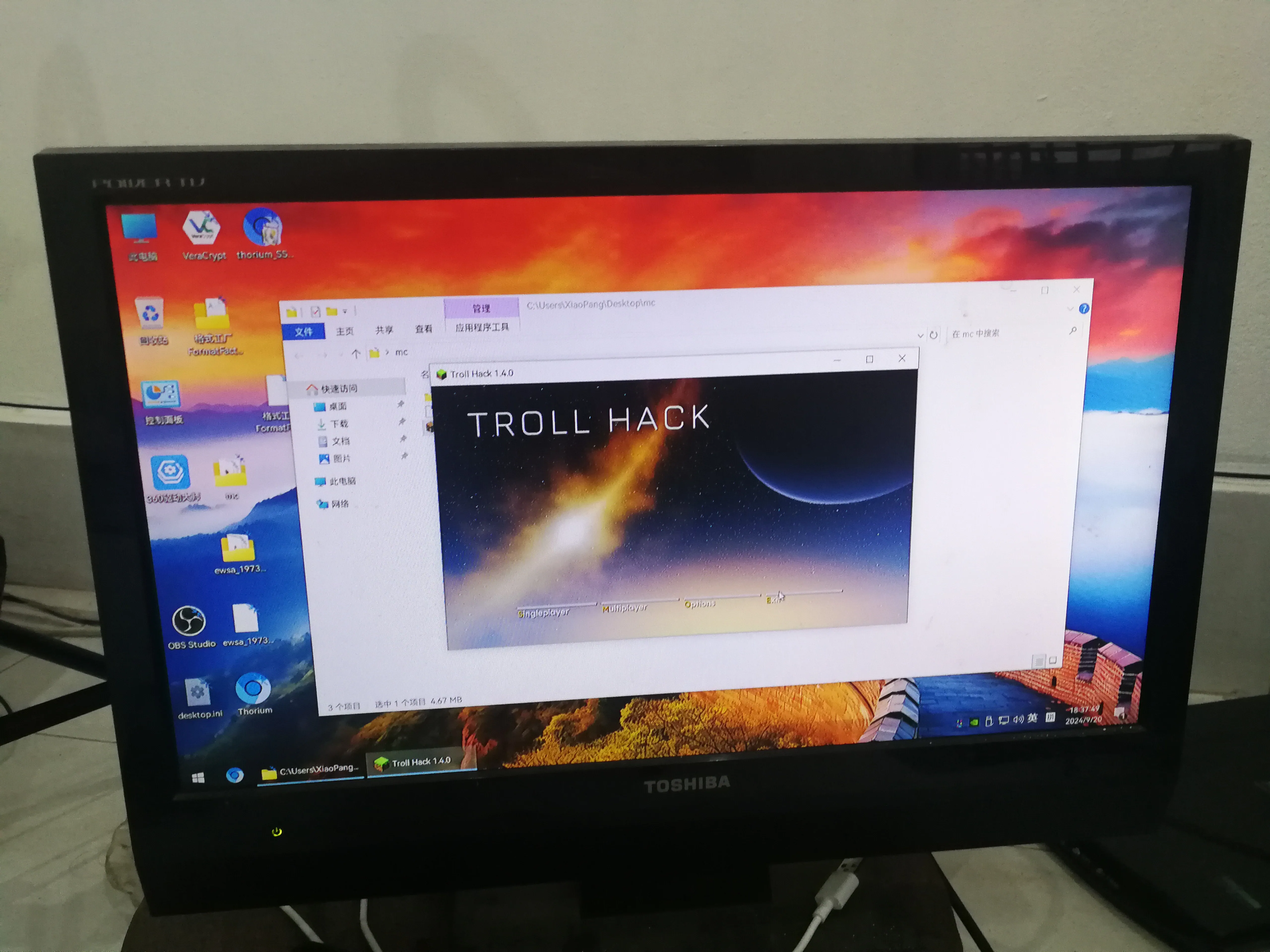
The screen is distorted again after playing MC
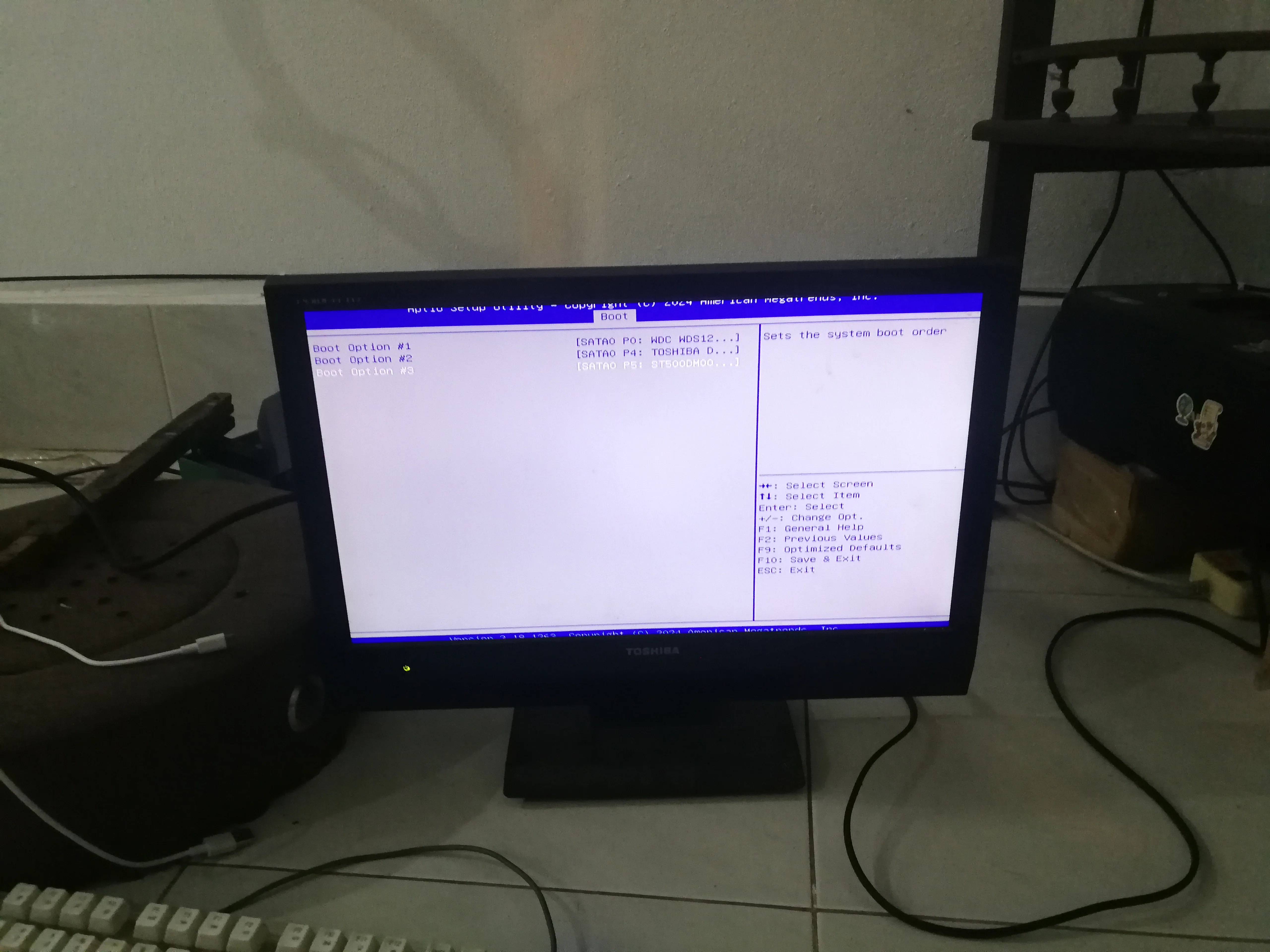
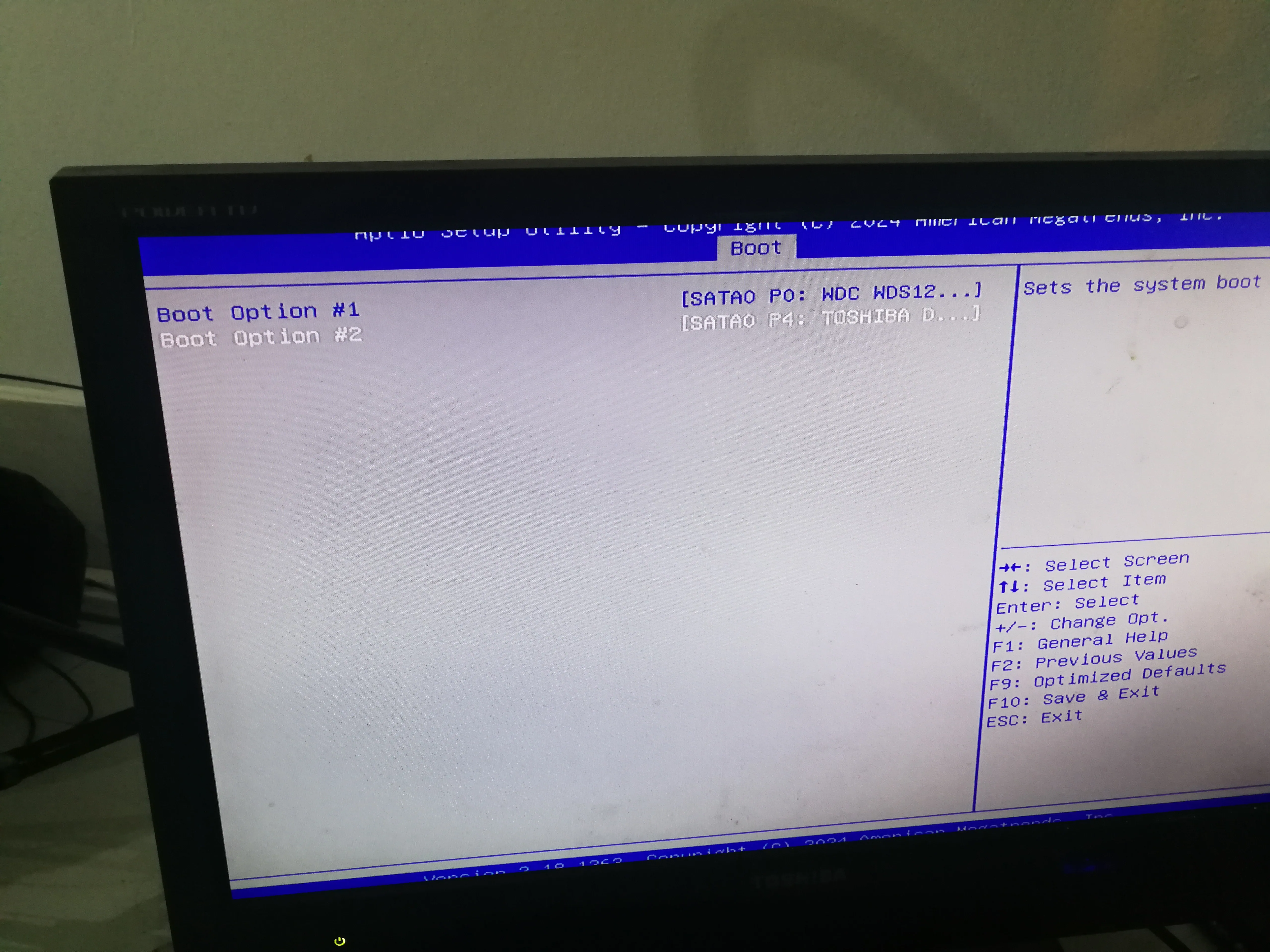
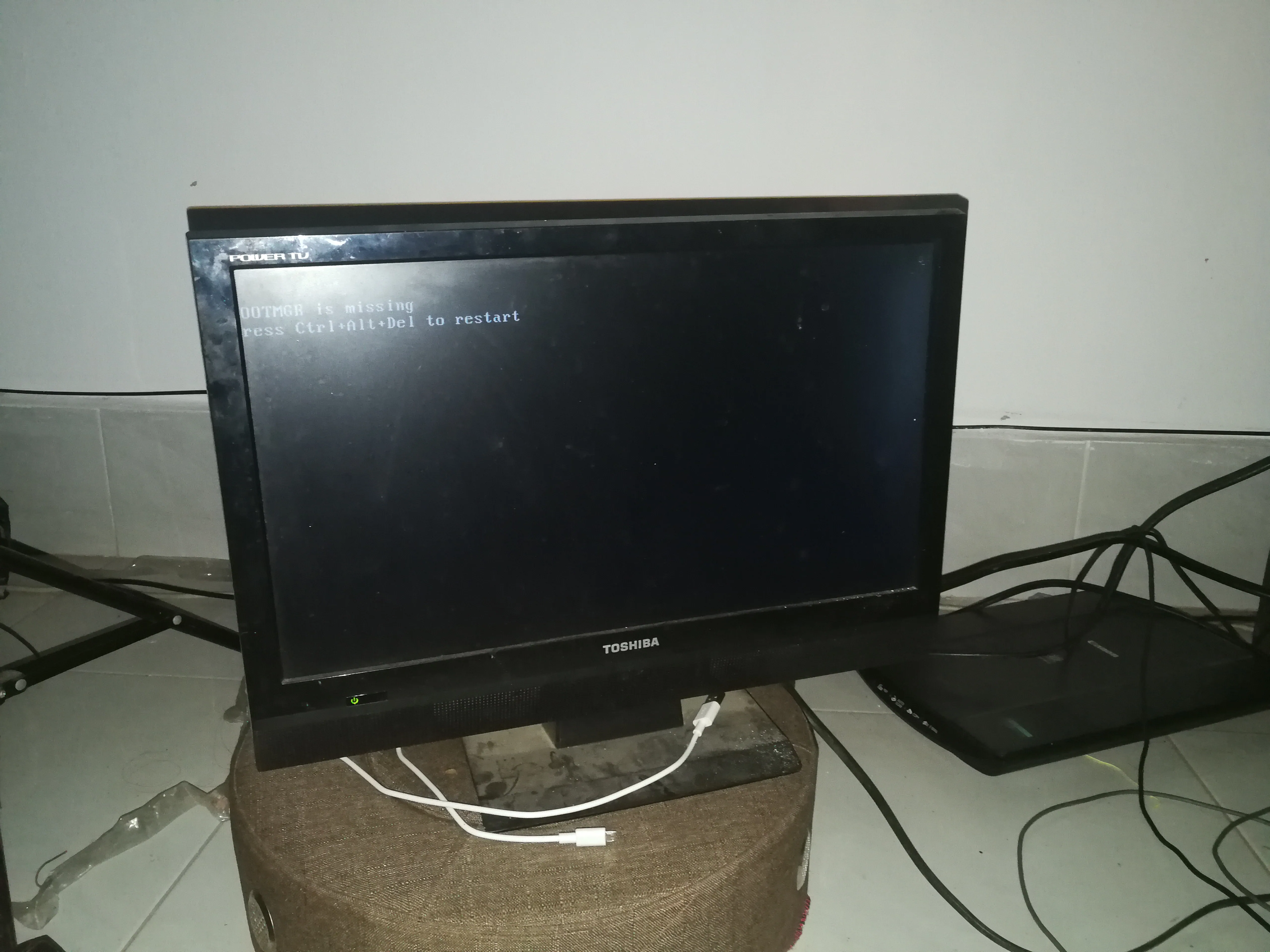
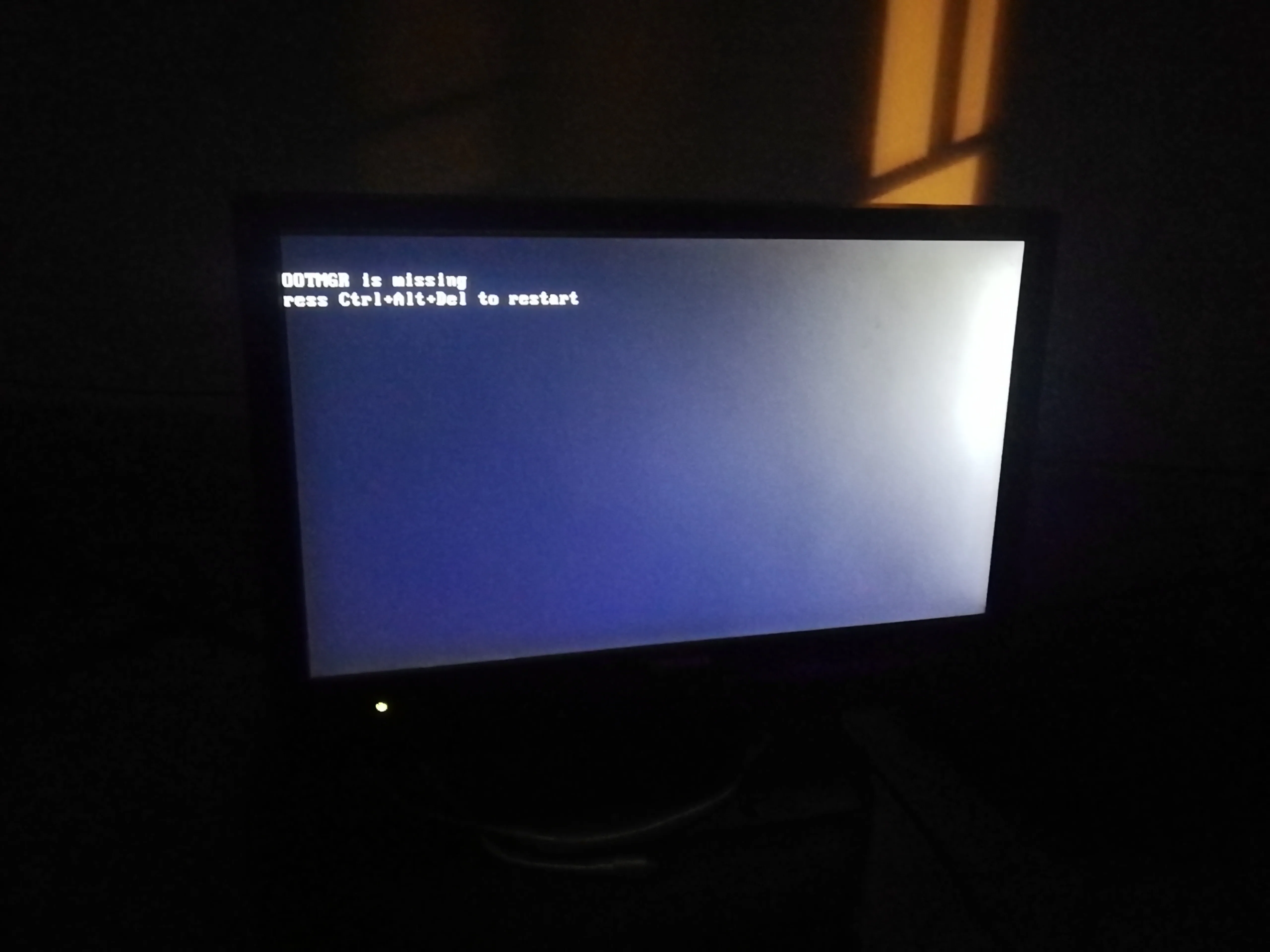
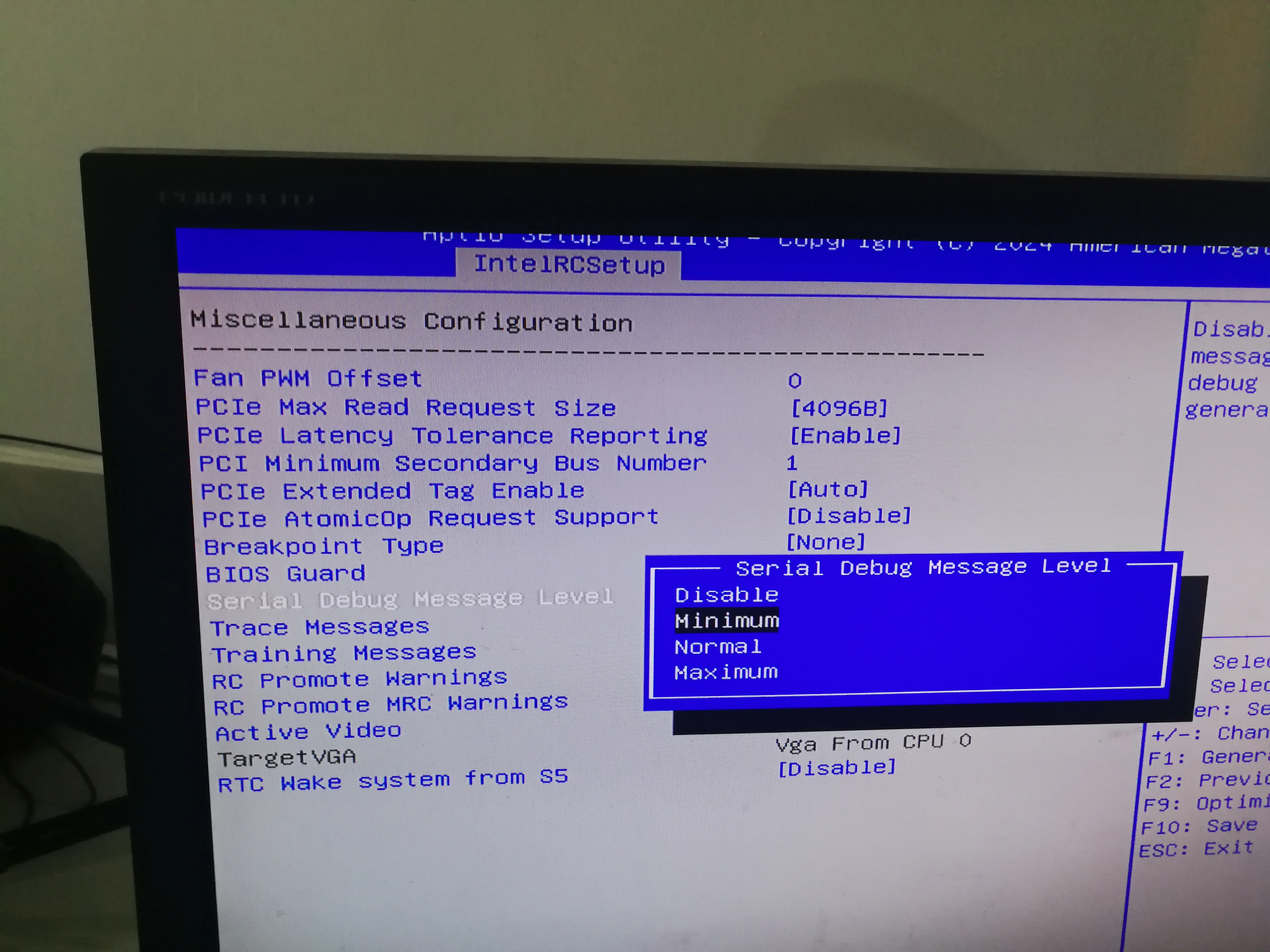
Enter the BIOS to adjust the parameters
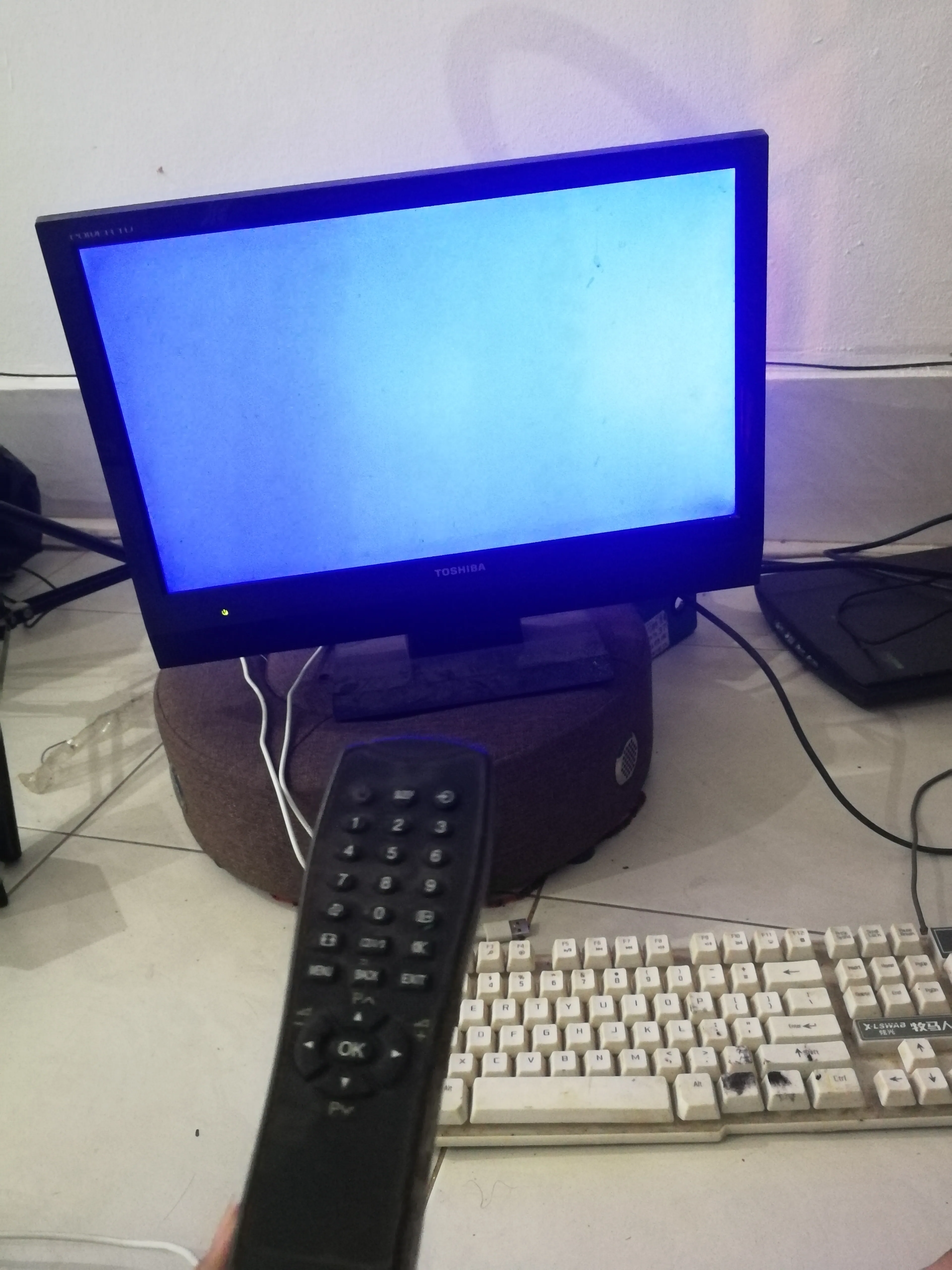
Repair system
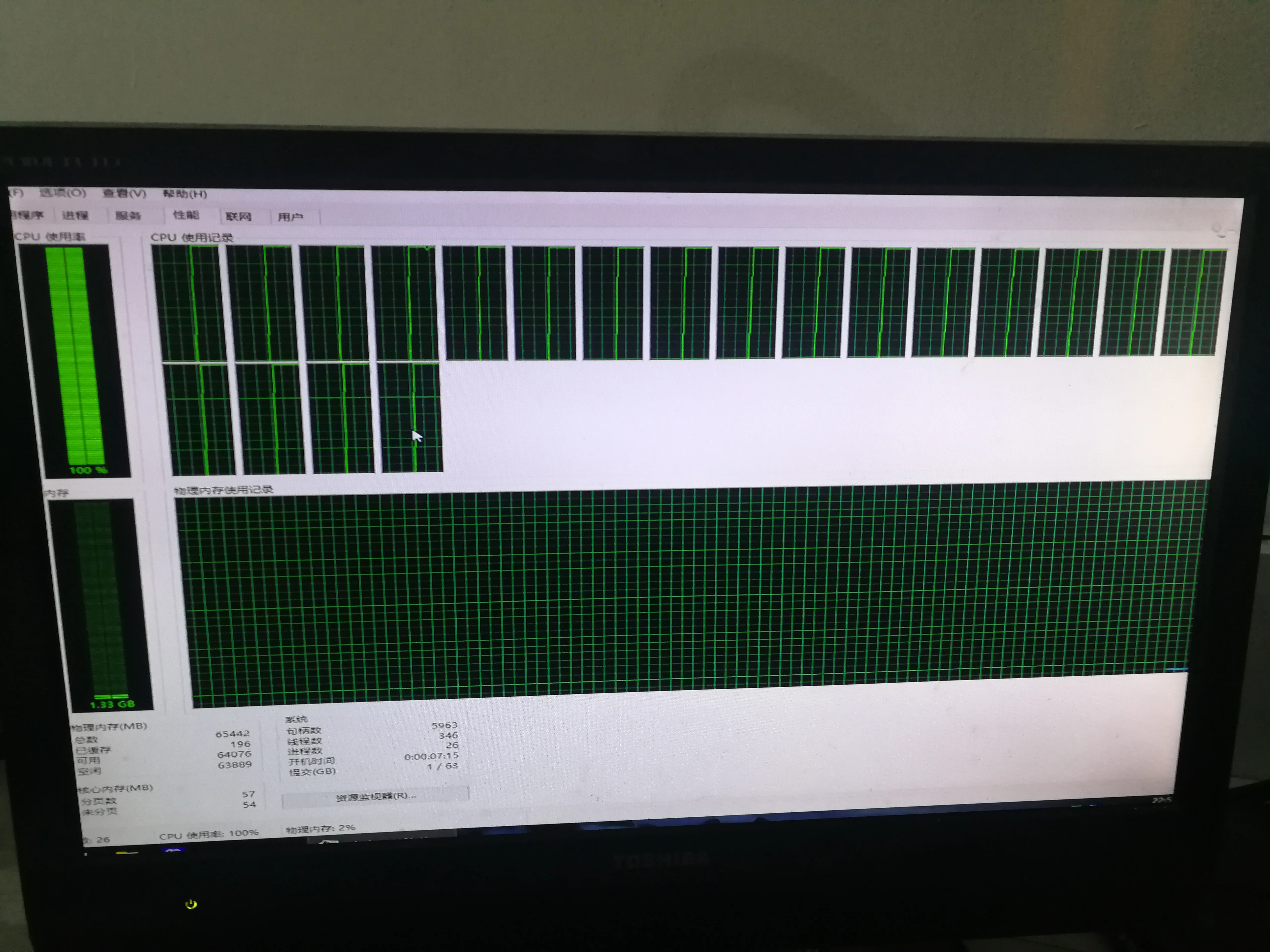
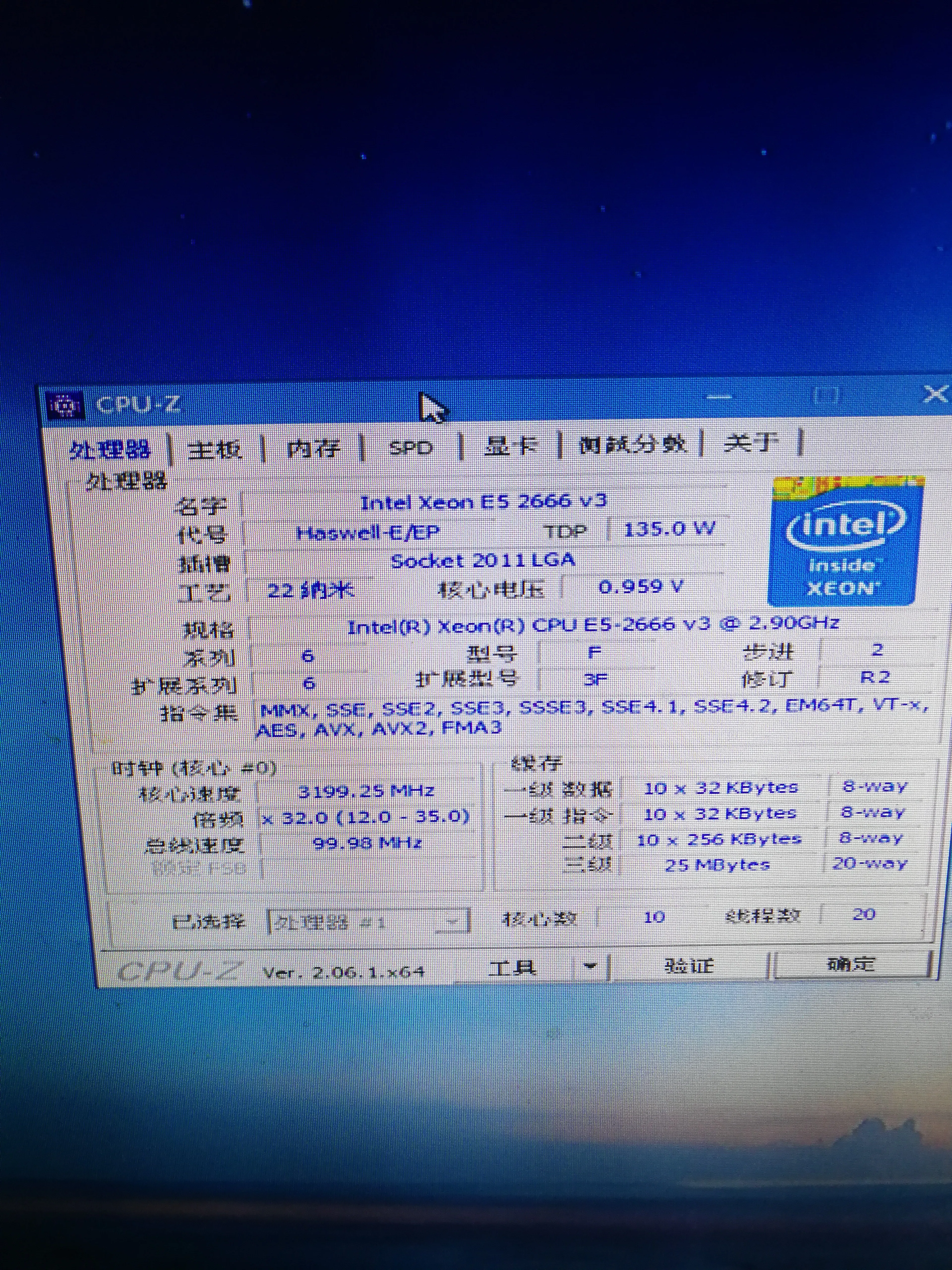
test